
Selecting the right domain name and hosting provider is one of the most crucial decisions you’ll make when creating a website. This choice affects everything from your site’s performance and reliability to your brand’s online identity. Whether you’re launching a personal blog, an e-commerce store, or a business website, this comprehensive guide will walk you through the essential factors to consider, helping you make an informed decision that aligns with your specific needs and budget.
Understanding Domains and Hosting: The Foundation of Your Website
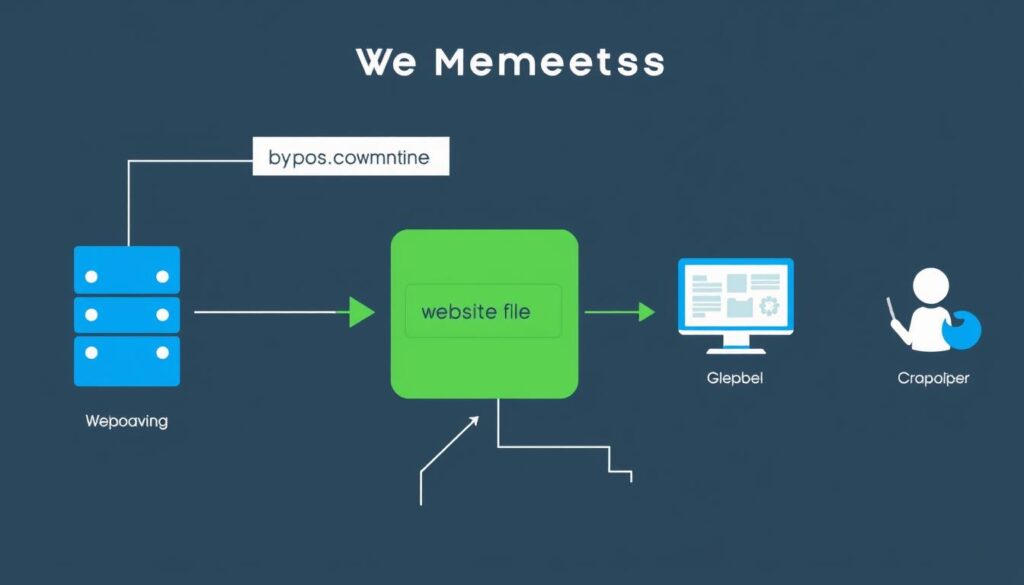
How domains and hosting work together to make your website accessible
What is a Domain Name?
A domain name is your website’s address on the internet – what people type into their browser to find you. For example, “yourbusiness.com” is a domain name. Think of it as your digital street address that helps visitors locate your online presence. Domain names are registered through domain registrars for a yearly fee, typically ranging from $10-$20 per year for standard domains.
What is Web Hosting?
Web hosting is a service that stores your website’s files on servers connected to the internet, making your site accessible to visitors 24/7. When someone types your domain name into their browser, the browser connects to your hosting server and displays your website. Without hosting, your website would exist only on your personal computer and wouldn’t be accessible to others online.
How They Work Together
Your domain name points visitors to where your website is hosted. The domain system (DNS) acts as a translator, converting your user-friendly domain name into the IP address where your website is stored. This seamless connection between your domain and hosting provider ensures that when someone types “yourbusiness.com,” they see your website rather than receiving an error message.
Think of your domain as your business name on a storefront, while hosting is the actual physical store where you keep your products. Both are essential for a successful online presence.
Key Factors to Consider When Choosing a Domain Name
Brandability and Memorability
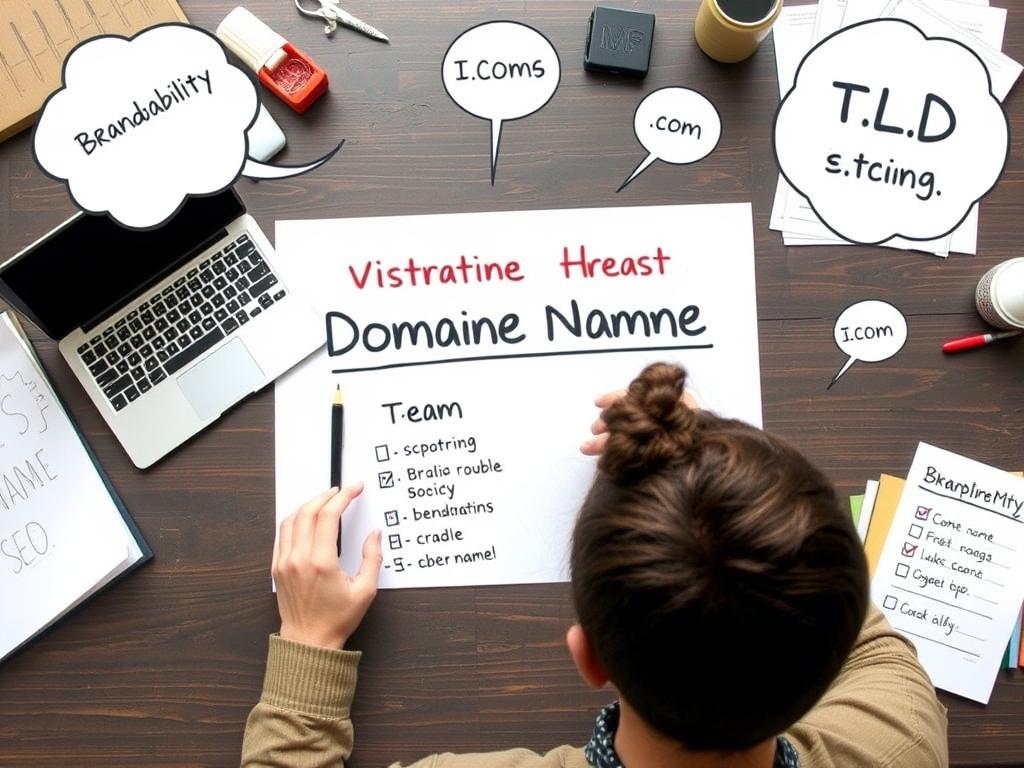
Your domain name should be easy to remember, spell, and pronounce. Short, distinctive names generally work best. Avoid using numbers, hyphens, or unusual spellings that might confuse potential visitors. For example, “brightideas.com” is more memorable than “bright-ideas-2023.com”.
SEO-Friendliness
While not as critical as it once was, including relevant keywords in your domain can help with search engine optimization. However, prioritize brandability over keyword stuffing. A domain like “bestcoffeeshop.com” might help with SEO, but if your business name is “Java Junction,” you might want to use “javajunction.com” for brand consistency.
Top-Level Domain (TLD) Options
The TLD is the extension at the end of your domain (.com, .org, .net, etc.). While .com remains the most recognized and trusted option, other TLDs can be appropriate depending on your purpose:
For example, a travel blog might consider using “.adventures” or “.travel” instead of “.com” if the .com version is unavailable or too expensive.
Pricing Transparency
Be aware of both initial registration costs and renewal fees. Many registrars offer low first-year prices but charge significantly more for renewals. Always check the renewal price before registering. Some registrars also bundle additional services like privacy protection, which may be worth considering to keep your personal information off public WHOIS databases.
Ready to secure your perfect domain name?
Compare domain registrars and find the best deal for your new website address.
Essential Factors for Selecting the Right Web Hosting Provider
Speed and Performance
Website speed directly impacts user experience and search engine rankings. Look for hosting providers that offer solid-state drives (SSDs), content delivery networks (CDNs), and optimized server configurations. Some hosts publish performance benchmarks or offer performance guarantees. Remember that the cheapest hosting options often compromise on speed.
Uptime Guarantees
Uptime refers to how consistently your website remains accessible online. The industry standard is a 99.9% uptime guarantee, which translates to less than 9 hours of downtime per year. Anything less than 99.9% should be considered substandard. Look for providers that offer compensation if they fail to meet their uptime guarantees.
Scalability Options
As your website grows, your hosting needs will likely change. Choose a provider that makes it easy to upgrade your plan without significant downtime or migration headaches. Cloud hosting is particularly good for scalability, as it allows you to adjust resources as needed without changing your entire hosting setup.
Customer Support Quality
When technical issues arise, responsive customer support becomes invaluable. Look for providers offering 24/7 support through multiple channels (live chat, phone, email). Before committing, test their support by asking pre-sales questions to gauge response time and helpfulness.
Security Features
Basic security features should include SSL certificates, regular backups, malware scanning, and firewalls. Premium hosts may offer advanced security like distributed denial-of-service (DDoS) protection and intrusion detection systems. For e-commerce sites, ensure your host is PCI compliant to protect customer payment information.
Never compromise on security and uptime when choosing a web hosting provider. These factors directly impact your website’s reliability and your visitors’ trust in your brand.
Types of Web Hosting: Finding Your Perfect Match
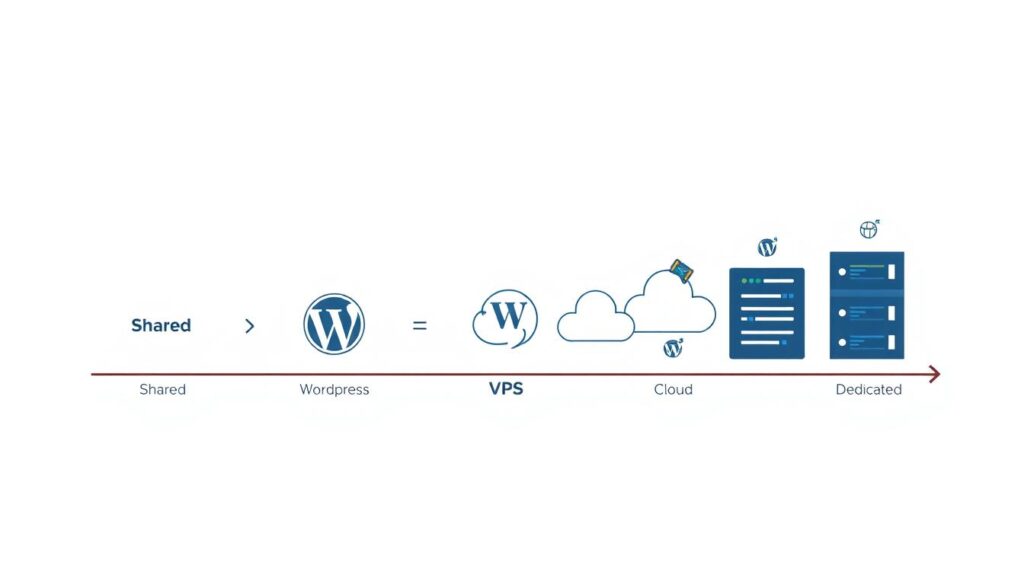
Different websites have different hosting requirements. Understanding the main types of hosting will help you choose the option that best fits your needs and budget.
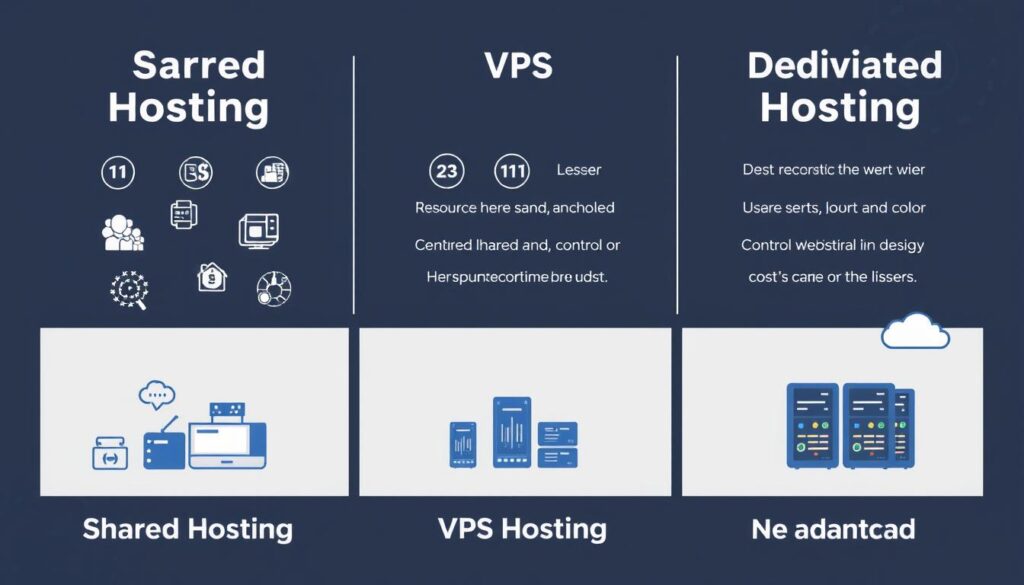
Shared Hosting
Multiple websites share resources on a single server. This is the most affordable option but offers limited resources and performance.
Best for: Small websites, blogs, and personal projects with low traffic.
Price range: $3-$10 per month
WordPress Hosting
Specifically optimized for WordPress websites with pre-installed WordPress, automatic updates, and specialized support.
Best for: WordPress websites of any size, from blogs to business sites.
Price range: $5-$30 per month
VPS Hosting
Virtual Private Server hosting provides dedicated resources within a shared server environment, offering better performance and control.
Best for: Growing websites with moderate traffic or those needing more customization.
Price range: $20-$80 per month
Cloud Hosting
Uses multiple servers to balance load and maximize uptime, with easy scalability and pay-as-you-go pricing models.
Best for: Websites with fluctuating traffic or those requiring high reliability.
Price range: $10-$200+ per month
Dedicated Hosting
Provides an entire server exclusively for your website, offering maximum performance, security, and control.
Best for: High-traffic websites, e-commerce stores, and applications requiring significant resources.
Price range: $80-$500+ per month
Managed Hosting
The provider handles all technical aspects including updates, security, and optimization, allowing you to focus on your content.
Best for: Business owners who lack technical expertise or time to manage server maintenance.
Price range: $10-$200+ per month
Comparison of Top Domain and Hosting Providers

Top Hosting Providers Compared
| Provider | Starting Price | Best For | Uptime | Free Domain | Key Features |
| Bluehost | $2.95/mo | WordPress sites, beginners | 99.98% | Yes (1 year) | WordPress integration, free SSL, 24/7 support |
| SiteGround | $3.99/mo | Performance, support quality | 99.99% | No | Speed technologies, daily backups, premium support |
| HostGator | $2.75/mo | Budget hosting, scalability | 99.9% | Yes (1 year) | Unmetered bandwidth, free site transfer, $100 ad credits |
| DreamHost | $2.59/mo | Privacy, open-source | 100% guarantee | Yes (1 year) | 97-day money-back, privacy protection, unlimited traffic |
| GoDaddy | $5.99/mo | All-in-one solutions | 99.9% | Yes (1 year) | Website builder, 24/7 security monitoring, global data centers |
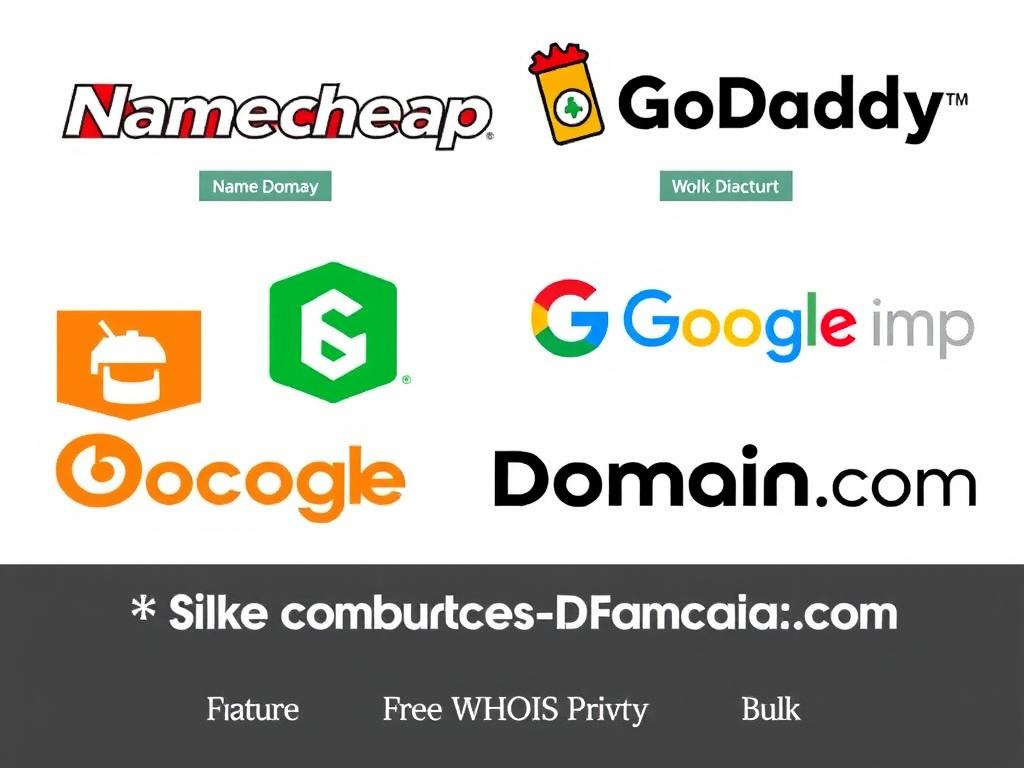
Popular Domain Registrars
Pro Tip: You don’t have to purchase your domain and hosting from the same provider. Many experienced website owners prefer to keep them separate for greater flexibility and control.
Ready to get started with reliable hosting?
Compare plans from top providers and find the perfect match for your website needs.
Step-by-Step Selection Process: Finding Your Perfect Match
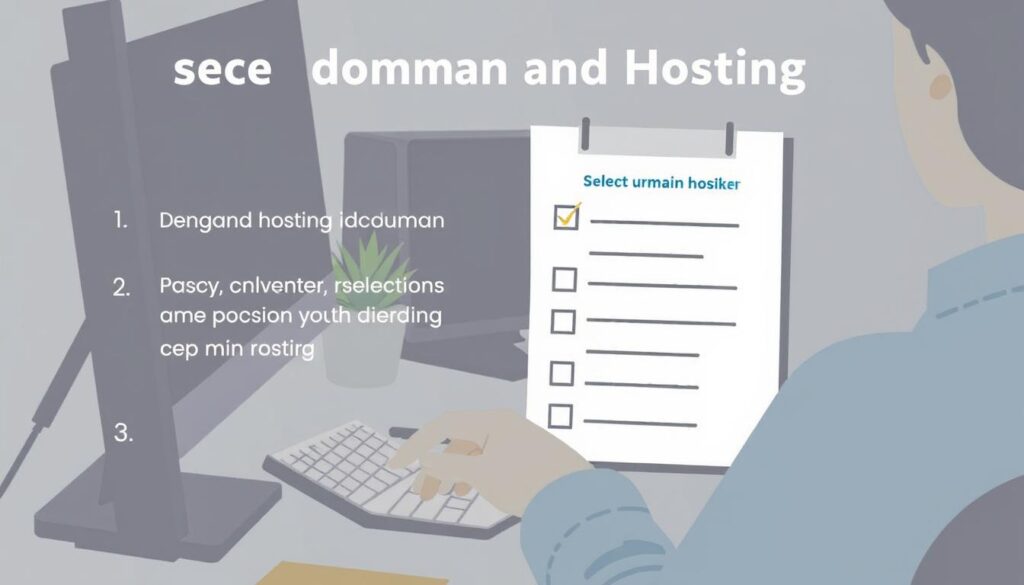
Follow this systematic approach to find the domain and hosting provider that best meets your specific needs:

Domain and Hosting Setup Checklist
After purchasing your domain and hosting, complete these essential setup tasks:
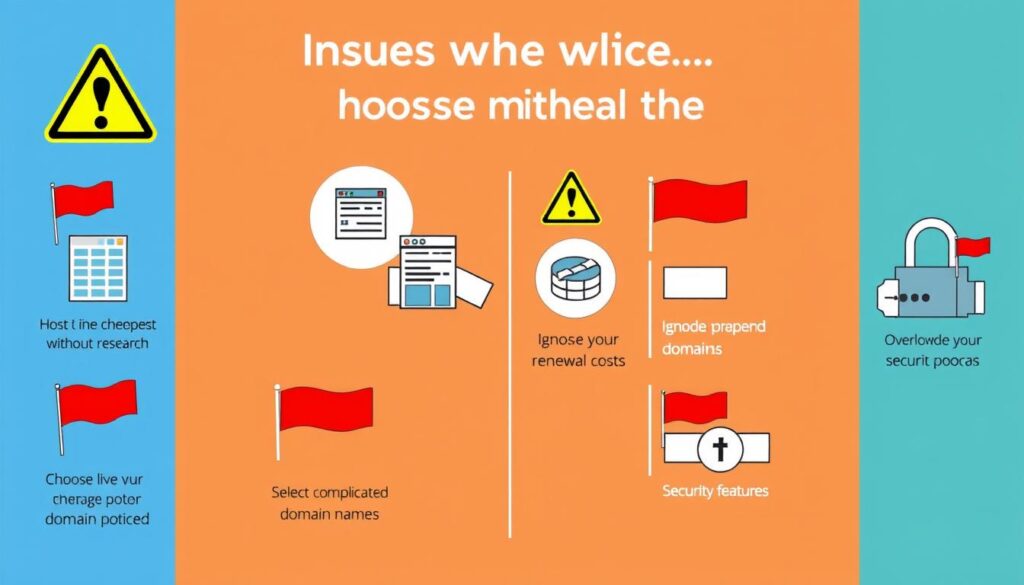
Common Mistakes to Avoid When Choosing Domain and Hosting
Smart Practices
- Researching provider reputation and reviews
- Considering both initial and renewal costs
- Testing customer support before purchasing
- Choosing a hosting plan that allows for growth
- Reading the terms of service carefully
- Selecting a memorable, brandable domain name
Common Mistakes
- Choosing the cheapest option without research
- Ignoring renewal costs after promotional periods
- Selecting overly complicated domain names
- Overlooking security features and backup options
- Failing to consider scalability for future growth
- Not testing customer support responsiveness
Real-World Consequences of Poor Choices
Warning: Be especially cautious of “unlimited” hosting offers. These plans often have hidden limitations in their terms of service regarding resource usage, and exceeding these unstated limits can result in throttled performance or account suspension.
Frequently Asked Questions About Domains and Hosting
Can I change my hosting provider without changing my domain?
Yes, you can transfer your website to a new hosting provider while keeping your existing domain name. This process involves pointing your domain’s DNS settings to the new host’s servers. Most hosting providers offer migration assistance to help with this process.
Is it better to buy domain and hosting from the same company?
Not necessarily. While it can be more convenient to manage everything in one place, keeping them separate often provides more flexibility and can prevent vendor lock-in. Many experts recommend using specialized providers for each service: a reputable domain registrar for your domain and a quality hosting company for your hosting needs.
How much should I expect to pay for good quality hosting?
For a small to medium website, expect to pay between – per month for quality shared or managed WordPress hosting. VPS hosting typically ranges from – per month, while dedicated hosting starts around and can exceed 0 monthly for high-performance options. Remember that the cheapest option is rarely the best value in the long run.
What happens if my domain expires?
When a domain expires, it typically enters a grace period (usually 30 days) during which you can renew it at the standard rate. After this, it enters a redemption period where renewal is possible but at a much higher fee. Eventually, the domain becomes available for anyone to register. To avoid this, enable auto-renewal or register for multiple years.
Do I need WordPress hosting for a WordPress website?
While WordPress can run on any standard hosting, specialized WordPress hosting offers optimized performance, automatic updates, enhanced security features, and support staff familiar with WordPress-specific issues. For business websites or blogs expecting significant traffic, WordPress hosting is often worth the slightly higher cost.
Conclusion: Making Your Final Decision

Choosing the right domain and hosting provider is a foundational step in creating a successful online presence. By understanding your specific needs, researching your options thoroughly, and avoiding common pitfalls, you can make an informed decision that supports your website’s growth and performance for years to come.
Remember that the cheapest option is rarely the best value in the long run. Invest in quality hosting that provides reliable uptime, good performance, and responsive support. Similarly, choose a domain name that represents your brand effectively and is easy for visitors to remember and type.
As your website grows, don’t hesitate to reassess your hosting needs and upgrade when necessary. The right infrastructure will scale with your success and continue to provide the performance and reliability your visitors expect.
Your domain and hosting choices form the foundation of your online presence. Invest the time to make informed decisions now, and you’ll build your website on solid ground.
Ready to launch your website with confidence?
Get started with reliable hosting and secure your perfect domain name today.