
The digital world continues to transform at an incredible pace. Business owners today face both exciting opportunities and complex challenges when establishing their online presence. The question is no longer whether you need a website. The real question is which type of site will help your business thrive in 2026.
More than ever, your website serves as your business identity. It acts as your storefront, your salesperson, and your brand ambassador. A well-designed website builds trust and drives revenue. Choosing the right website idea for your specific business needs determines your success in the competitive digital marketplace.
This comprehensive guide explores the best website ideas for business success in 2026. You will discover innovative concepts, practical examples, and expert strategies. Whether you run a small startup or manage an established company, these insights will help you make informed decisions about your web presence.
Start Your Website Journey Right
Download our free 2026 Website Planning Checklist. This comprehensive guide helps you identify the perfect website type for your business needs and budget.
Understanding Website Fundamentals for Modern Business
Every successful website begins with clear purpose and planning. Before diving into specific website ideas, you need to understand what makes a site effective. Your website design must align with your business goals and serve your target audience needs.
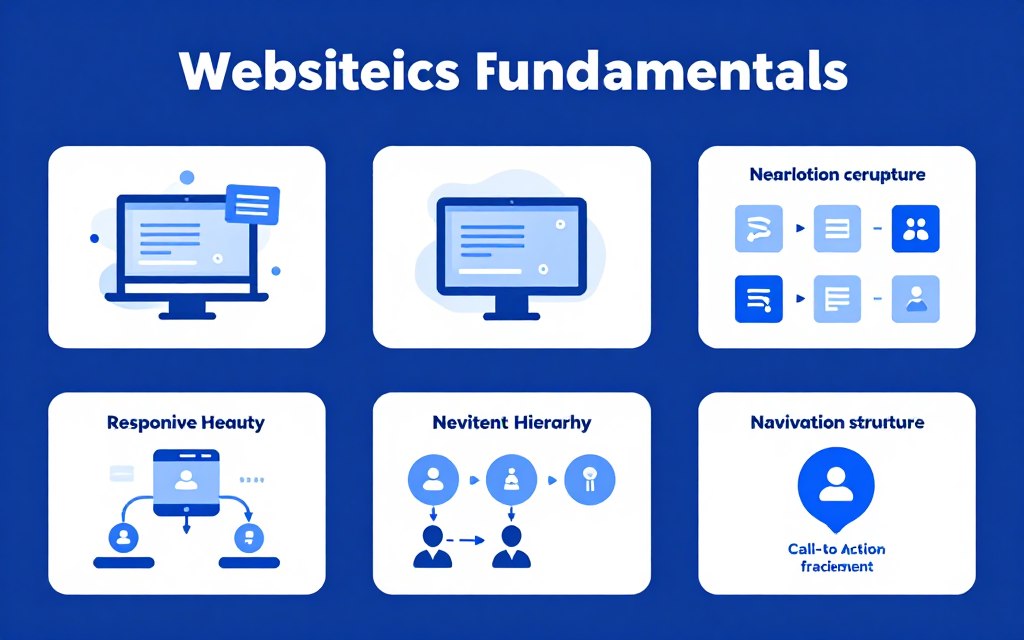
Modern websites require more than attractive visuals. They demand seamless user experience, fast loading speeds, and mobile responsiveness. Search engines prioritize sites that deliver value to users. Your website also needs clear navigation, compelling content, and strong calls to action.
Essential Components Every Business Website Needs
Successful business websites share common features. Understanding these components helps you build a strong foundation. Each element plays a crucial role in converting visitors into customers.
Visual Design Elements
Your visual presentation creates immediate impressions. Professional design builds credibility and trust with potential customers.
- Clean, modern layout that reflects your brand identity
- High-quality images and graphics that engage visitors
- Consistent color scheme aligned with your brand
- Professional typography that enhances readability
Functional Features
Functionality determines how well your site serves users. Essential features make your website work effectively for your business.
- Fast loading speed across all devices
- Mobile-responsive design for smartphone users
- Intuitive navigation and clear menu structure
- Contact forms and communication tools
Content Strategy
Content communicates your value proposition. Well-crafted content educates visitors and guides them toward desired actions.
- Clear messaging about your products or services
- Engaging headlines that capture attention
- Valuable information that solves customer problems
- Strategic calls-to-action throughout the site
Technical Requirements
Technical excellence ensures your site performs well. These behind-the-scenes elements impact user experience and search rankings.
- Secure HTTPS encryption for data protection
- SEO optimization for search engine visibility
- Analytics integration for performance tracking
- Regular updates and maintenance protocols
How Website Choice Impacts Business Success
The type of website you choose directly affects your bottom line. Different business models require different web solutions. A portfolio website serves creative professionals differently than an e-commerce platform serves retailers.
Your website choice should match your business objectives. Are you generating leads, selling products, or building brand awareness? Each goal requires a specific approach. The wrong website type can waste time, money, and opportunities.
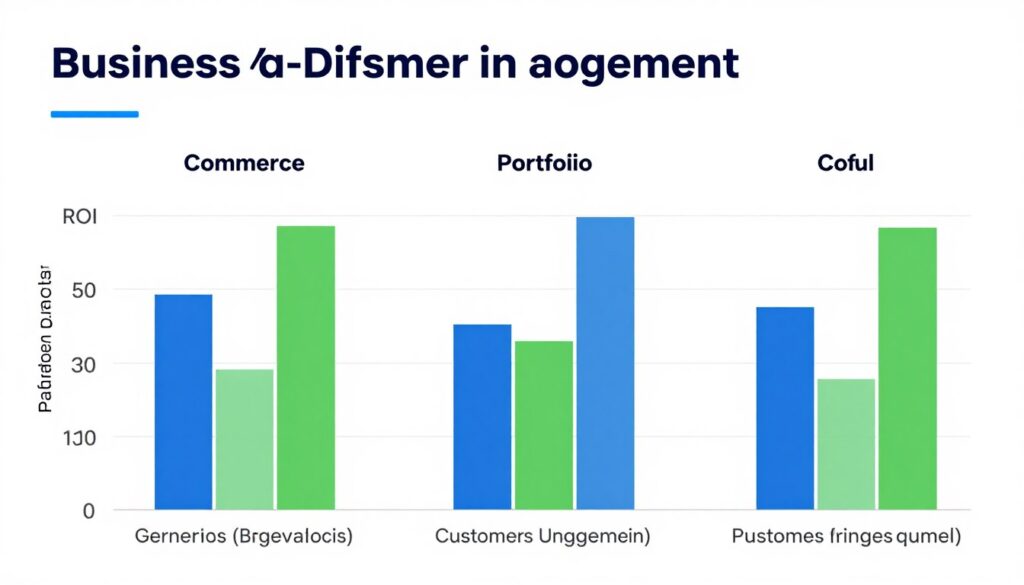
Consider your target audience behavior. How do they prefer to interact with businesses online? Where are they in their buyer journey? Understanding user experience expectations helps you select the most effective website idea for your business model.
Portfolio Websites for Creative Professionals
Portfolio websites showcase your best work visually. These sites work perfectly for photographers, designers, artists, and consultants. A strong portfolio website demonstrates expertise and attracts high-quality clients.
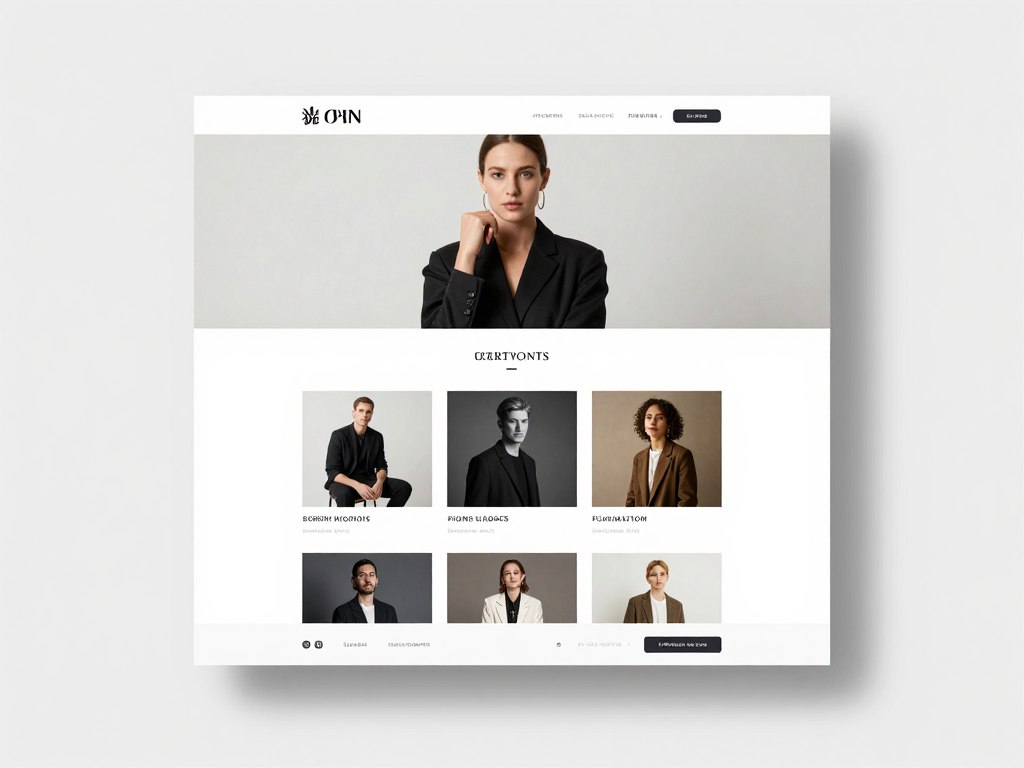
Your portfolio website acts as your digital resume. It tells your professional story through completed projects. Potential clients can see your style, skills, and capabilities. This visual evidence builds confidence and trust faster than any written description.
Key Features for Effective Portfolio Sites
Successful portfolio websites balance aesthetics with functionality. Your work should be the star while the site structure guides visitors smoothly. Focus on presentation quality and easy navigation.
Project Galleries
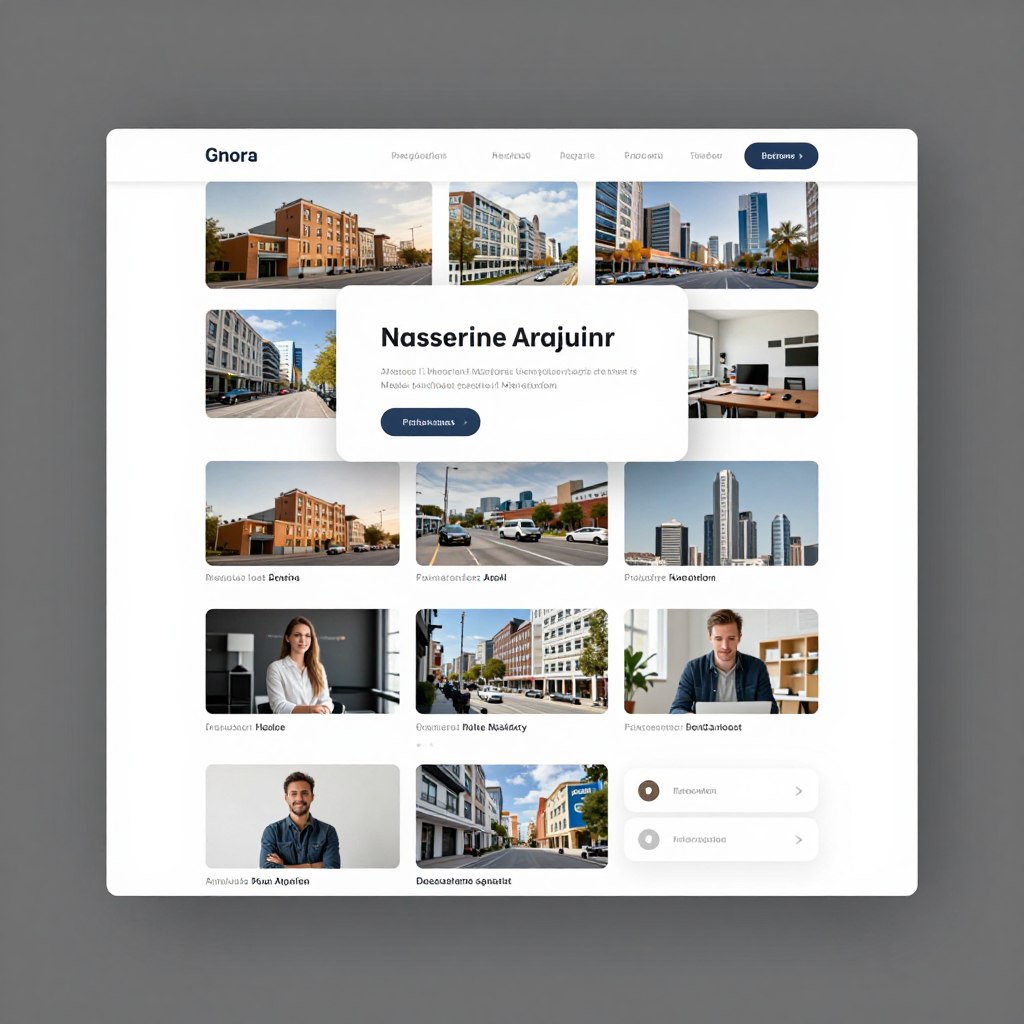
Organize your best work into themed galleries. Use high-resolution images that load quickly. Include project descriptions, client names, and outcomes achieved.
- Categorize projects by industry or type
- Add filtering options for easy browsing
- Include case studies for major projects
About Section
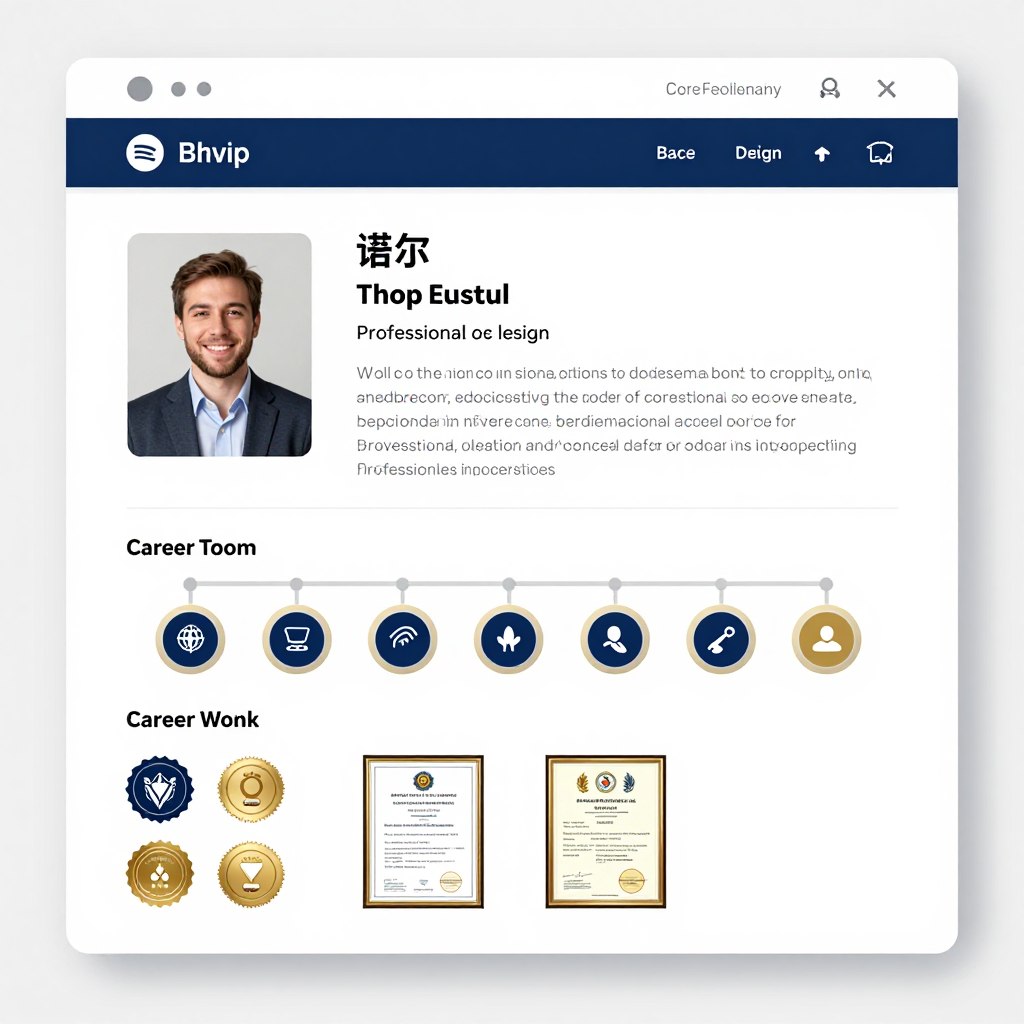
Share your professional story and credentials. Highlight unique skills and experiences. Include testimonials from satisfied clients to build social proof.
- Professional biography that connects personally
- Education and certification details
- Client testimonials and success stories
Contact Integration
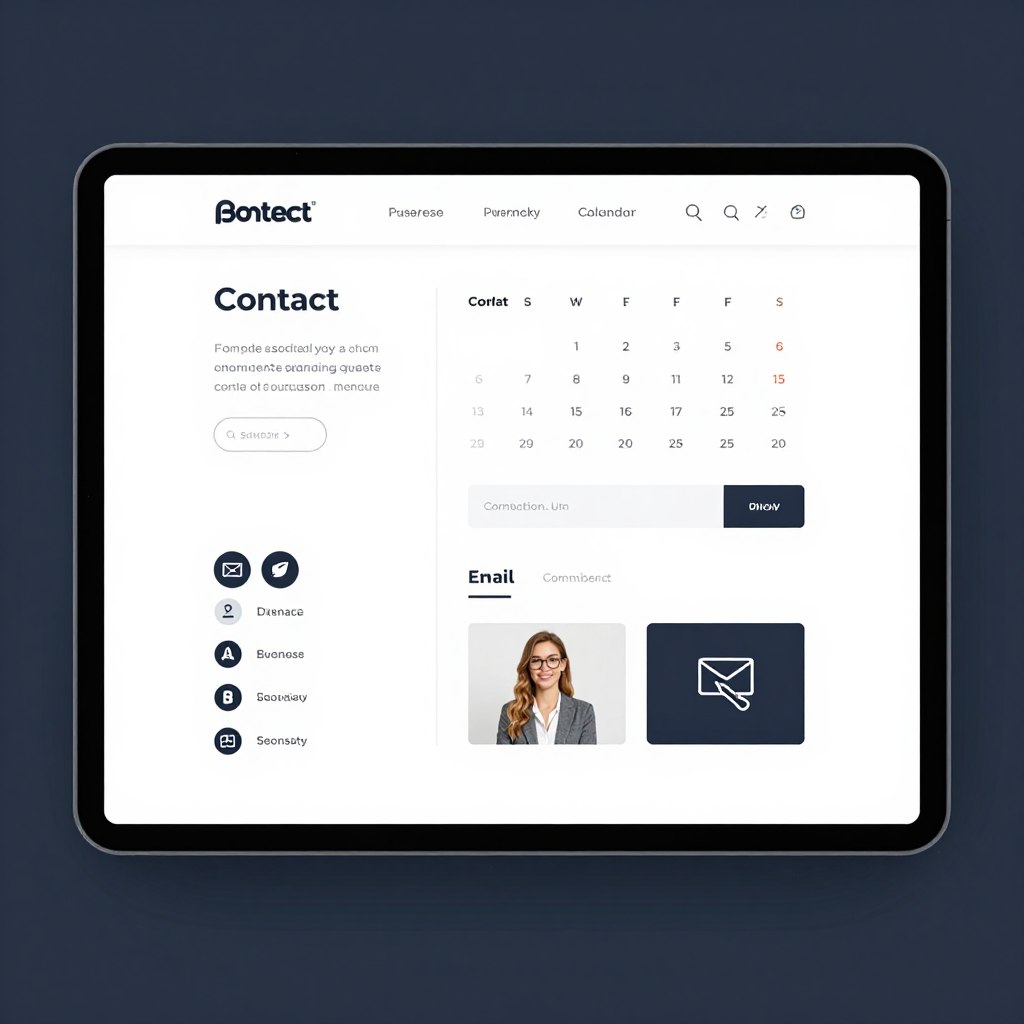
Make it easy for clients to reach you. Include multiple contact methods. Add scheduling tools for consultations and project discussions.
- Simple contact forms with quick response time
- Calendar integration for booking meetings
- Social media links to your profiles
Best Practices for Portfolio Website Design
Your portfolio website should load lightning-fast. Large image files slow down page speed and frustrate visitors. Optimize all images without sacrificing quality. Use lazy loading to improve initial page load times.
Keep your design clean and minimal. Let your work speak for itself without distracting elements. White space improves focus and creates sophisticated appearance. Choose fonts that are readable and professional.
Update your portfolio regularly with recent projects. Remove outdated work that no longer represents your current skill level. Fresh content shows you are active and evolving in your field.
E-Commerce Websites for Online Selling
E-commerce websites enable direct product sales online. These platforms have transformed retail business worldwide. In 2026, online shopping continues expanding as consumers prefer convenient digital purchasing experiences.
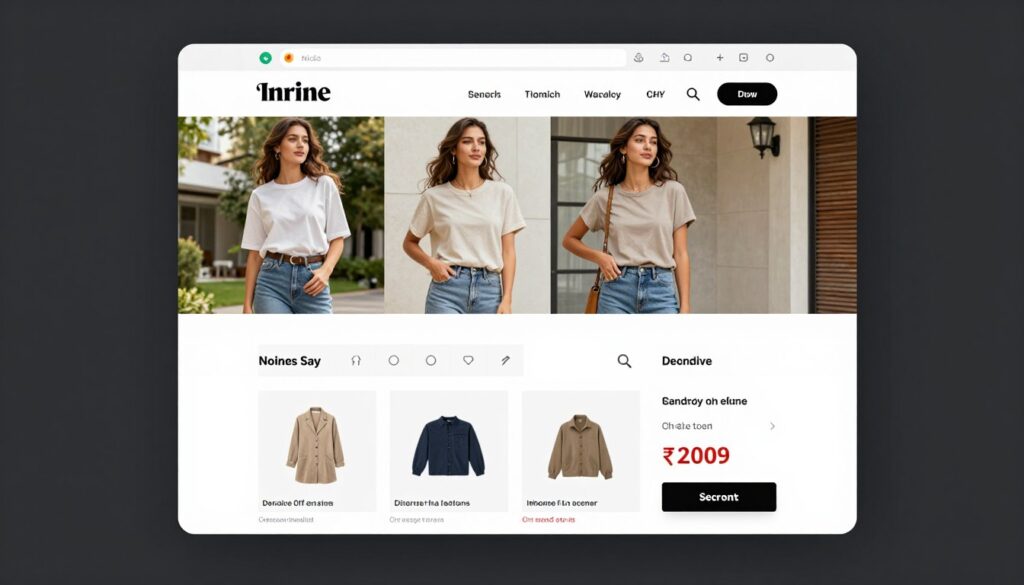
Your e-commerce site functions as your digital storefront. It displays products, processes payments, and manages orders automatically. A well-designed e-commerce platform increases sales while reducing operational overhead. Your customers can shop anytime, anywhere.
Essential E-Commerce Website Features
Successful online stores require robust functionality. Your platform must handle transactions securely and provide smooth shopping experience. Every feature should reduce friction in the buying process.
- Product catalog with detailed descriptions
- Shopping cart and wishlist functionality
- Secure payment gateway integration
- Order tracking and management system
- Customer account creation options
- Mobile-responsive design for smartphone shopping
Must-Have Features
- Product recommendation engine
- Customer review and rating system
- Inventory management automation
- Multi-currency and language support
- Email marketing integration
- Analytics and sales reporting tools
Advanced Capabilities
- Abandoned cart recovery emails
- Loyalty program integration
- Subscription and recurring billing
- Wholesale pricing tiers
- Multi-vendor marketplace capability
- Advanced SEO optimization tools
Growth Features
Choosing the Right E-Commerce Platform
Multiple platforms offer e-commerce capabilities. Each platform provides different features, pricing, and scalability. Your choice depends on your product range, budget, and technical expertise.
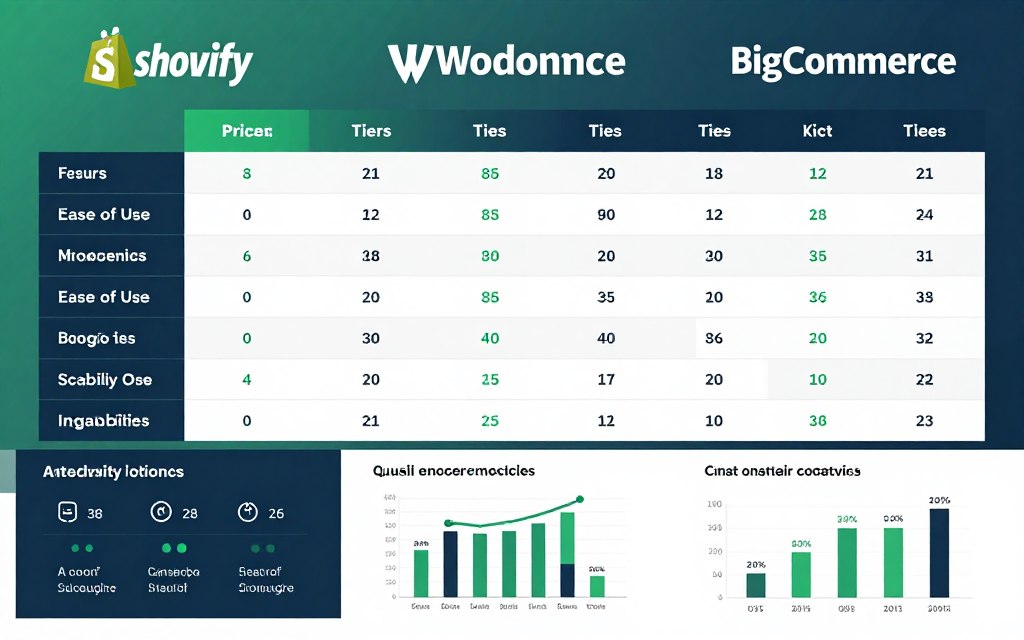
Shopify offers user-friendly setup with extensive app ecosystem. WooCommerce provides flexibility for WordPress users. BigCommerce scales well for growing businesses. Magento suits large enterprises with complex needs. Research each platform carefully before committing.
Consider transaction fees and monthly costs. Some platforms charge per sale while others use subscription models. Factor in payment processing fees and hosting expenses. Calculate total cost of ownership for accurate budget planning.
Optimizing Product Pages for Conversions
Product pages directly impact your sales conversion rates. High-quality images show products from multiple angles. Detailed descriptions answer customer questions before they ask. Clear pricing eliminates confusion.
Include customer reviews and ratings on product pages. Social proof reduces purchase hesitation. Showcase product benefits clearly. Use bullet points for easy scanning of features.
Add urgency elements like stock levels or limited-time offers. Create compelling calls-to-action that stand out visually. Make the “Add to Cart” button prominent and accessible. Simplify the checkout process to reduce cart abandonment.
Ready to Launch Your Business Website?
Get expert guidance tailored to your specific business needs. Our web design specialists help Indian businesses create high-converting websites that drive real results. Book your free 30-minute consultation today.
Blog and Content-Driven Websites
Blog websites establish authority through valuable content. These sites attract audiences through informative articles, guides, and resources. Content marketing drives organic traffic and builds lasting relationships with readers.
A well-maintained blog positions you as an industry expert. Regular publishing improves search engine rankings. Quality content gets shared on social media, expanding your reach. Blogs convert readers into customers through educational value.
Types of Successful Blog Websites
Different blog formats serve different purposes. Your blog strategy should align with your business objectives. Choose the approach that best connects with your target audience.
Educational Blogs
Educational blogs teach specific skills or knowledge. These sites provide how-to guides, tutorials, and training resources. Readers visit regularly for learning opportunities.
This format works well for consultants, coaches, and training businesses. You demonstrate expertise while helping your audience solve problems. Educational content builds trust and positions you as the go-to resource.
News and Industry Updates
Industry news blogs keep audiences informed about trends. They cover market developments, product launches, and regulatory changes. Timely content attracts readers seeking current information.
Financial advisors, tech companies, and marketing agencies benefit from this approach. Regular updates show you stay current with industry developments. News content generates consistent traffic from people seeking latest information.
Personal Brand Blogs
Personal brand blogs share insights and experiences. They blend professional expertise with personal stories. This format creates authentic connections with readers.
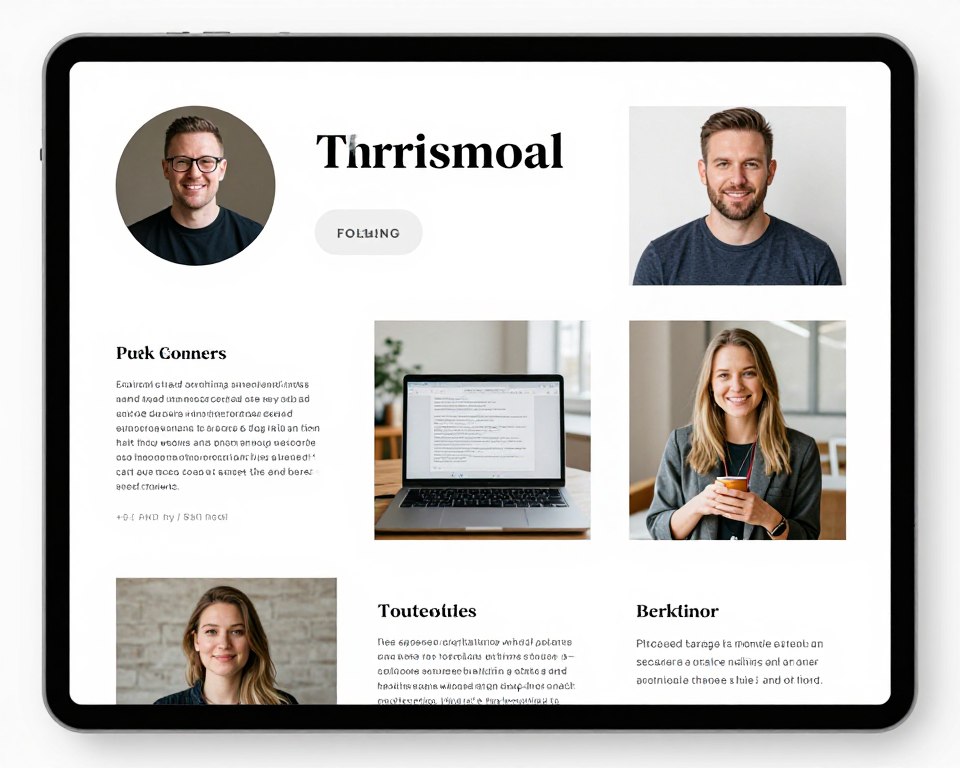
Entrepreneurs, speakers, and thought leaders use personal blogs effectively. You share your unique perspective and build loyal following. Personality-driven content differentiates you from competitors.
Product Review Blogs
Review blogs evaluate products and services. They provide detailed comparisons and recommendations. Affiliate marketing often monetizes these sites.
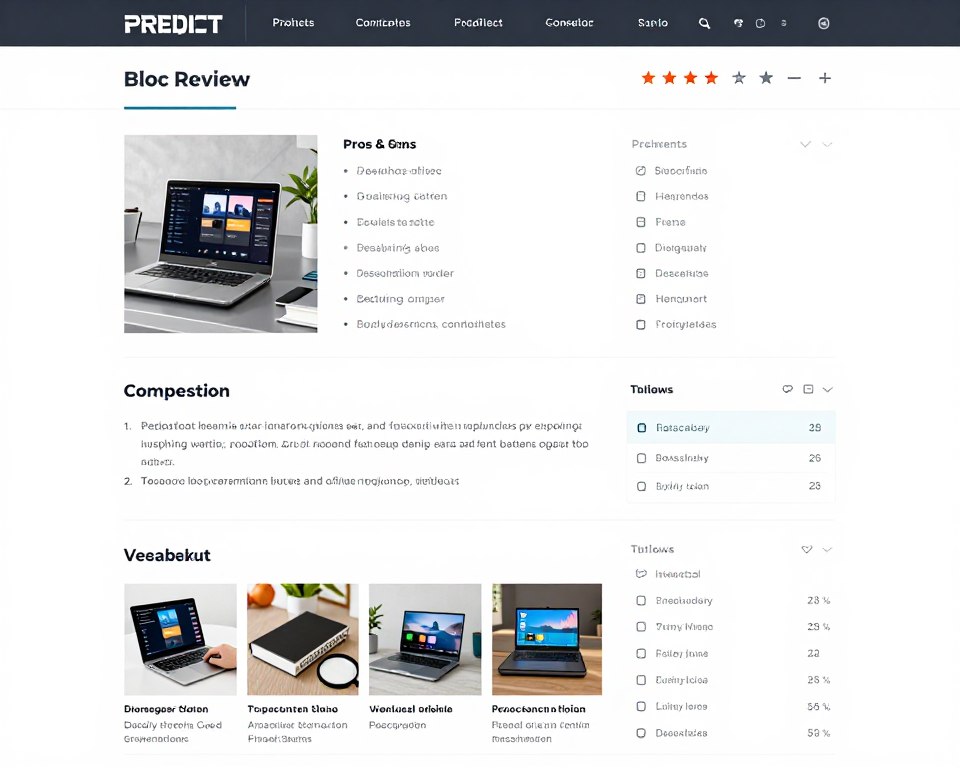
Tech reviewers, beauty bloggers, and lifestyle influencers build successful review sites. Honest evaluations help readers make purchasing decisions. This model generates income through affiliate commissions.
Creating Engaging Blog Content
Successful blog posts start with compelling headlines. Your title determines whether people click to read. Use numbers, questions, or powerful adjectives to grab attention. Promise clear benefits in your headlines.
Structure content for easy reading. Break text into short paragraphs. Use subheadings to organize information. Add bullet points for scannable lists. Include images to illustrate key points and maintain visual interest.
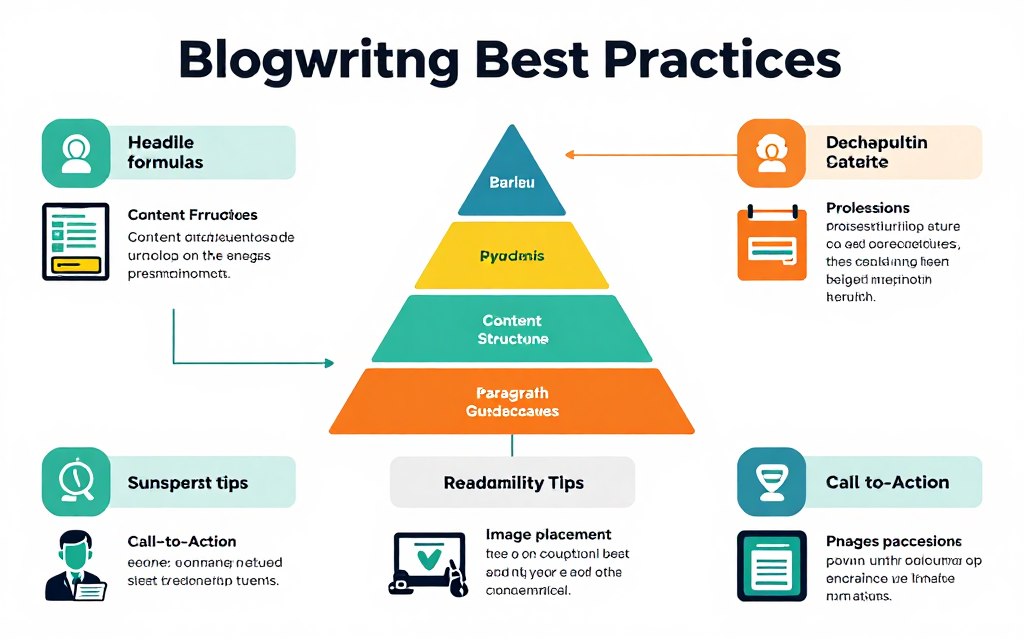
Optimize every post for search engines. Research relevant keywords your audience searches. Include keywords naturally in titles, headings, and content. Add meta descriptions and alt text for images. Link to other relevant pages on your site.
Monetizing Your Blog Website
Multiple strategies turn blog traffic into revenue. Advertising networks pay for displaying ads on your site. Affiliate marketing earns commissions when readers purchase recommended products. Sponsored content generates income from brand partnerships.
Digital products provide another revenue stream. Create and sell e-books, courses, or templates. Your blog builds audience while products generate sales. Email lists collected through your blog become valuable marketing assets.
Services sell naturally through blogs. Consulting, coaching, or freelance work emerges from authority you build. Use your blog to showcase expertise, then offer services to solve reader problems. Content marketing attracts ideal clients organically.
Corporate and Business Websites
Corporate websites establish professional business presence online. These sites communicate company information, services, and values. They build credibility and support sales efforts across industries.
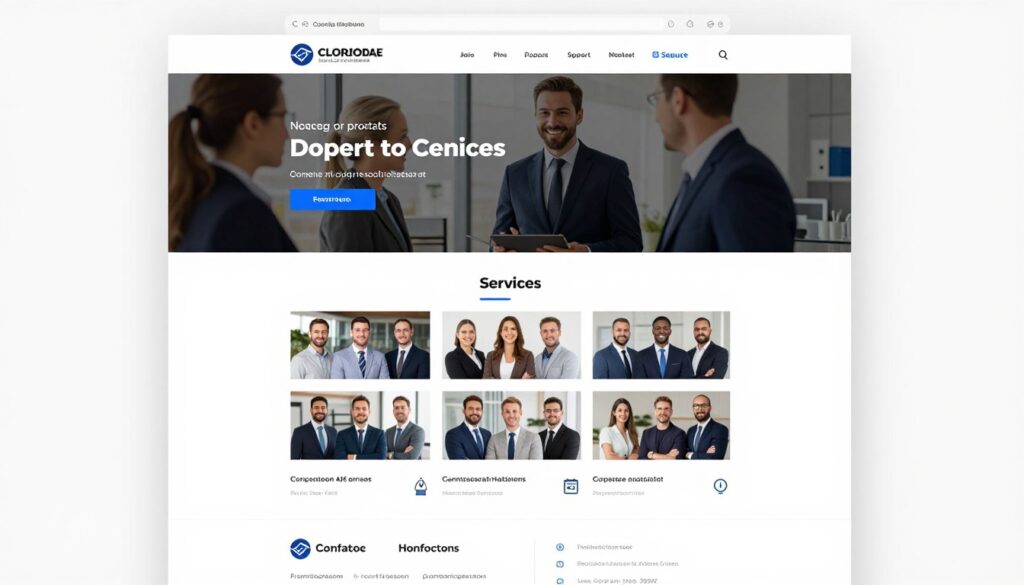
Your corporate site serves multiple stakeholders. Potential clients research your capabilities. Partners evaluate collaboration opportunities. Employees learn about company culture. Investors assess business stability. A strong corporate website addresses all these audiences effectively.
Essential Pages for Corporate Websites
Every corporate website needs core pages. These fundamental sections provide expected information. Missing critical pages damages credibility and loses opportunities.
Homepage
Your homepage makes the first impression. It should immediately communicate what your company does and why it matters. Clear value proposition and easy navigation are essential.
- Compelling headline stating your core offering
- Brief overview of key services or products
- Trust indicators like client logos or awards
- Clear calls-to-action for next steps
About Us
The About page tells your company story. Share your mission, values, and history. Introduce team members to humanize your brand and build connections.
- Company history and founding story
- Mission statement and core values
- Team bios with photos
- Awards and certifications achieved
Services/Products
Detail your offerings comprehensively. Explain benefits clearly. Help visitors understand how you solve their problems and deliver value.
- Detailed service or product descriptions
- Benefits and outcomes for clients
- Process explanation or methodology
- Pricing information when appropriate
Case Studies
Showcase successful client projects. Demonstrate results you have achieved. Social proof through real examples convinces prospects of your capabilities.
- Client challenges and objectives
- Your solution and implementation process
- Measurable results and outcomes
- Client testimonials and quotes
Contact
Make contact effortless. Provide multiple ways to reach you. Include office locations, phone numbers, and email addresses along with contact forms.
- Contact form for inquiries
- Office addresses with maps
- Phone numbers and email addresses
- Business hours and response times
Resources
Provide valuable resources to visitors. White papers, guides, and industry insights demonstrate expertise. Resource libraries support lead generation efforts.
- Downloadable guides and e-books
- Industry reports and research
- FAQ section for common questions
- Blog with helpful articles
Design Principles for Corporate Sites
Professional design builds trust immediately. Your visual presentation reflects company quality. Invest in high-quality photography showing real team members and facilities. Avoid generic stock photos that appear inauthentic.
Maintain consistent branding throughout your site. Use your brand colors, fonts, and visual style uniformly. Consistency creates professional impression and reinforces brand recognition. Every page should feel connected to your overall brand identity.
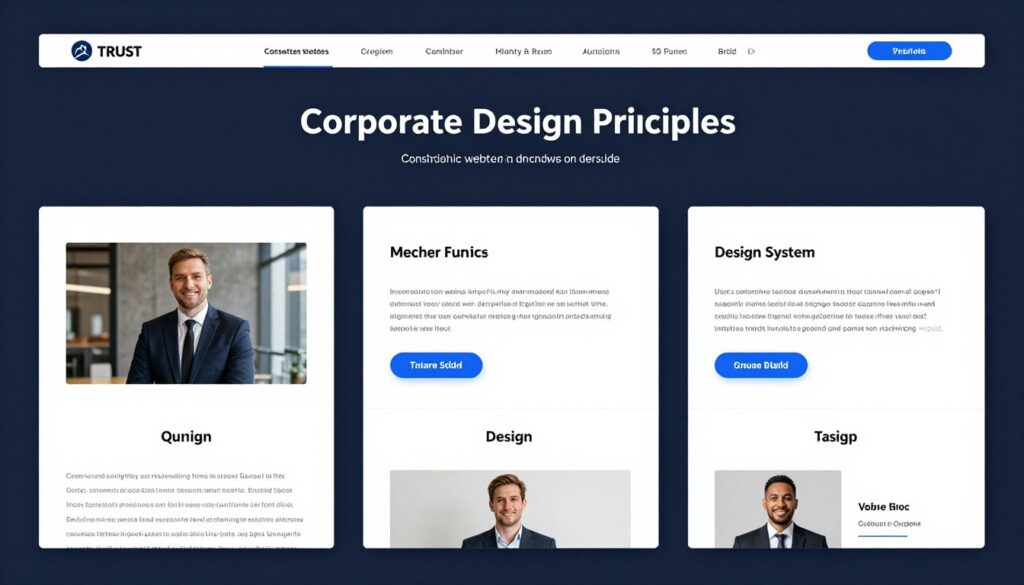
Prioritize clarity over creativity. Visitors need information quickly. Complicated navigation frustrates users. Clear hierarchies and intuitive menus improve user experience. Make finding information effortless.
Membership and Subscription Websites
Membership websites create recurring revenue through exclusive content. These platforms provide ongoing value to paying members. Subscription models generate predictable income while building engaged communities.
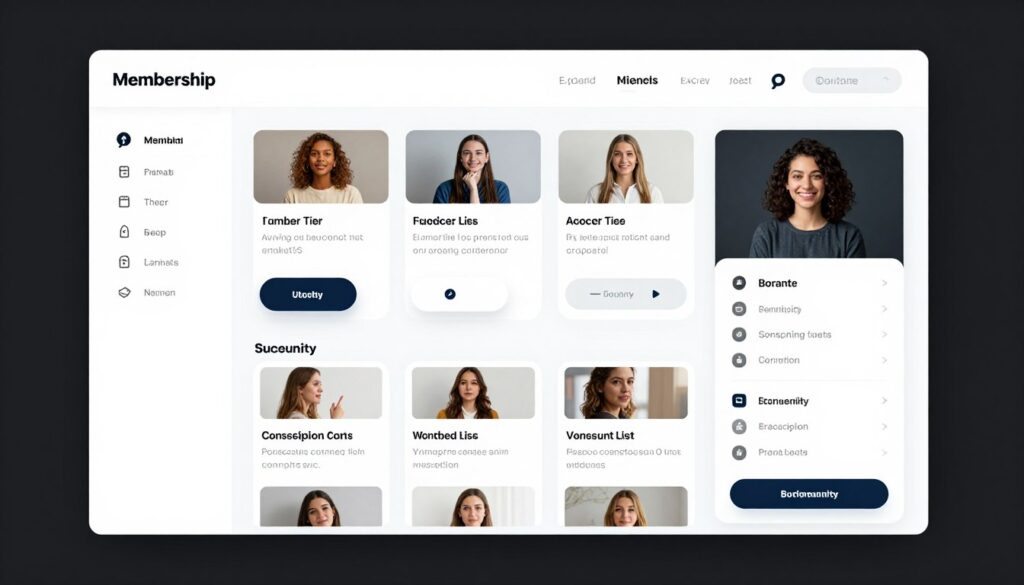
Your membership site gates premium content behind a paywall. Members access exclusive resources, training, or community features. This model works excellently for online courses, professional communities, and premium content creators.
Membership Website Models
Different membership structures suit different businesses. Choose the model that aligns with your content and audience. Each approach offers unique advantages.
Fixed-Term Access
Members purchase access for specific time periods. Common durations include monthly, quarterly, or annual subscriptions. This straightforward model makes pricing clear.
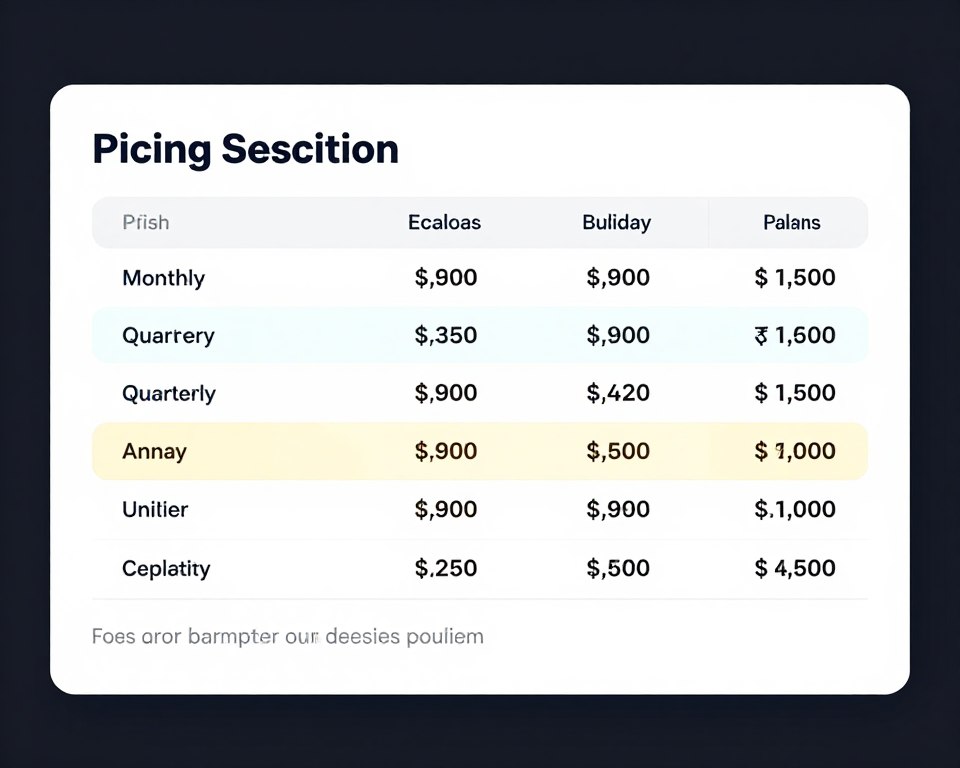
Automatically renewing subscriptions provide steady revenue. Members continue until they actively cancel. This creates predictable cash flow for business planning. Offer discounts for longer commitment periods to encourage annual subscriptions.
Tiered Membership Levels
Multiple membership tiers offer different value levels. Basic members access core content while premium members receive additional benefits. This structure maximizes revenue from different customer segments.
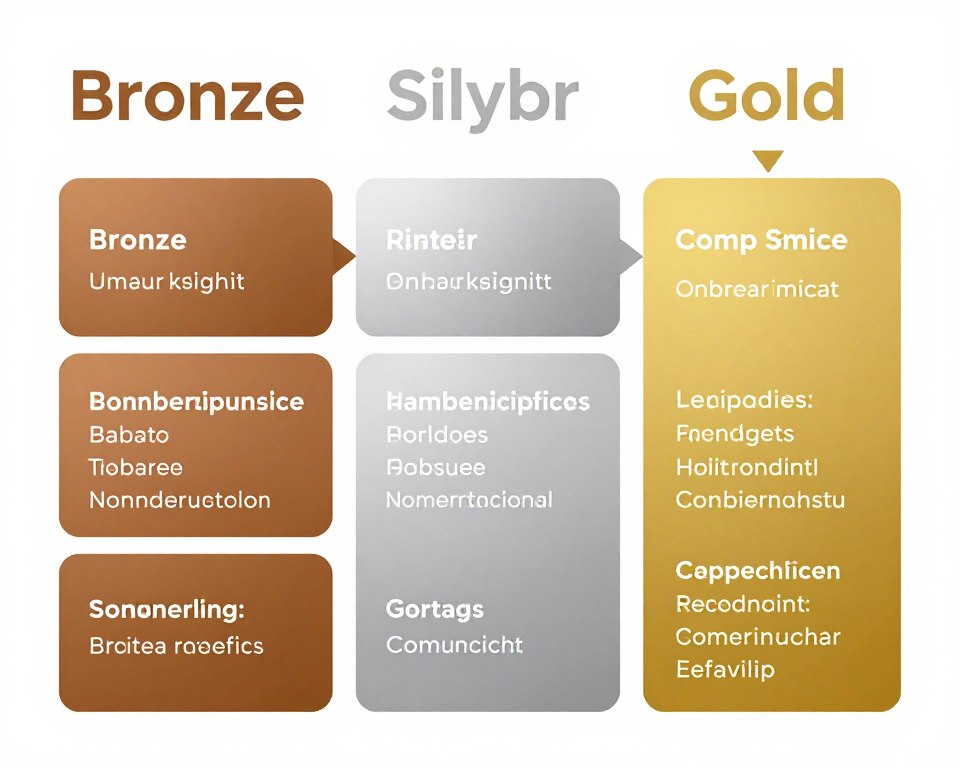
Create clear differentiation between tiers. Each level should offer distinct value. Consider access levels, content quantity, community features, and personal support as tier differentiators. Make upgrading attractive but keep basic tier valuable.
Drip Content Model
Content releases gradually over time. New members receive scheduled content releases. This approach maintains engagement and reduces overwhelm from too much content at once.
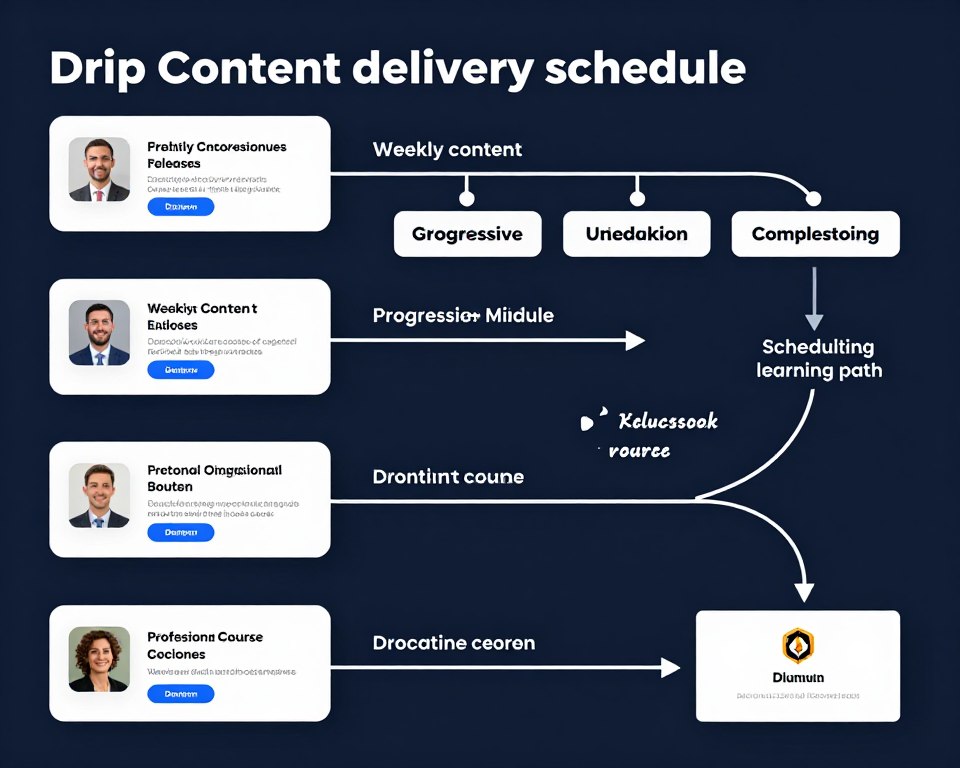
Drip schedules keep members returning regularly. Structure content as learning journeys with logical progression. This model works perfectly for courses and training programs. Members stay subscribed longer to complete full content series.
Community-Focused Membership
Community access becomes the primary value. Members connect with peers in forums or groups. Networking opportunities and relationships drive membership value.
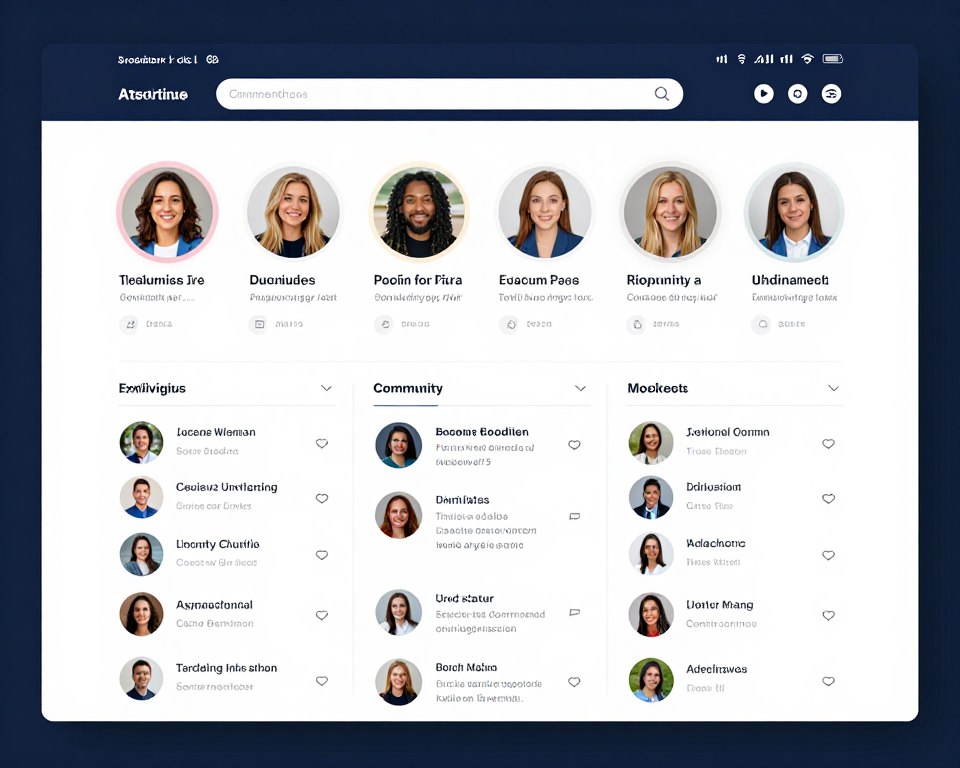
Facilitate member interactions through forums, chat groups, or virtual events. Moderate discussions to maintain quality. Encourage peer support and knowledge sharing. Community value often exceeds content value for members seeking connections.
Essential Membership Features
Technical capabilities determine membership site success. Your platform must handle registrations, payments, and content access seamlessly. Member experience depends on reliable functionality.
- Secure user registration and login system
- Automated payment processing and renewal
- Content restriction based on membership level
- Member dashboard for account management
- Progress tracking for courses or programs
- Communication tools for announcements and updates
- Analytics to monitor engagement and retention
Reducing Member Churn
Member retention determines long-term profitability. Acquiring new members costs more than keeping existing ones. Focus on delivering consistent value that justifies ongoing subscription costs.
Regular new content keeps members engaged. Create content calendars to maintain publishing schedules. Survey members about desired topics. Address feedback to improve satisfaction.
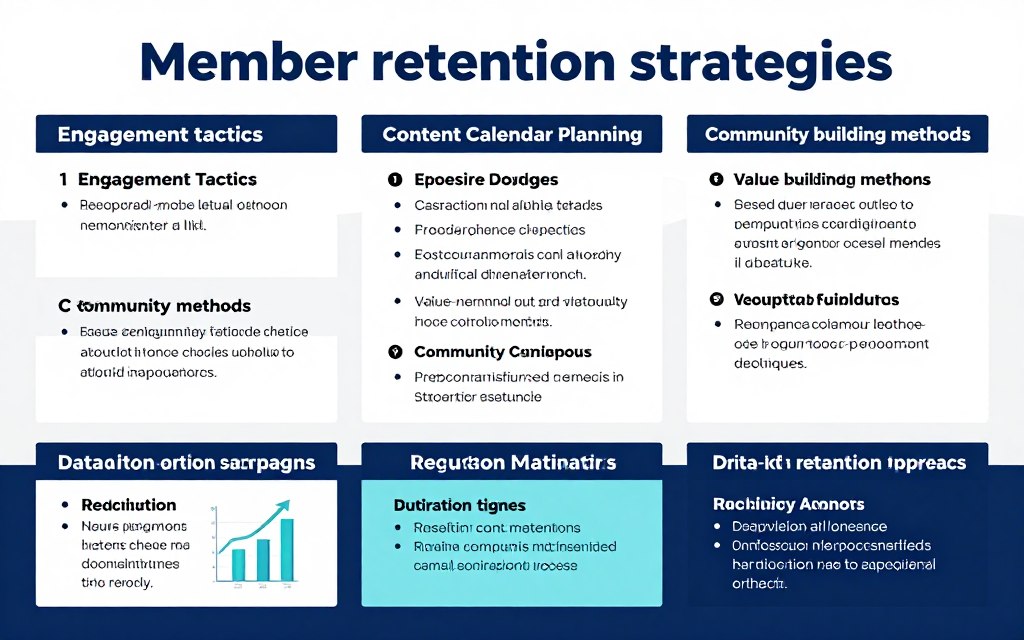
Communicate value frequently. Send regular emails highlighting new content and community discussions. Remind members why they joined. Celebrate member achievements and milestones. Personal recognition increases loyalty and reduces cancellations.
Landing Page and Lead Generation Websites
Landing pages focus on single conversion goals. These streamlined sites eliminate distractions and guide visitors toward specific actions. Effective landing pages generate leads, drive sales, or collect email subscribers.
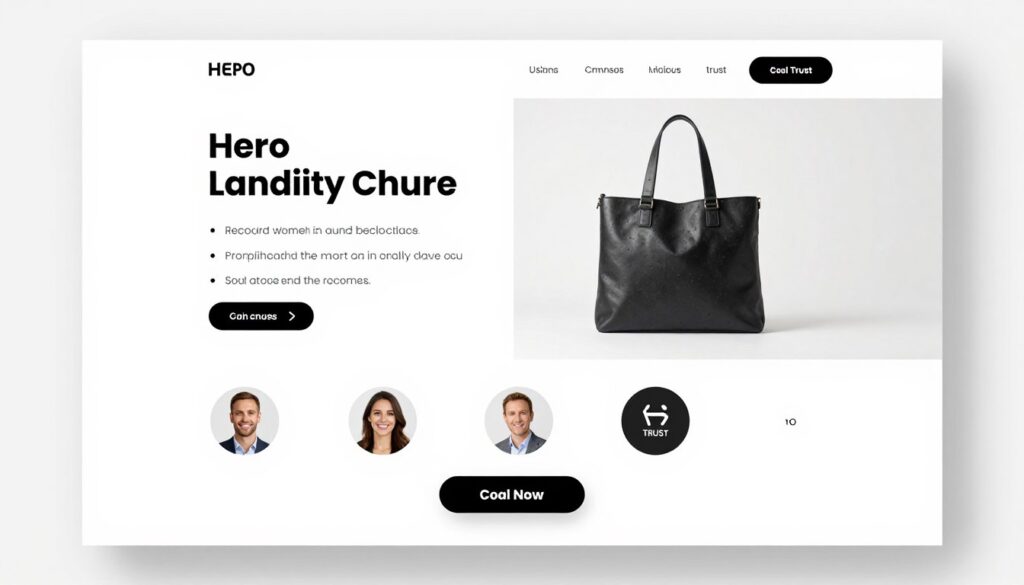
Unlike multi-page websites, landing pages concentrate attention. Every element supports the primary conversion objective. This focused approach typically achieves higher conversion rates than traditional websites for specific campaigns.
Types of High-Performing Landing Pages
Different landing page formats serve different marketing goals. Your campaign objectives determine the optimal structure. Match landing page design to your specific conversion target.
- Headline highlighting key benefit
- Brief explanation of offer value
- Simple form requesting minimal information
- Privacy assurance and data protection
- Clear call-to-action button
- Optional social proof elements
Lead Capture Pages
- Compelling product demonstration
- Detailed benefits and features list
- Customer testimonials and reviews
- Pricing information with options
- Money-back guarantee or risk reversal
- Urgency elements like limited offers
Sales Pages
- Topic and speaker introduction
- What attendees will learn
- Date and time clearly displayed
- Simple registration form
- Bonus materials or incentives
- Social sharing options
Webinar Registration
Landing Page Best Practices
Successful landing pages follow proven design principles. Your headline must grab attention immediately. Communicate primary benefit within seconds. Visitors decide quickly whether to stay or leave.
Remove navigation menus from landing pages. External links distract from conversion goals. Keep visitors focused on your primary call-to-action. Every element should guide toward desired action.
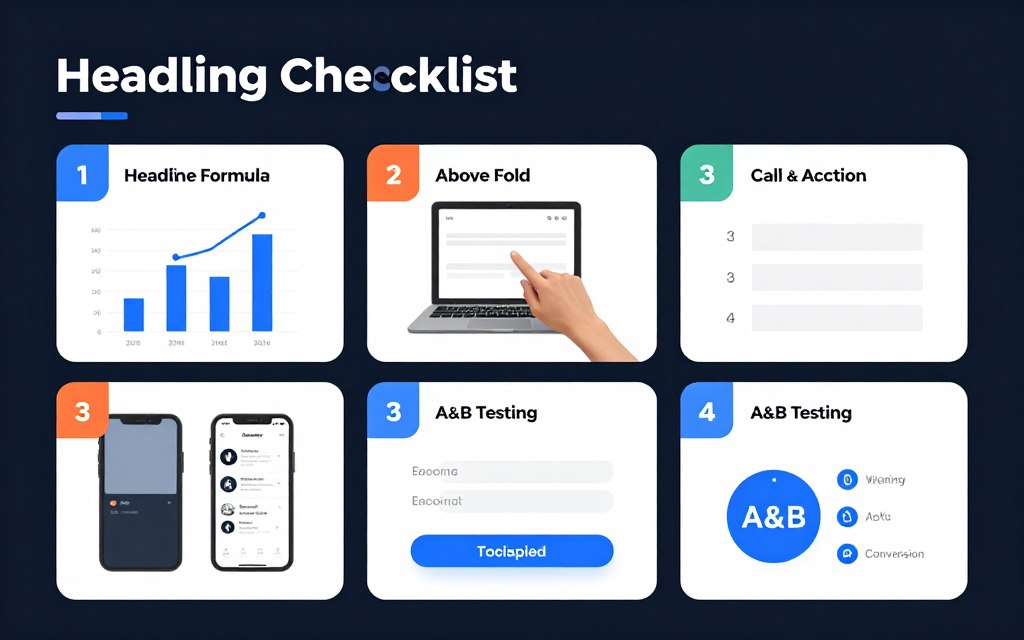
Use social proof strategically. Customer testimonials build trust. Display logos from recognized clients or partners. Show user numbers or success statistics. Reviews and ratings reduce purchase hesitation.
Optimizing Forms for Conversions
Form design significantly impacts conversion rates. Request only essential information. Each additional field reduces completion rates. Balance your data needs against conversion optimization.
Multi-step forms sometimes perform better than single-page forms. Breaking long forms into smaller steps feels less overwhelming. Progress indicators show users how close they are to completion. This psychological technique improves completion rates.
Test different form placements. Above-the-fold placement works for simple offers. Longer sales pages may place forms after presenting full value proposition. A/B test to find optimal positioning for your audience.
Not Sure Which Website Type Fits Your Business?
Compare the top website builders and platforms for Indian businesses. Our detailed comparison guide helps you choose the perfect solution for your budget, technical skills, and business goals.
Wix
Perfect for beginners seeking easy drag-and-drop building. Over 800 templates and affordable pricing starting from ₹125/month. Excellent for small businesses and portfolios.
Shopify
Leading e-commerce platform with robust selling tools. Ideal for online stores of any size. Pricing starts at ₹1,600/month with excellent payment integration for Indian merchants.
WordPress + Elementor
Ultimate flexibility for custom designs. Open-source platform with thousands of plugins. Requires more technical skill but offers complete control. Hosting starts from ₹200/month.
Need personalized platform recommendations? Our experts analyze your specific requirements and suggest the best solution.
Service Booking and Appointment Websites
Service booking websites streamline appointment scheduling. These platforms work perfectly for consultants, health practitioners, salons, and professional services. Automated booking reduces administrative work while improving customer convenience.
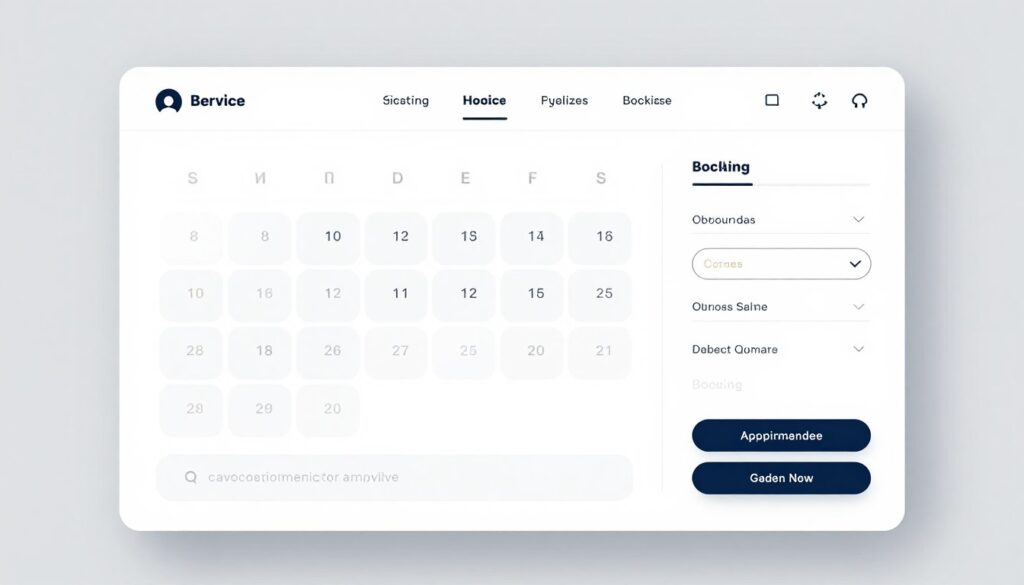
Your booking website operates like a 24/7 receptionist. Clients schedule appointments when convenient for them. Automated confirmations and reminders reduce no-shows. Integration with your calendar prevents double bookings automatically.
Key Features for Booking Websites
Effective booking systems require specific functionality. Your platform must handle scheduling logistics smoothly. Every feature should simplify the booking process for both business and clients.
Calendar Management
Real-time availability display shows open time slots. Clients choose convenient appointment times instantly without phone calls or email exchanges.
- Visual calendar interface for easy selection
- Real-time availability updates
- Buffer time between appointments
- Blackout dates for holidays or vacations
Service Options
Multiple service types with different durations and pricing. Clients select exactly what they need during booking process.
- Service catalog with descriptions
- Duration and pricing for each service
- Package deals and combo offerings
- Add-on services and upgrades
Payment Integration
Secure payment processing at time of booking. Collect deposits or full payment to reduce cancellations and secure commitments.
- Multiple payment gateway options
- Deposit or full payment collection
- Refund policy management
- Invoice generation and receipts
Communication Tools
Automated confirmations and reminder messages. Reduce no-shows through timely notifications via email or SMS.
- Instant booking confirmation emails
- Reminder messages before appointments
- Rescheduling and cancellation options
- Follow-up communication after service
Industries Perfect for Booking Sites
Many service-based businesses benefit from booking websites. Healthcare providers schedule patient appointments efficiently. Beauty salons manage stylist calendars seamlessly. Consulting professionals organize client meetings systematically.
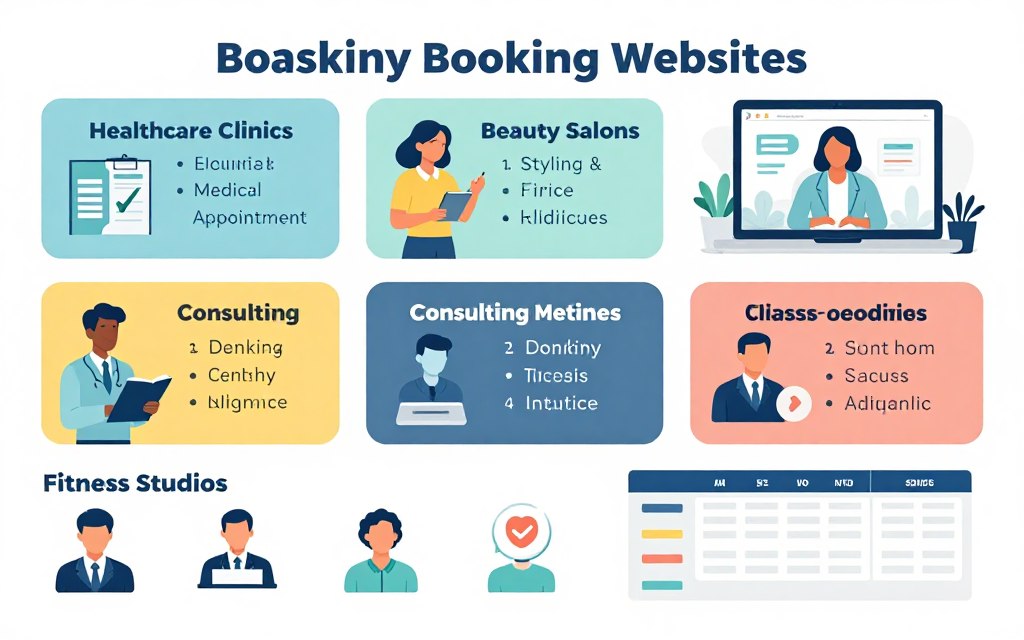
Fitness studios book classes and training sessions. Tutors schedule student lessons. Photographers arrange shoot appointments. Legal professionals manage consultations. Any business exchanging time for money benefits from automated booking.
Optimizing the Booking Experience
Simplify your booking flow as much as possible. Each extra step increases abandonment rates. Minimize required information to essentials only. Name, contact details, and service selection should suffice initially.
Mobile optimization matters critically for booking sites. Many clients book appointments from smartphones. Ensure your calendar displays clearly on small screens. Touch-friendly buttons and forms improve mobile booking completion.
Offer flexible cancellation policies where practical. Rigid policies frustrate clients and damage relationships. Consider rescheduling instead of cancellation. Automated waiting lists fill cancelled slots from interested clients immediately.
Real Estate and Property Listing Websites
Real estate websites showcase properties with detailed listings. These platforms connect buyers with sellers or renters with landlords. Effective property sites combine search functionality with compelling property presentations.
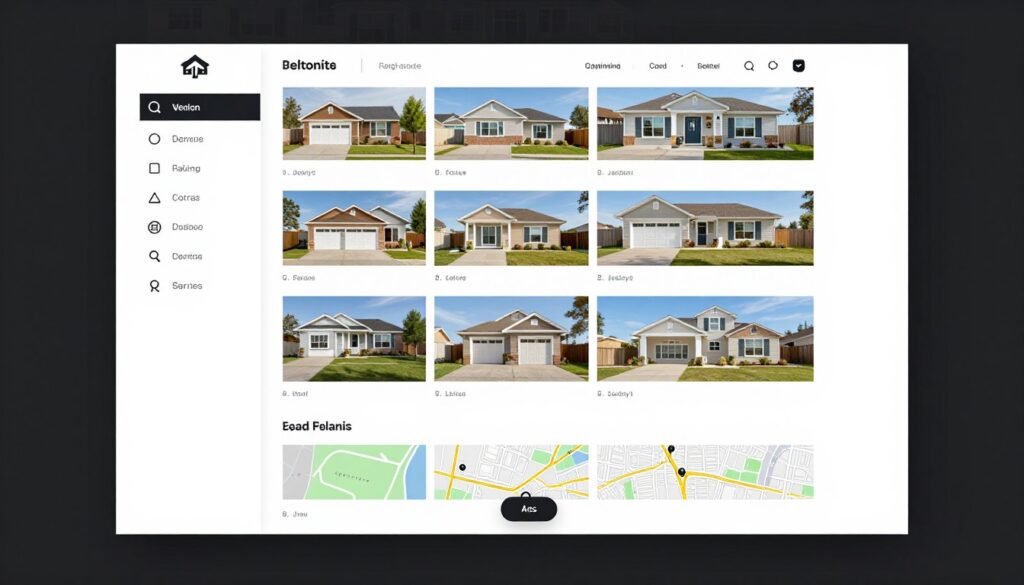
Your real estate site must present properties attractively. High-quality photos showcase homes at their best. Virtual tours provide immersive experiences. Detailed specifications help buyers evaluate properties efficiently. Location maps orient potential buyers geographically.
Essential Real Estate Website Features
Property websites require specialized functionality. Your platform must organize listings logically and enable easy property discovery. Advanced search capabilities help users find relevant properties quickly.
Advanced Search Filters
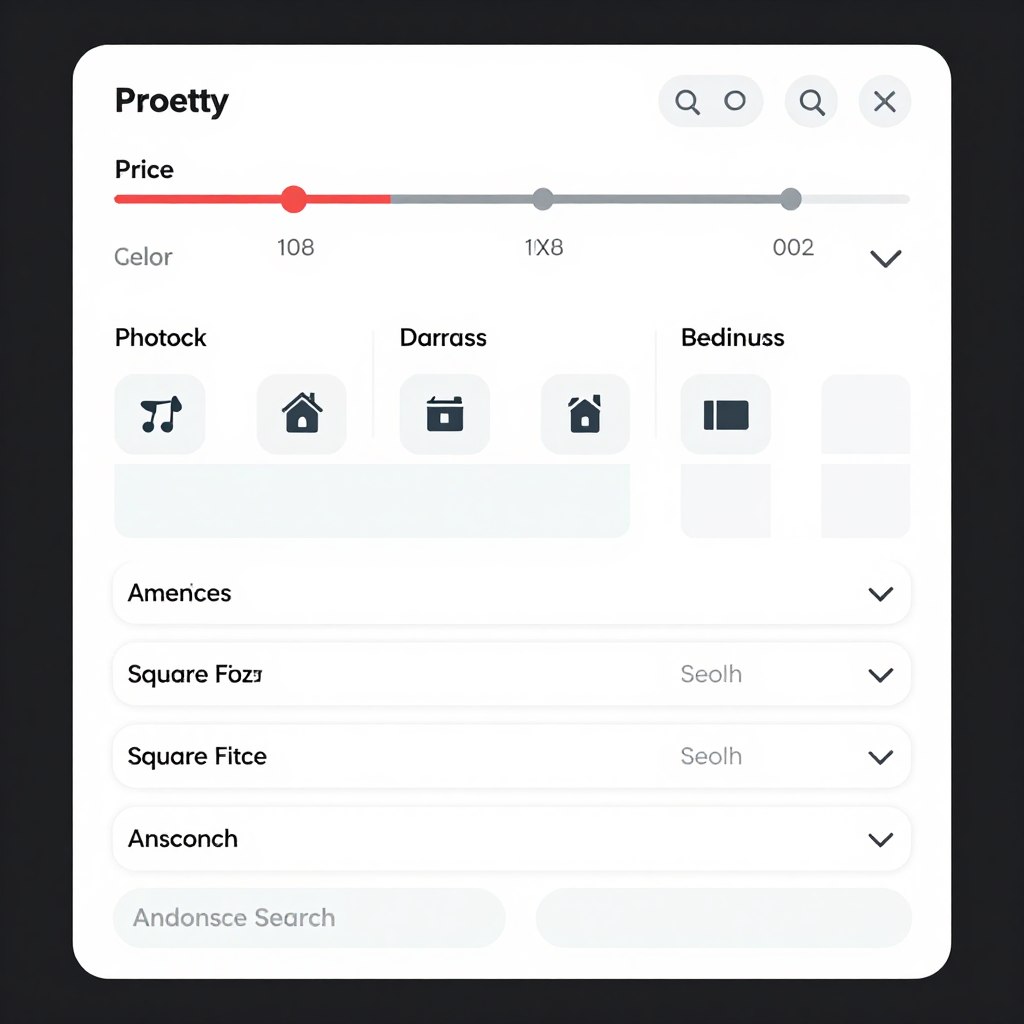
Robust filtering helps buyers narrow options efficiently. Users search by location, price range, property type, bedrooms, and specific amenities.
- Location-based search with neighborhood filters
- Price range sliders and budget categories
- Property type selection (house, apartment, land)
- Specific amenity checkboxes
Photo Galleries
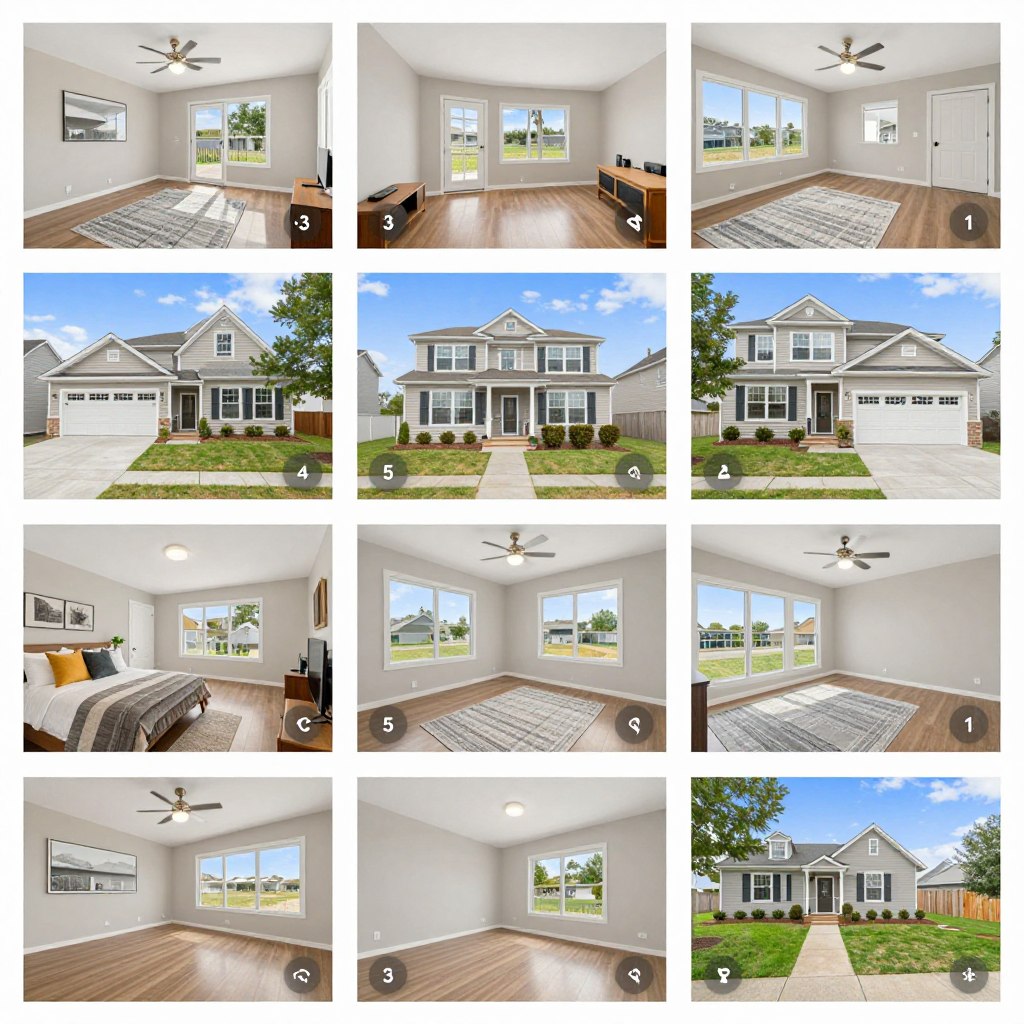
Professional photography sells properties. Display multiple angles and rooms. Include exterior, interior, and special feature photos.
- High-resolution image galleries
- 360-degree virtual tour integration
- Video walkthroughs for premium listings
- Aerial drone photography options
Property Details
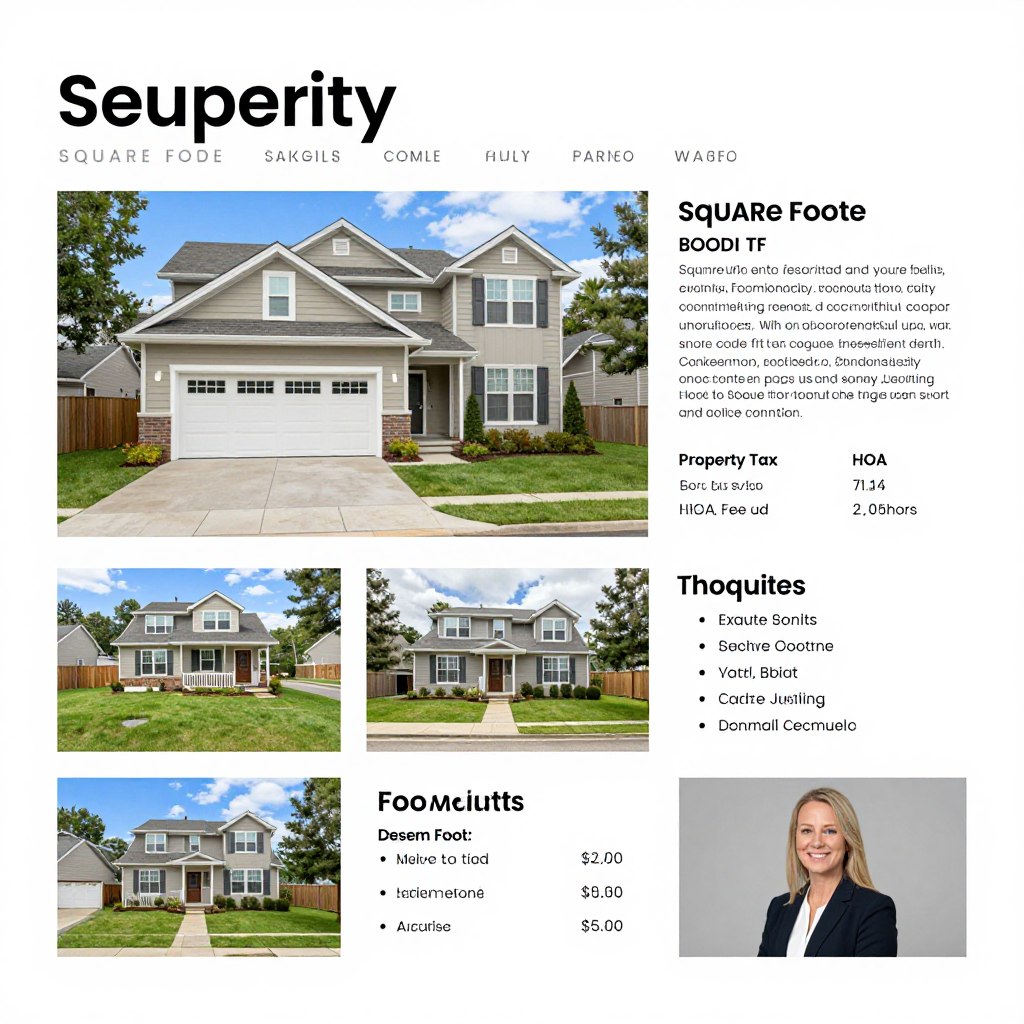
Comprehensive information helps buyers make decisions. Include all relevant specifications, features, and legal information clearly.
- Square footage and lot size
- Room counts and configurations
- Year built and renovation history
- Property taxes and HOA fees
Contact Forms
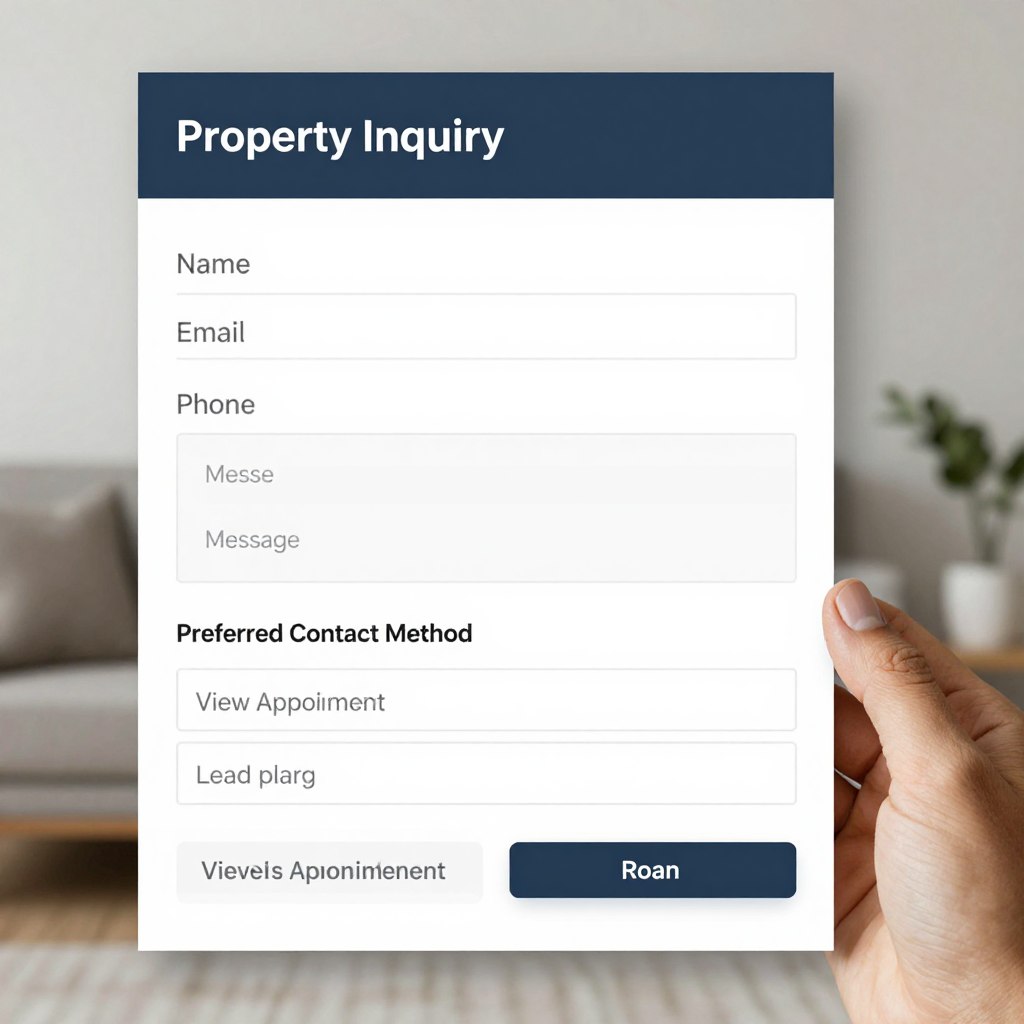
Streamlined inquiry forms capture leads. Make contacting agents effortless. Include scheduling options for property viewings.
- Quick inquiry forms on each listing
- Schedule viewing appointment options
- Mortgage calculator integration
- Save favorite properties functionality
Map Integration
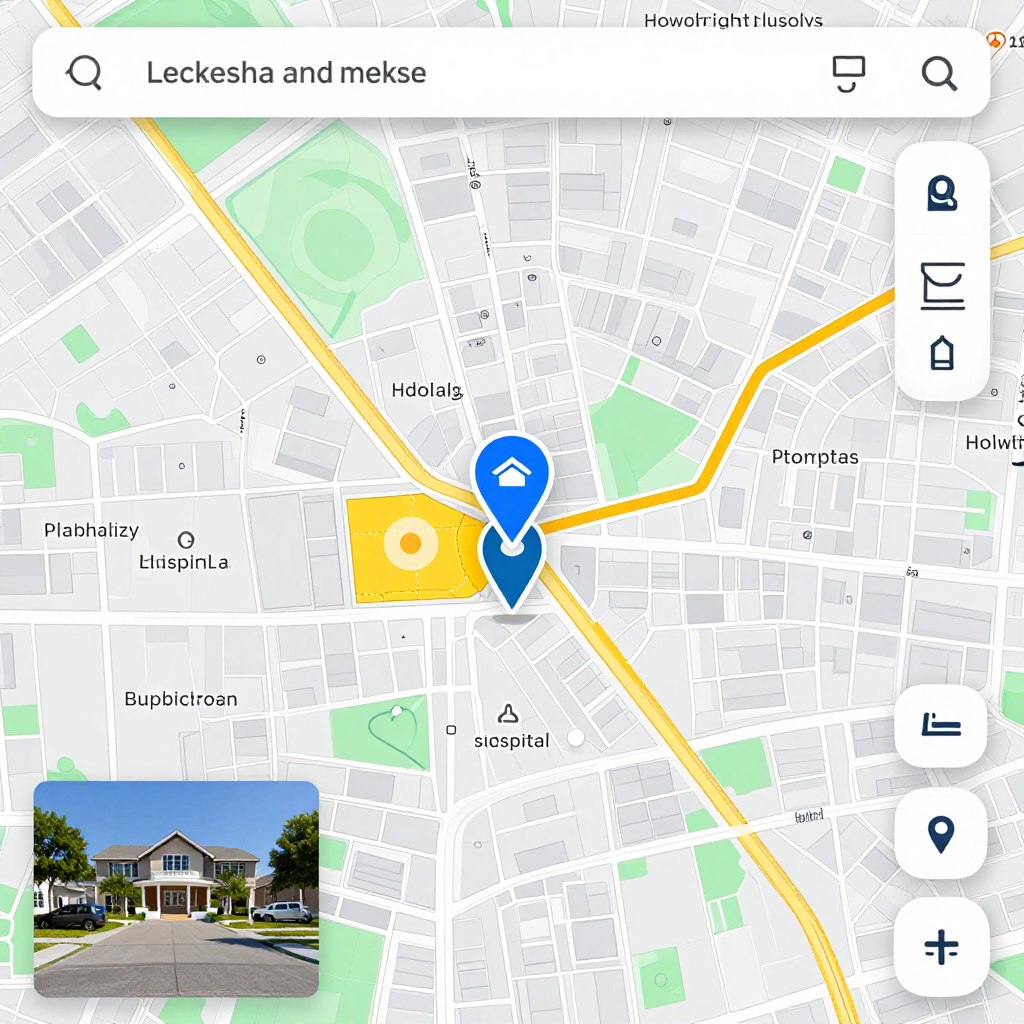
Interactive maps show exact locations and surrounding areas. Buyers evaluate neighborhoods through map features and nearby amenities.
- Precise property location pins
- Nearby amenities and services
- School district information
- Transportation and commute data
Agent Profiles
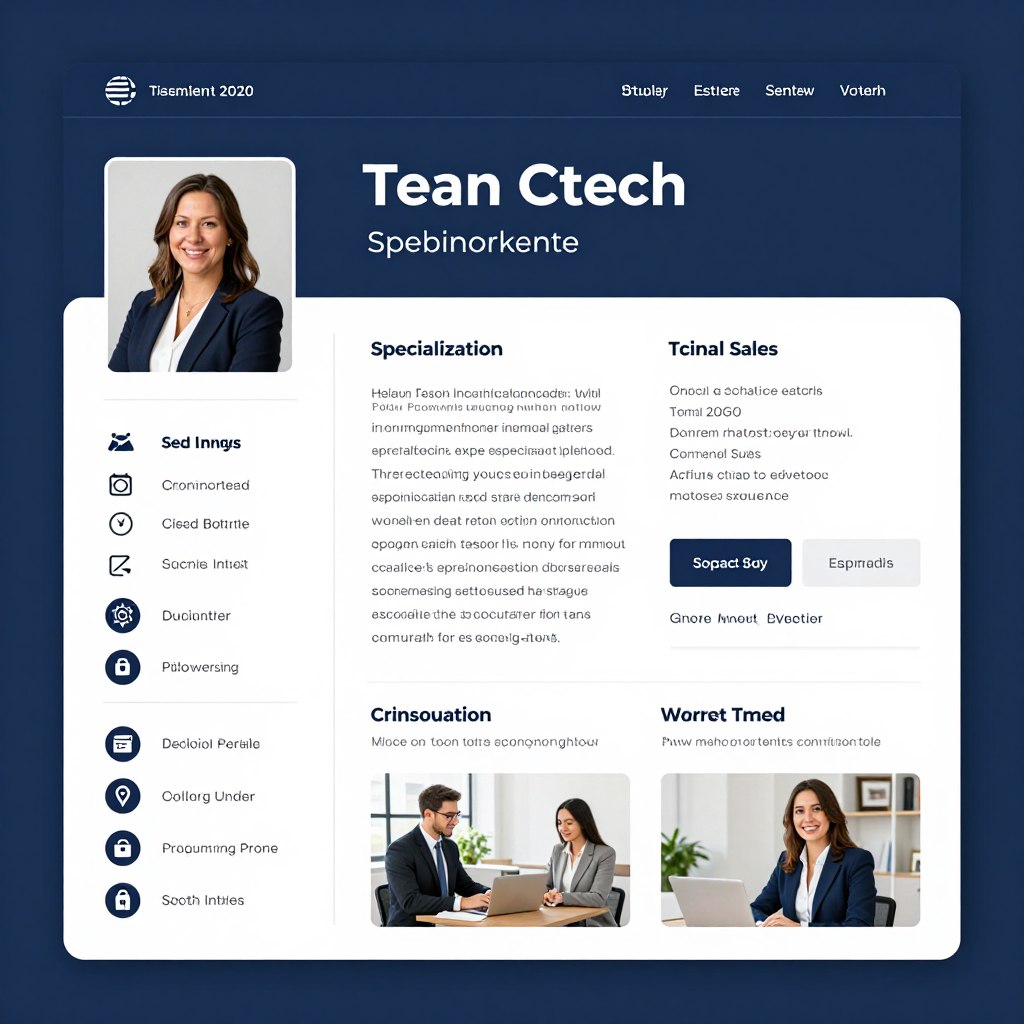
Agent profiles build trust and credibility. Showcase experience, specializations, and past sales. Include contact information and testimonials.
- Professional photos and biographies
- Sales history and achievements
- Client reviews and testimonials
- Direct contact information
Creating Compelling Property Listings
Quality photography makes tremendous difference in property marketing. Hire professional photographers for best results. Stage properties attractively before photo shoots. Natural lighting produces most appealing images.
Write descriptive yet concise property descriptions. Highlight unique features and recent upgrades. Mention neighborhood benefits and nearby attractions. Use specific details rather than generic adjectives. Quantify whenever possible with measurements and numbers.
Update listings regularly to maintain accuracy. Remove sold properties promptly. Mark pending sales appropriately. Fresh content signals active management and attracts return visitors searching for new options.
Educational and Online Learning Websites
Educational websites deliver training and knowledge online. These platforms range from full online universities to single-course offerings. E-learning continues growing as people seek flexible learning opportunities that fit busy schedules.
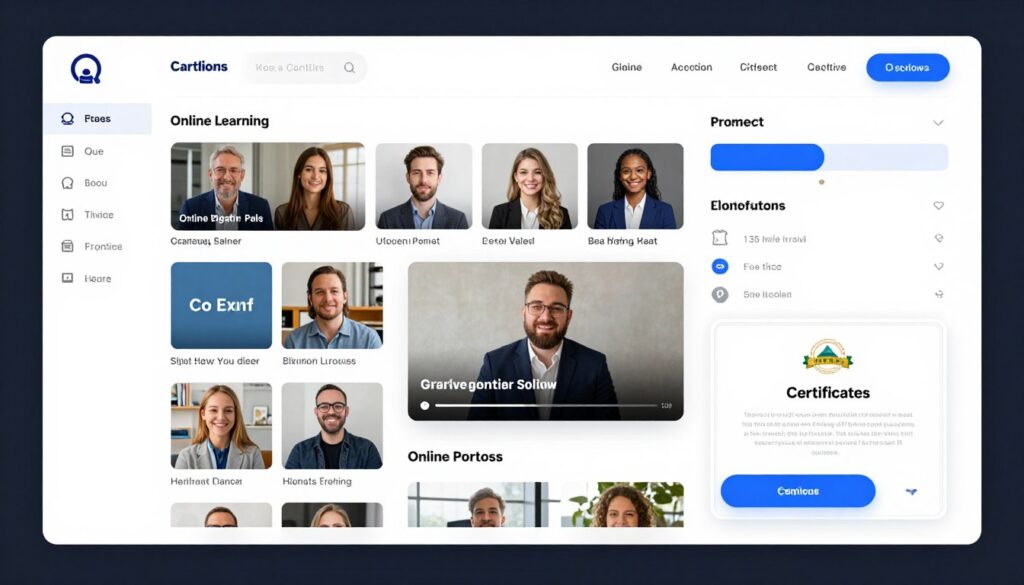
Your educational website becomes a digital classroom. Students access lessons anytime, anywhere. Video lectures, interactive quizzes, and downloadable resources support learning. Discussion forums enable peer interaction. Certificates reward course completion.
Types of Educational Websites
Educational platforms serve different learning needs. Your platform type depends on your teaching approach and subject matter. Each format offers unique advantages for knowledge transfer.
Course Marketplace Platforms
Marketplace models host courses from multiple instructors. Students browse diverse offerings. Instructors reach established audiences. Revenue shares between platform and instructors.
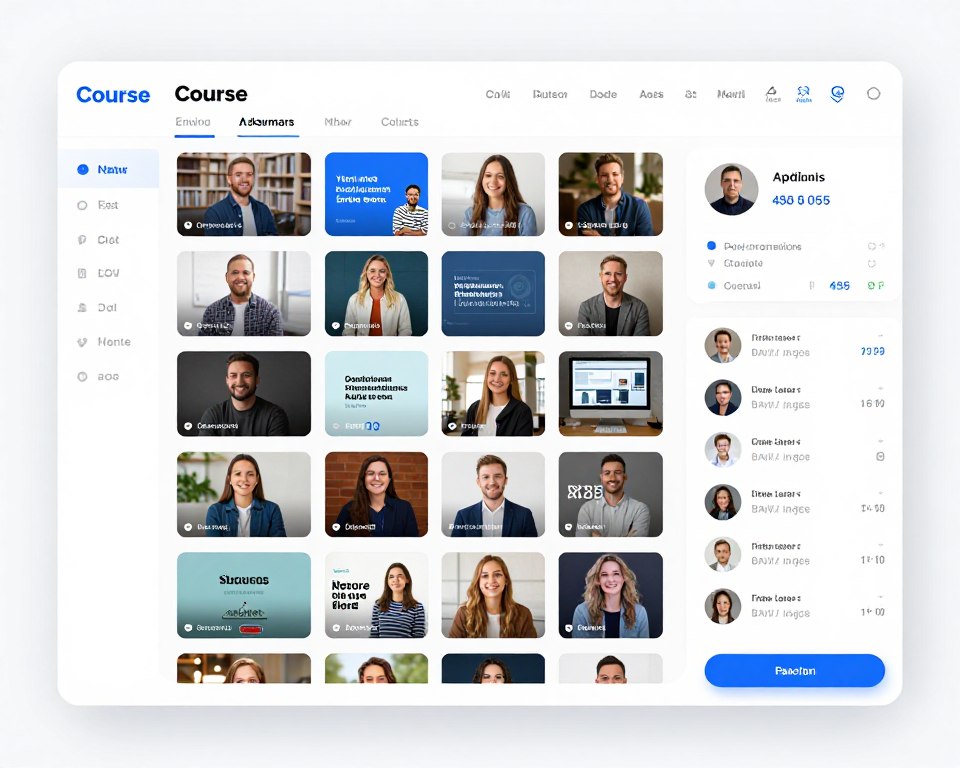
Udemy and Skillshare exemplify this model. Lower barriers for instructors to start teaching. Platform handles technical infrastructure and marketing. Competition exists among similar courses, requiring strong differentiation.
Individual Course Sites
Single instructor or organization offers focused curriculum. Complete control over branding and student experience. Direct relationship with students without platform intermediaries.
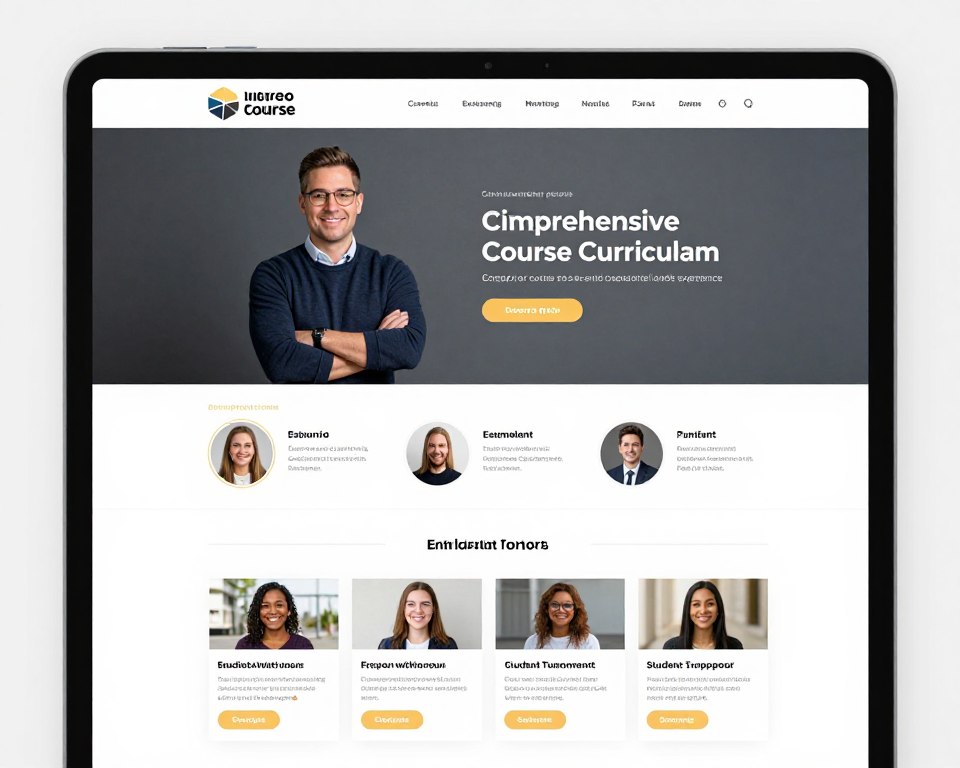
This approach suits established experts with existing audiences. Higher profit margins without platform fees. Requires handling all technical and marketing aspects independently. Works well for specialized or premium training.
Learning Management Systems
Comprehensive platforms for organizations managing employee training. Track student progress, assign courses, and generate completion reports. Enterprise-focused with administrative features.
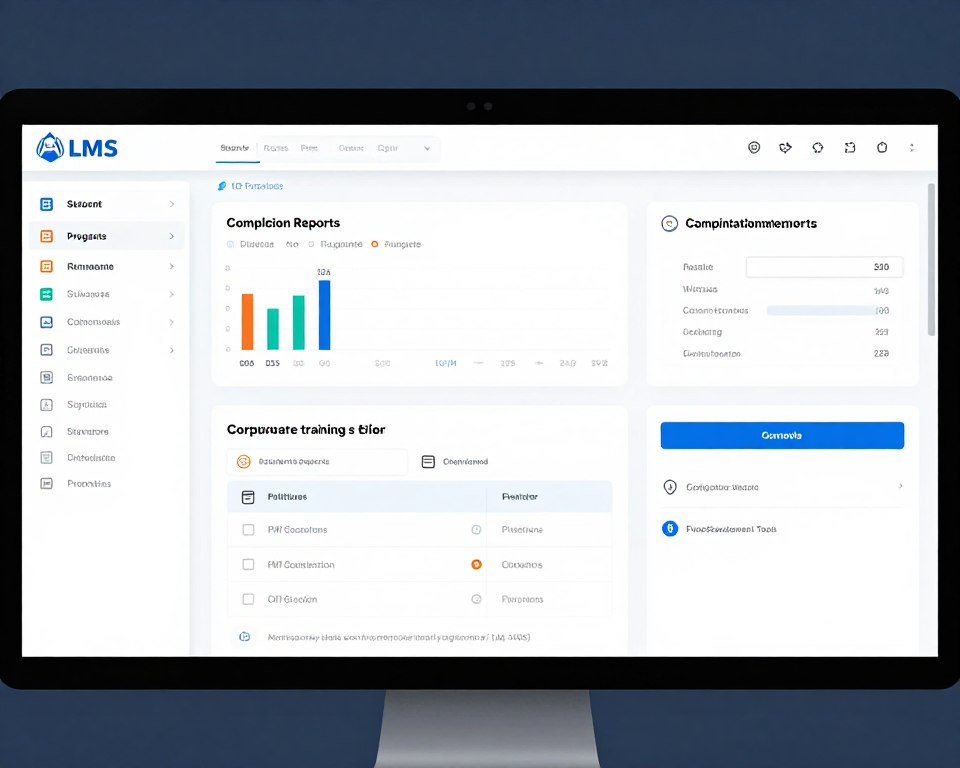
Companies use LMS for onboarding and ongoing training. Schools adopt LMS for curriculum delivery. Features include role-based access, detailed analytics, and integration with HR systems.
Hybrid Educational Sites
Combine self-paced courses with live instruction. Offer recordings plus scheduled webinars or coaching calls. Balance flexibility with personal interaction.
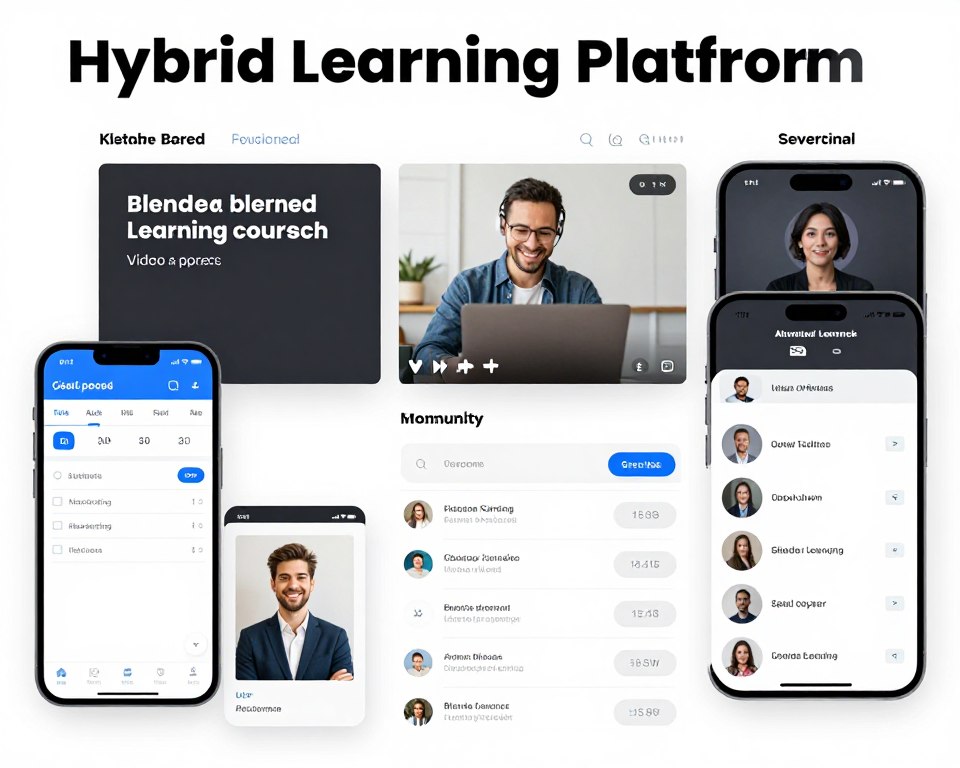
This model delivers best of both approaches. Recorded content provides convenience while live sessions enable questions and interaction. Premium pricing justified by additional support and community access.
Engaging Course Content Creation
Video lessons form the core of most online courses. Invest in decent audio and video equipment. Clear sound matters more than perfect video. Screen recordings work excellently for technical training and software tutorials.
Structure courses into logical modules and lessons. Break complex topics into digestible chunks. Each lesson should teach one clear concept or skill. Build progressively from fundamentals to advanced topics.
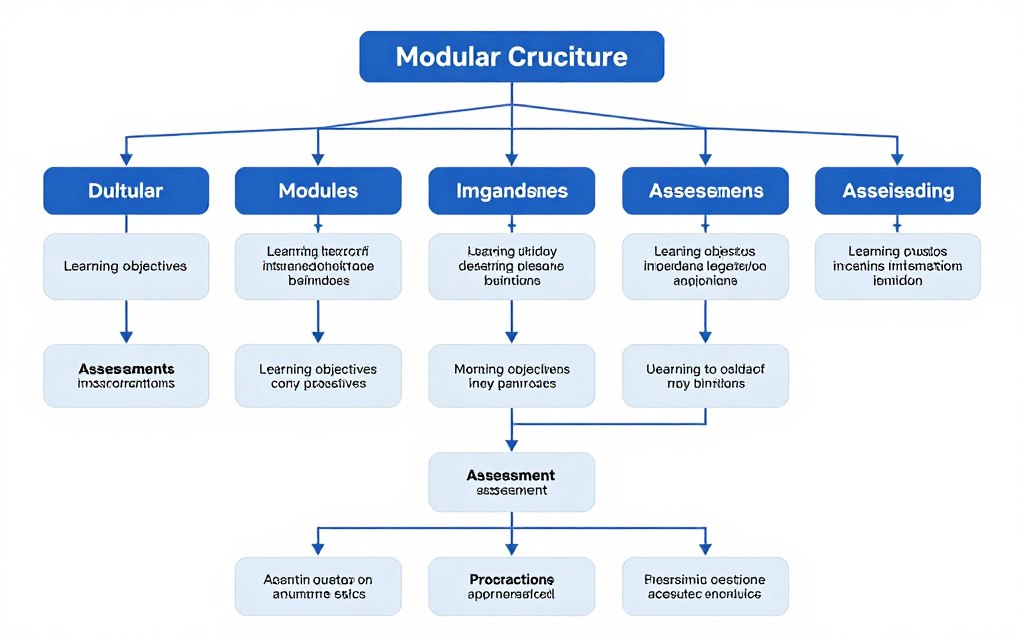
Include various content types for different learning styles. Mix video, text, images, and interactive elements. Add quizzes to reinforce learning. Provide downloadable resources and templates. Variety maintains engagement and improves retention.
Pricing Educational Content
Several pricing models work for online courses. One-time purchases provide lifetime access. Subscription models generate recurring revenue. Tiered pricing offers different access levels or support options.
Price based on value delivered rather than hours of content. Transformation and results justify premium pricing. Consider your target market’s ability to pay. Free courses build audiences while paid courses generate revenue.
Test different price points to find optimal balance. Higher prices sometimes increase perceived value. Lower prices expand accessibility. Consider offering payment plans for expensive courses. Early-bird discounts encourage quick enrollment decisions.
News and Magazine-Style Websites
News websites deliver timely information and commentary. Magazine sites provide deeper analysis and feature content. Both formats build audiences through regular publishing and engaging journalism.
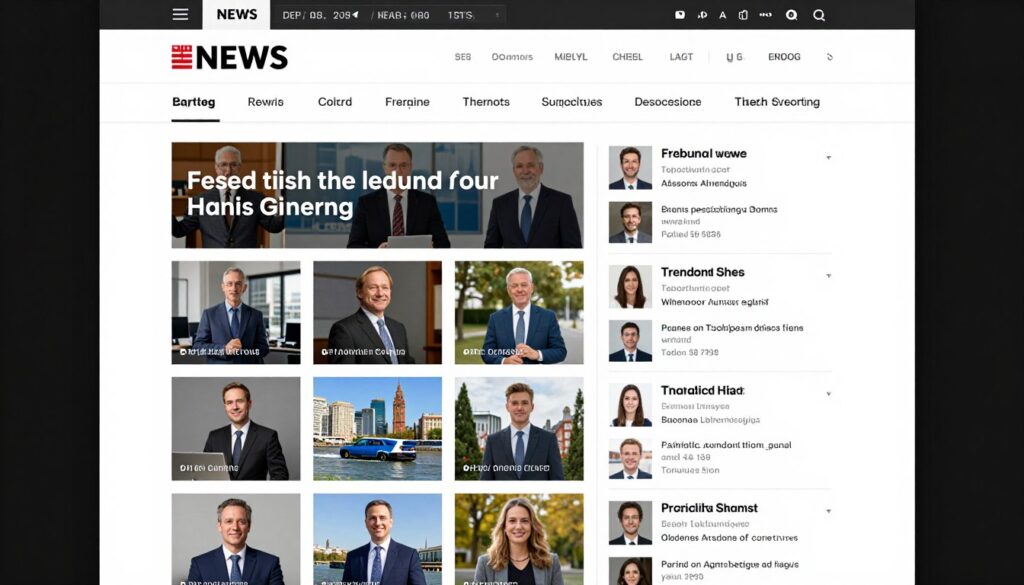
Your news site becomes an authority in your niche. Regular updates keep readers returning frequently. Advertising revenue, sponsorships, or subscriptions monetize audience attention. Quality journalism builds loyal readership over time.
News Website Essential Features
News sites require specific functionality to deliver information effectively. Your platform must handle frequent updates and high traffic volume. Organization systems help readers find relevant content quickly.
- Article categorization and tagging system
- Search functionality for archive navigation
- Author profile pages with bios
- Social sharing buttons for distribution
- Comment sections for reader engagement
- Newsletter signup for email subscribers
- Mobile-optimized reading experience
- Ad placement zones for monetization
Content Strategy for News Sites
Successful news sites publish consistently. Establish realistic publishing schedules you can maintain. Daily updates work for some topics while weekly suffices for others. Consistency matters more than frequency.
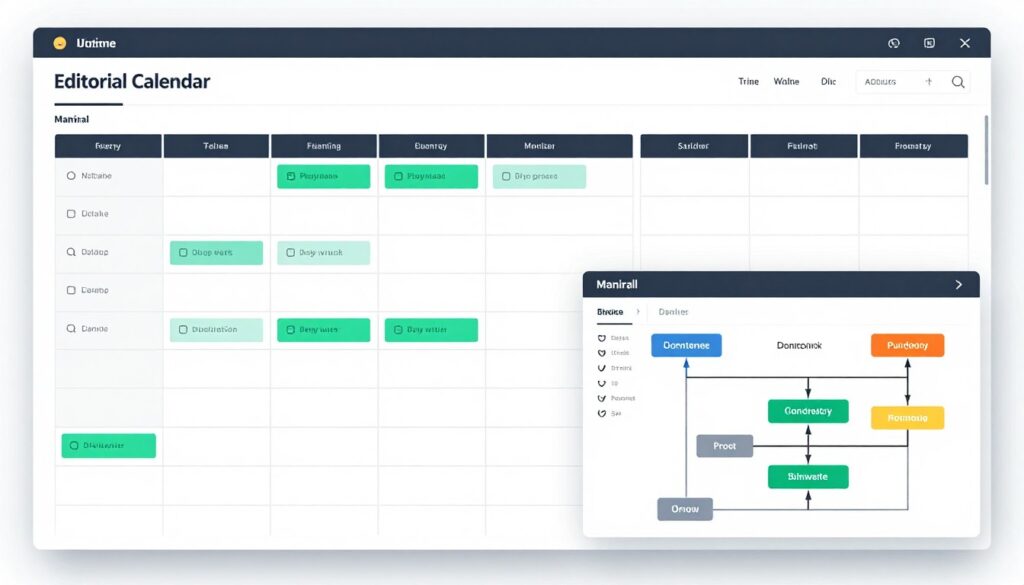
Develop diverse content types. Breaking news provides immediate value. Analysis pieces offer deeper understanding. Opinion columns spark discussion. Interviews add personal perspectives. Mix formats to serve different reader preferences.
Build an editorial team for larger operations. Assign writers, editors, and fact-checkers. Clear roles maintain quality standards. Editorial calendars coordinate publishing schedules. Regular meetings align team efforts.
Monetizing News Content
Multiple revenue streams support news operations. Display advertising generates income from page views. Sponsored content provides another income source when clearly labeled. Affiliate links earn commissions on product recommendations.
Subscription models work for premium journalism. Offer free articles with paywalls for deeper content. Member-only newsletters add subscription value. Exclusive analysis justifies membership fees.
Events and conferences extend brand offline. Industry readers attend networking events. Ticket sales and sponsorships create additional revenue. Live events deepen community connections beyond digital publishing.
Real Success: How Mumbai Startup Grew Revenue 300% with Strategic Website
Discover how a small consulting firm transformed their business through a professional website redesign. Within six months, they tripled client inquiries and doubled their average project value.
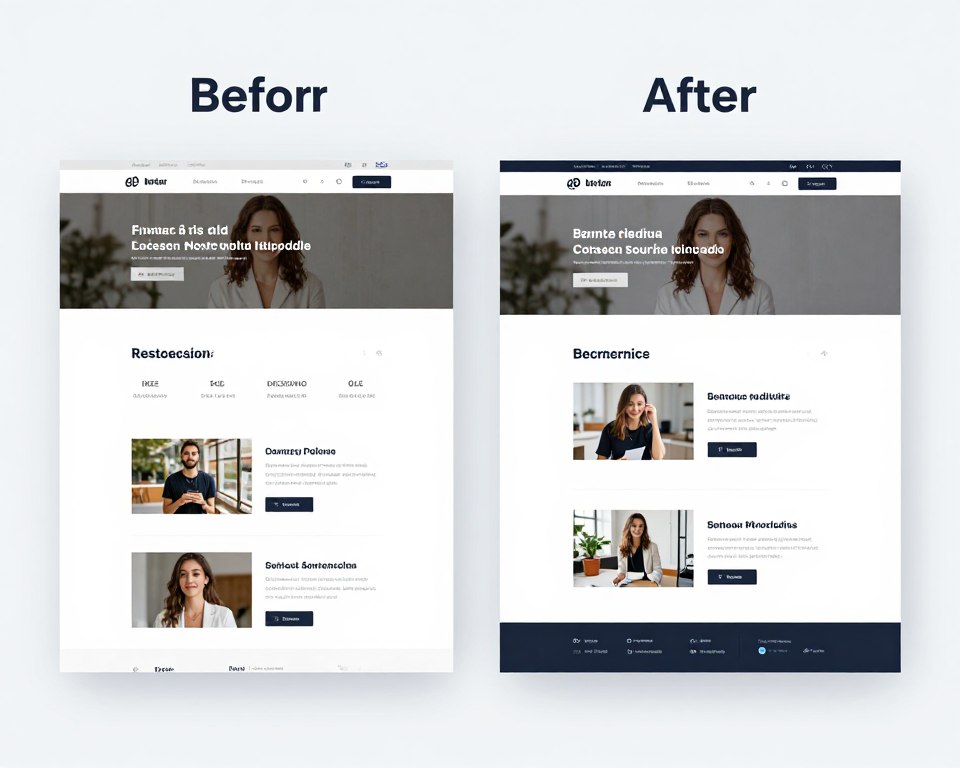
The Challenge
TechConsult Mumbai struggled with an outdated website that failed to convert visitors. Their DIY site looked unprofessional and confused potential clients about their services.
The Solution
Complete website redesign focusing on clear value proposition, professional portfolio showcase, and streamlined contact process. Strategic SEO brought qualified traffic.
The Results
- 300% increase in qualified lead inquiries
- Average project value doubled from ₹50,000 to ₹1,00,000
- Organic search traffic up 450%
- Professional credibility that attracts enterprise clients
- Reduced sales cycle by 40% through clear information
“Our new website transformed how clients perceive us. We now compete for projects we couldn’t even pitch before. The investment paid for itself within two months.”
Ready to achieve similar results for your business? Our proven process has helped over 200 Indian companies transform their online presence.
Restaurant and Food Service Websites
Restaurant websites attract diners and streamline operations. These sites showcase menus, enable reservations, and build brand identity. Food photography tempts visitors while practical information facilitates dining decisions.
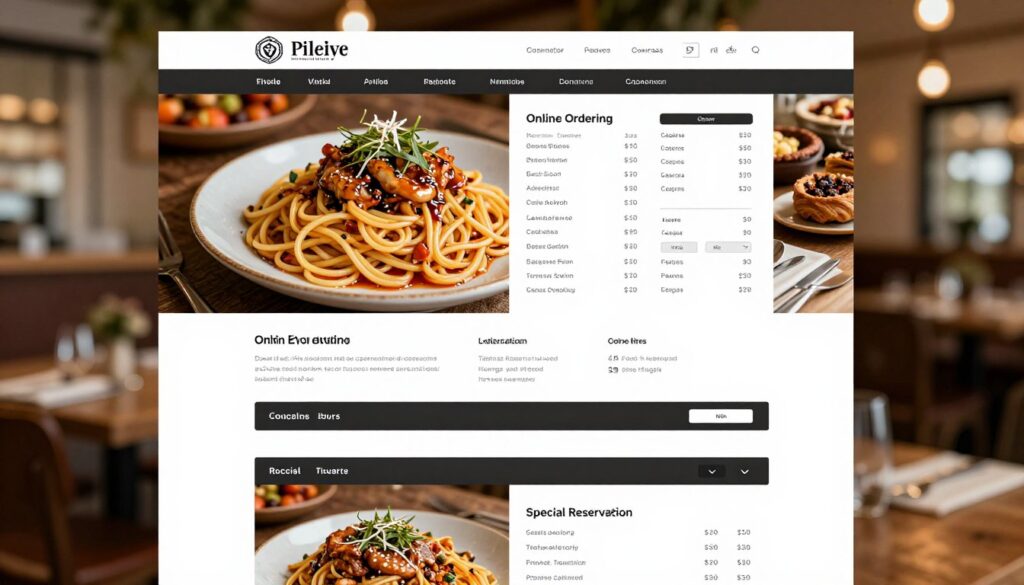
Your restaurant website works like a digital menu board. Customers browse offerings before visiting or ordering. Online reservations reduce phone calls and no-shows. Delivery integration expands revenue beyond dine-in service. Social proof through reviews builds trust with new customers.
Critical Features for Restaurant Sites
Restaurant websites must deliver specific information quickly. Hungry customers want answers fast. Mobile optimization matters critically since many people search for restaurants on smartphones.
Menu Display
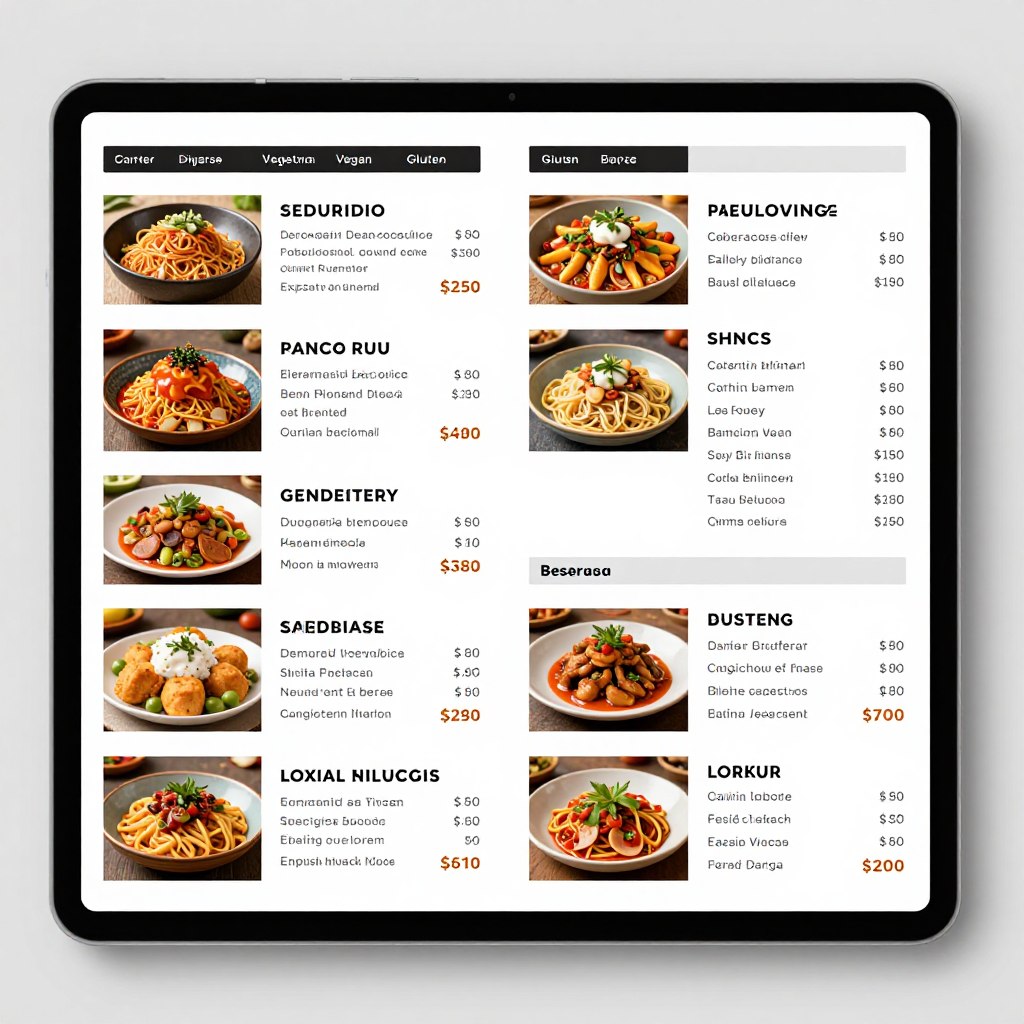
Digital menus showcase your offerings attractively. Include descriptions, prices, and dietary information. Update easily for seasonal changes or special offerings.
- High-quality food photography
- Detailed dish descriptions
- Clear pricing in Indian rupees
- Dietary restriction indicators
Online Ordering
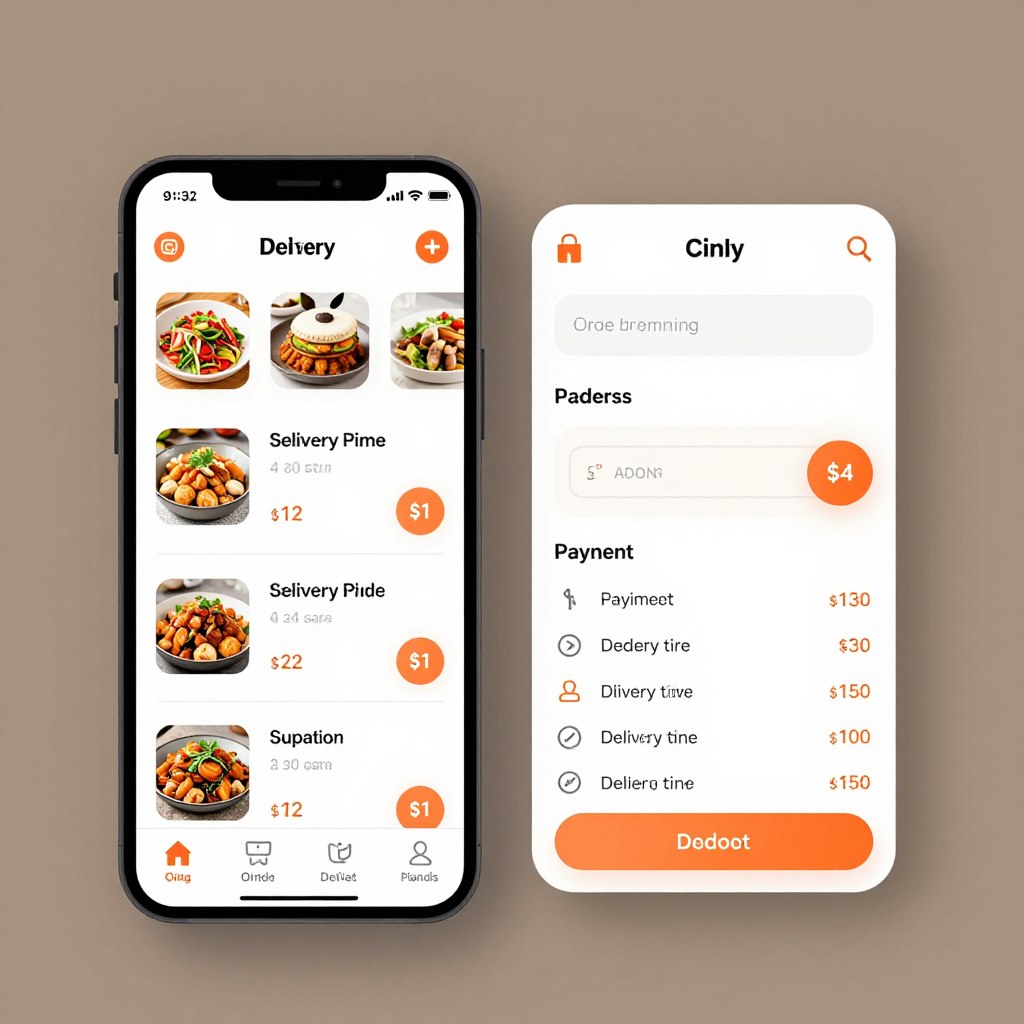
Integrated ordering systems capture additional revenue. Customers order delivery or pickup directly through your site without third-party fees.
- Shopping cart for order building
- Delivery or pickup selection
- Payment processing integration
- Order tracking for customers
Table Reservations
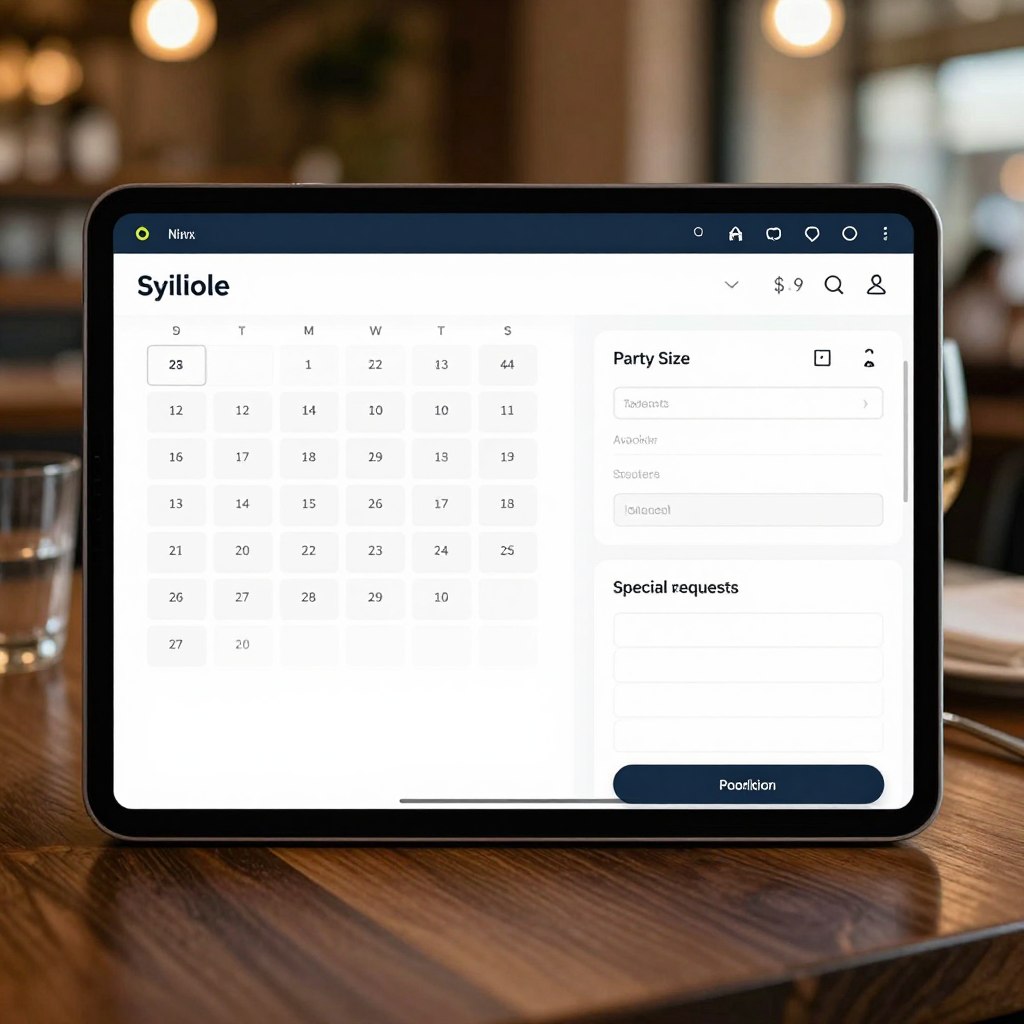
Reservation systems fill tables and reduce no-shows. Automated confirmations and reminders improve attendance. Manage capacity efficiently.
- Real-time table availability
- Party size and time selection
- Confirmation and reminder emails
- Special occasion notation
Location Details
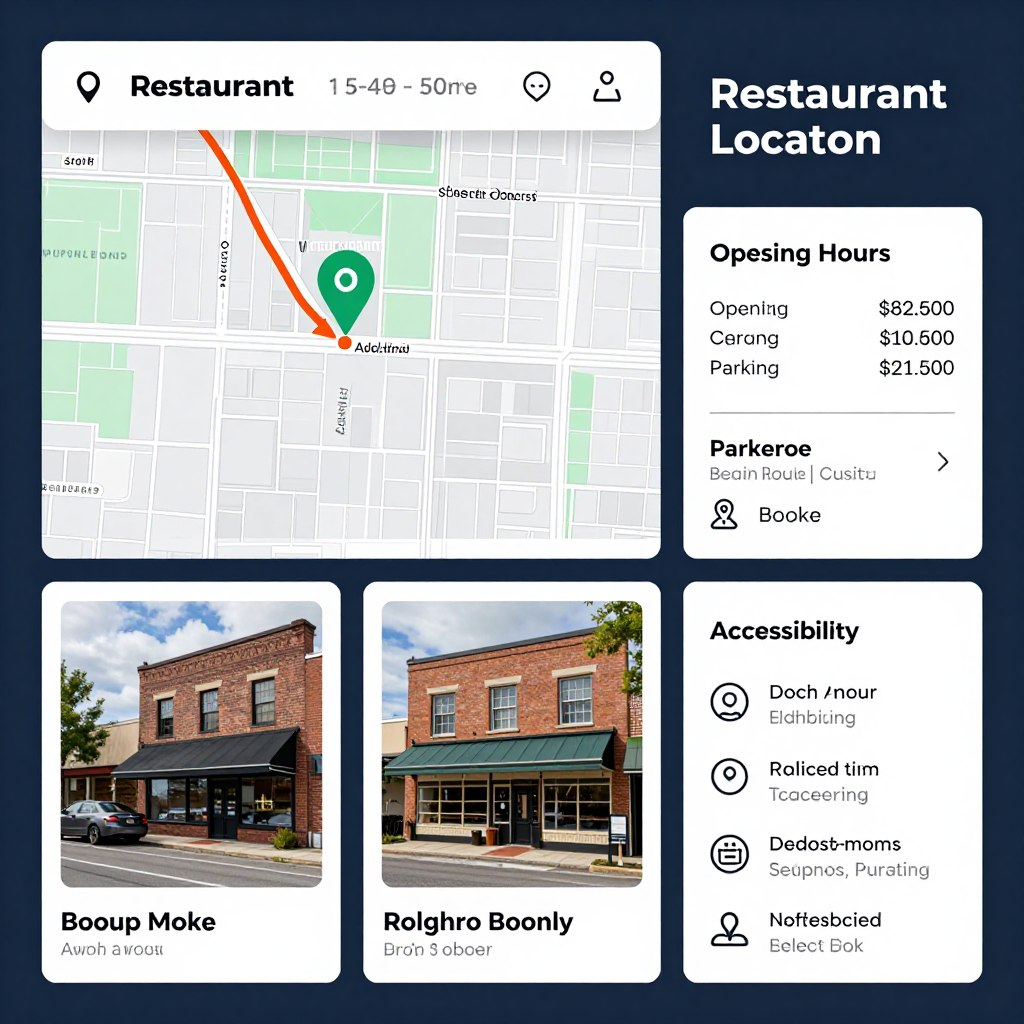
Essential location information helps customers find you. Include maps, directions, parking details, and operating hours prominently.
- Embedded interactive maps
- Complete address and directions
- Phone number click-to-call
- Operating hours clearly displayed
Reviews Integration
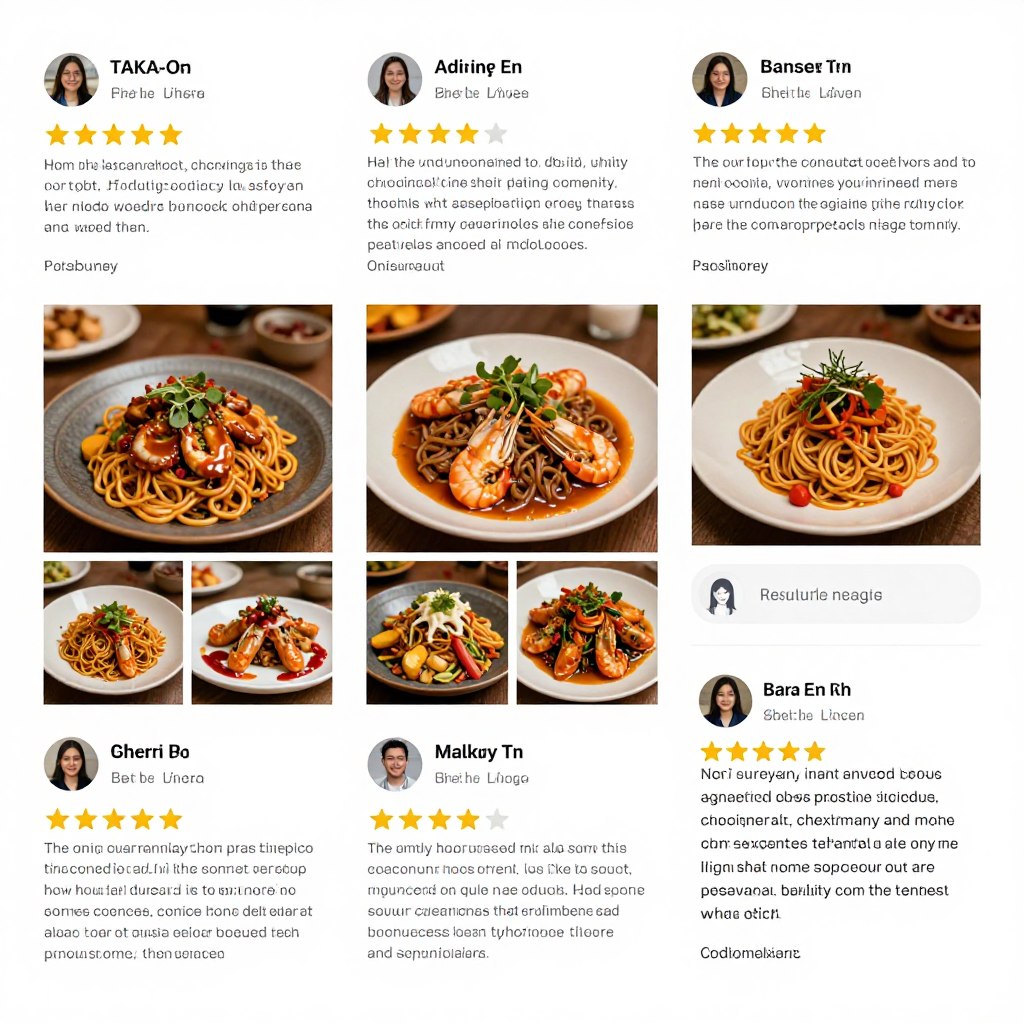
Customer reviews build credibility. Display ratings and testimonials prominently. Encourage satisfied diners to share experiences.
- Star ratings and averages
- Customer testimonials
- Review platform integration
- Photo submissions from diners
Special Events
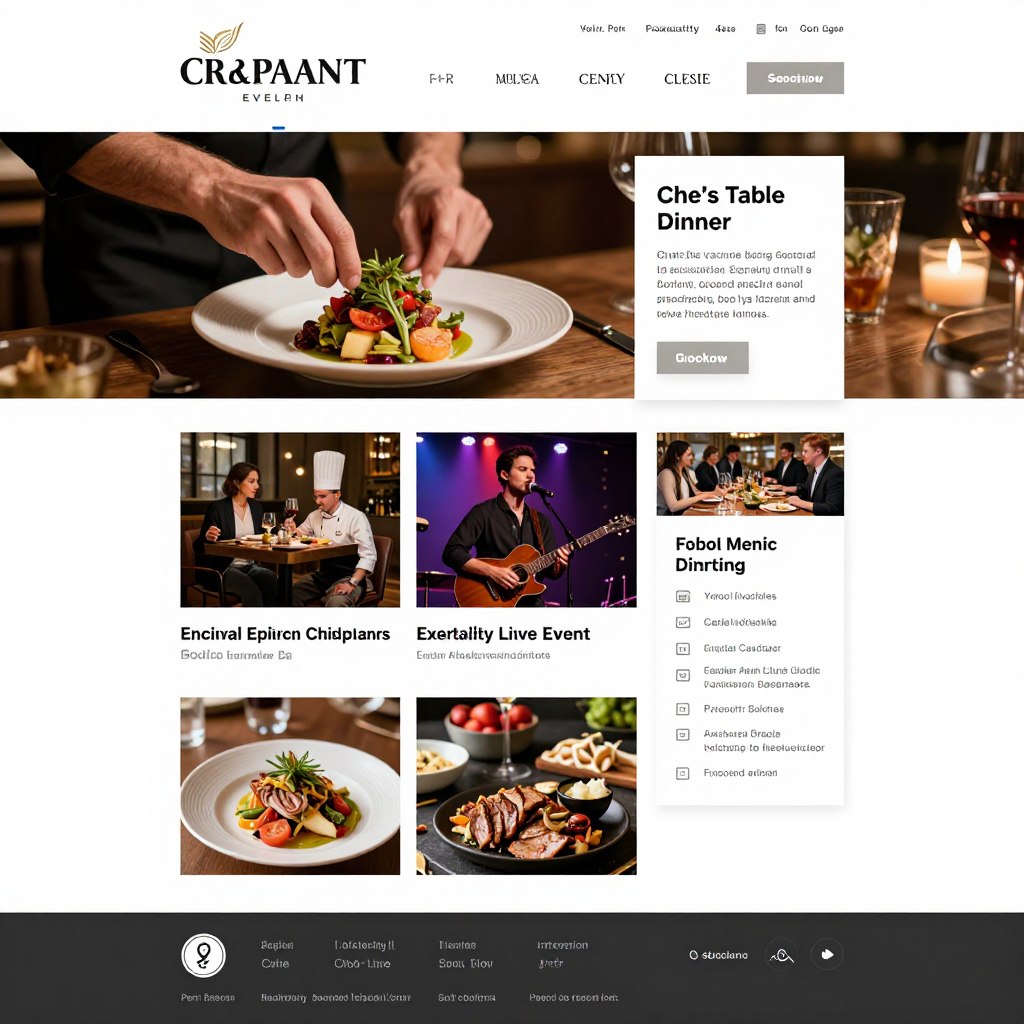
Promote special events, seasonal menus, and offers. Drive traffic during slow periods. Build excitement around unique dining experiences.
- Event calendar and announcements
- Special menu previews
- Private dining information
- Catering services promotion
Food Photography Best Practices
Professional food photography dramatically impacts restaurant websites. Appetizing images trigger cravings and influence ordering decisions. Invest in professional photography or learn proper food styling and lighting techniques.
Natural lighting produces most appealing food images. Photograph during daylight near windows. Use simple, clean backgrounds that don’t distract from food. Style dishes as served to customers, maintaining authenticity.
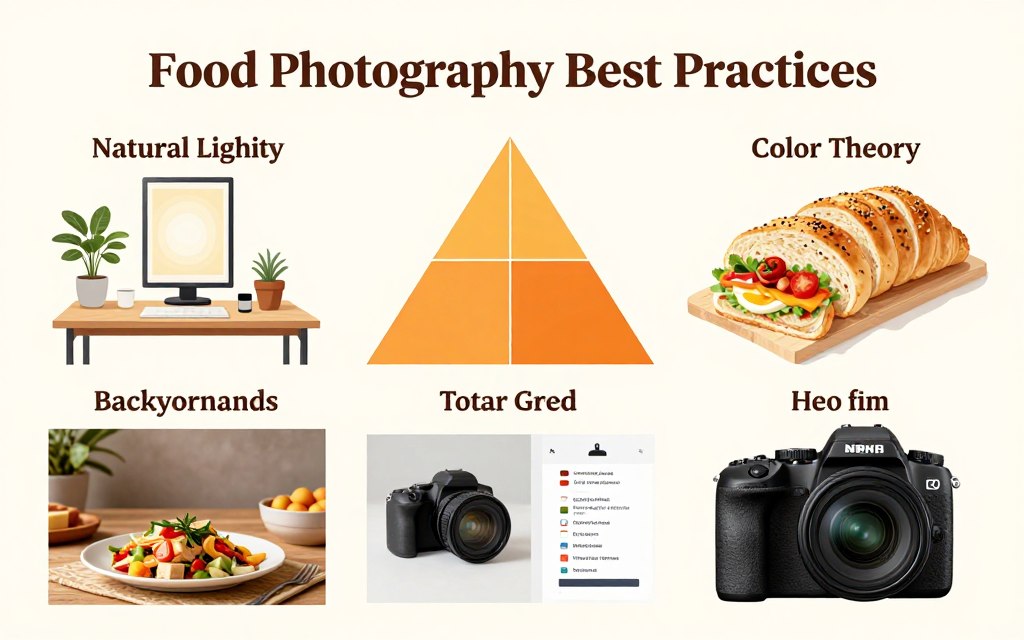
Capture multiple angles of signature dishes. Overhead shots work well for flat presentations. Close-ups highlight textures and details. Include context shots showing full table settings for ambiance. Update photos seasonally as menus change.
Nonprofit and Community Organization Websites
Nonprofit websites advance organizational missions online. These platforms recruit volunteers, accept donations, and spread awareness. Effective nonprofit sites inspire action through compelling storytelling and clear calls-to-action.
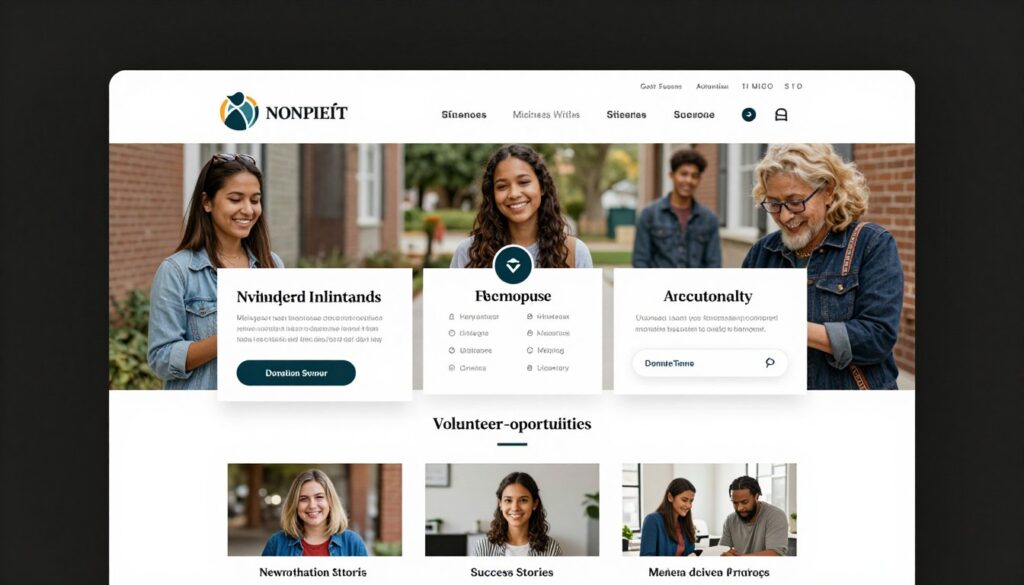
Your nonprofit website communicates impact and urgency. Stories of people helped create emotional connections. Transparency about fund usage builds donor trust. Easy donation processes remove friction from giving. Volunteer signup forms channel supporter energy into action.
Essential Nonprofit Website Elements
Nonprofit sites must balance inspiration with information. Your platform should move visitors emotionally while providing practical ways to help. Every element should support your mission and facilitate engagement.
Mission Communication
Clearly articulate your organization’s purpose and impact. Help visitors understand problems you solve and communities you serve.
- Compelling mission statement
- Visual impact statistics
- Beneficiary success stories
- Problem and solution explanation
Donation System
Streamlined giving processes maximize donations. Make contributing simple and secure across all devices and payment methods.
- One-time and recurring donation options
- Multiple payment method support
- Suggested donation amounts
- Tax receipt automation
Volunteer Portal
Recruit and manage volunteers through dedicated systems. Post opportunities and collect applications efficiently.
- Volunteer opportunity listings
- Application and signup forms
- Skills and availability matching
- Volunteer hour tracking
Transparency Pages
Build trust through financial transparency and impact reporting. Show donors exactly how contributions make differences.
- Annual reports and financials
- Program outcome metrics
- Fund allocation breakdowns
- Leadership and board information
Storytelling for Nonprofit Impact
Powerful stories inspire action more than statistics alone. Share individual beneficiary journeys. Use first-person narratives when possible. Include photos and videos that humanize your cause.
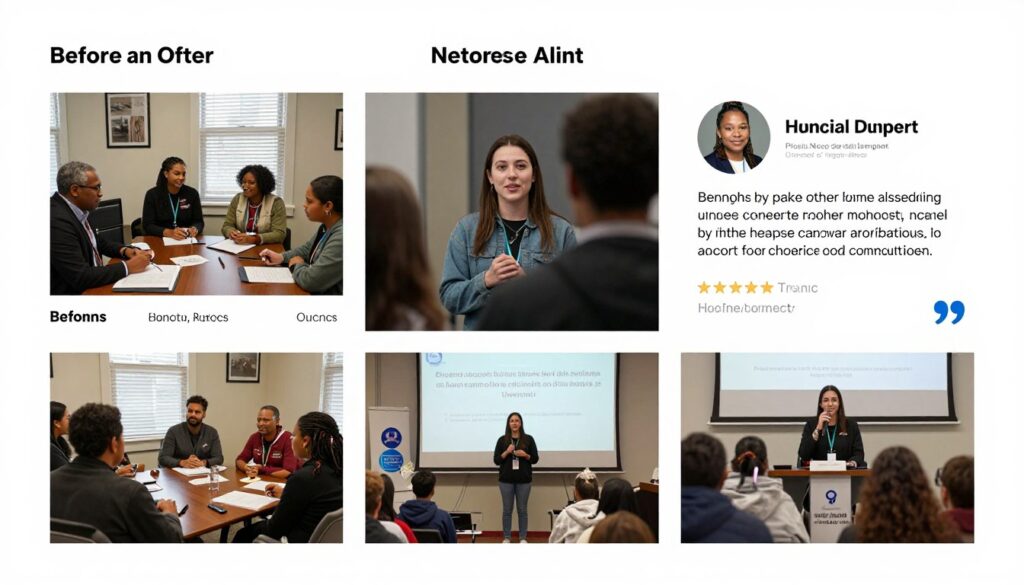
Structure stories with clear arcs. Describe the challenge faced, intervention provided, and transformation achieved. Specific details create authenticity. Quantify impact where possible while maintaining human focus.
Update stories regularly with fresh content. Feature different programs and beneficiaries. Variety keeps content engaging for repeat visitors. New stories demonstrate ongoing impact and justify continued support.
Optimizing Donation Conversions
Donation forms require careful optimization. Suggested amounts guide giving levels. Monthly recurring options increase lifetime donor value. Guest checkout removes barriers for first-time givers.
Explain exactly how donations help. Specific impact descriptions motivate larger gifts. For example: “₹500 provides school supplies for one child” or “₹2,000 feeds a family for one month.” Concrete outcomes justify contributions.
Thank donors immediately and meaningfully. Automated confirmation emails acknowledge gifts. Personal follow-up communications deepen relationships. Share impact updates showing how contributions made differences. Gratitude increases repeat donations.
Personal Brand and Professional Websites
Personal brand websites establish individual professional identities. These sites work for authors, speakers, consultants, and thought leaders. Your personal site showcases expertise while building credibility and attracting opportunities.
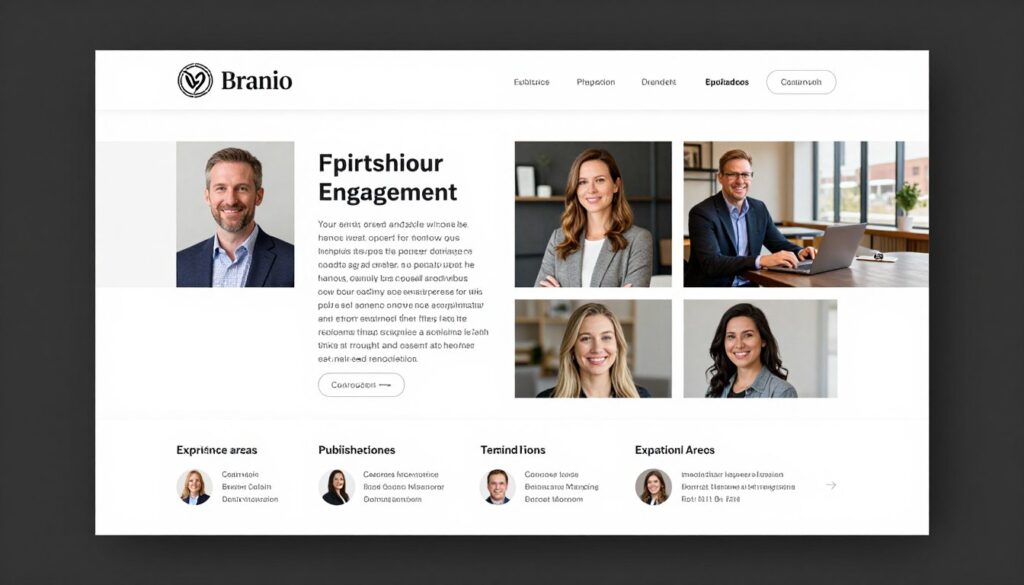
Your personal website functions as your digital business card. It introduces you to prospects, clients, and collaborators. Speaking engagements, media features, and published work demonstrate authority. Contact information makes networking effortless.
Building Your Personal Brand Online
Effective personal websites balance professionalism with personality. Show both expertise and authenticity. Let your unique voice and perspective shine through content and design choices.
Professional Positioning
Clearly communicate what you do and whom you serve. Your positioning should differentiate you from others in your field.
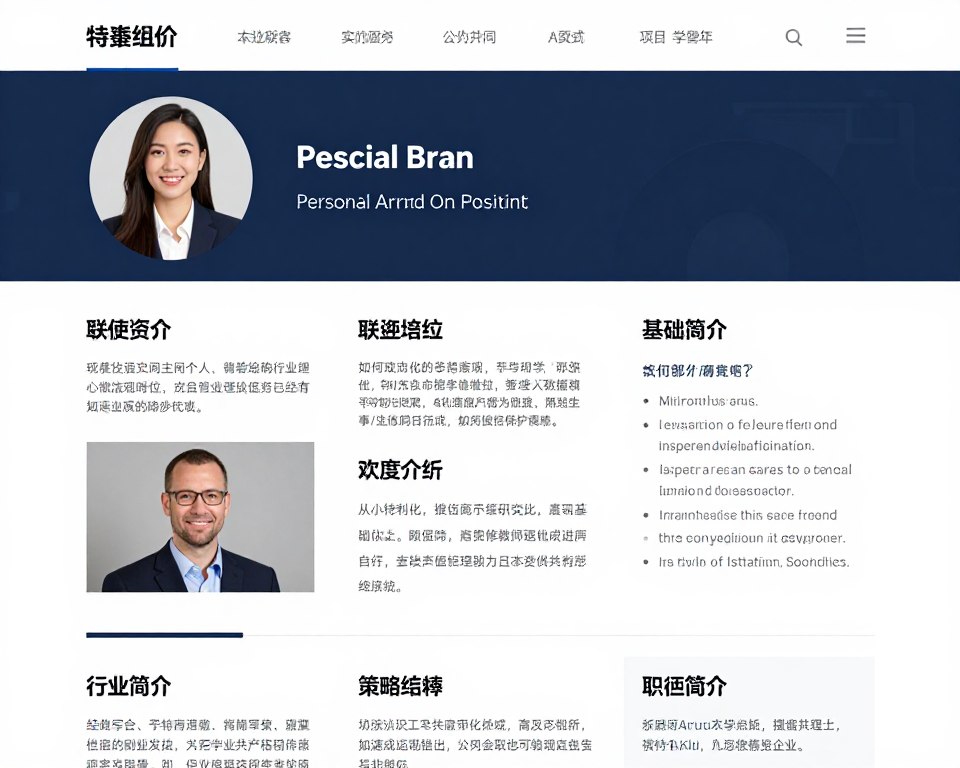
- Clear tagline or positioning statement
- Specific expertise areas highlighted
- Target audience identification
- Unique value proposition
Credibility Indicators
Demonstrate authority through credentials, achievements, and social proof. Build trust with visitors quickly.

- Education and certifications
- Published articles or books
- Speaking engagements and media
- Client testimonials and results
Thought Leadership Content
Regular content demonstrates expertise and keeps site fresh. Blog posts, videos, or podcasts showcase knowledge.
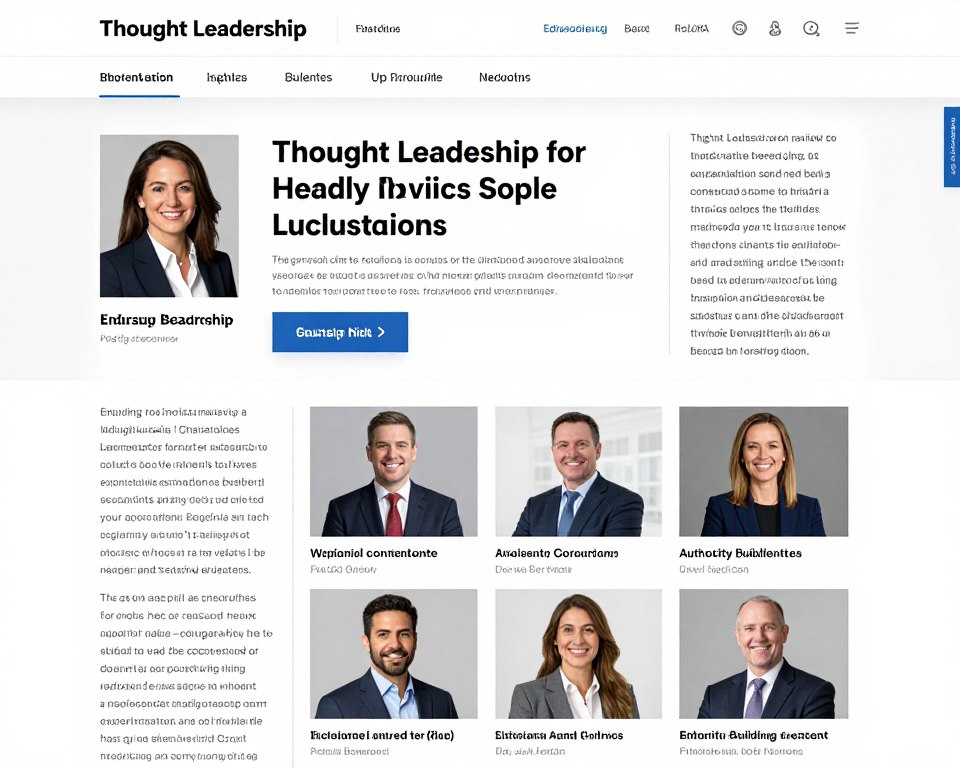
- Blog with industry insights
- Video content or webinars
- Podcast or audio content
- Newsletter or email updates
Engagement Opportunities
Provide multiple ways for people to connect. Different audiences prefer different contact methods.
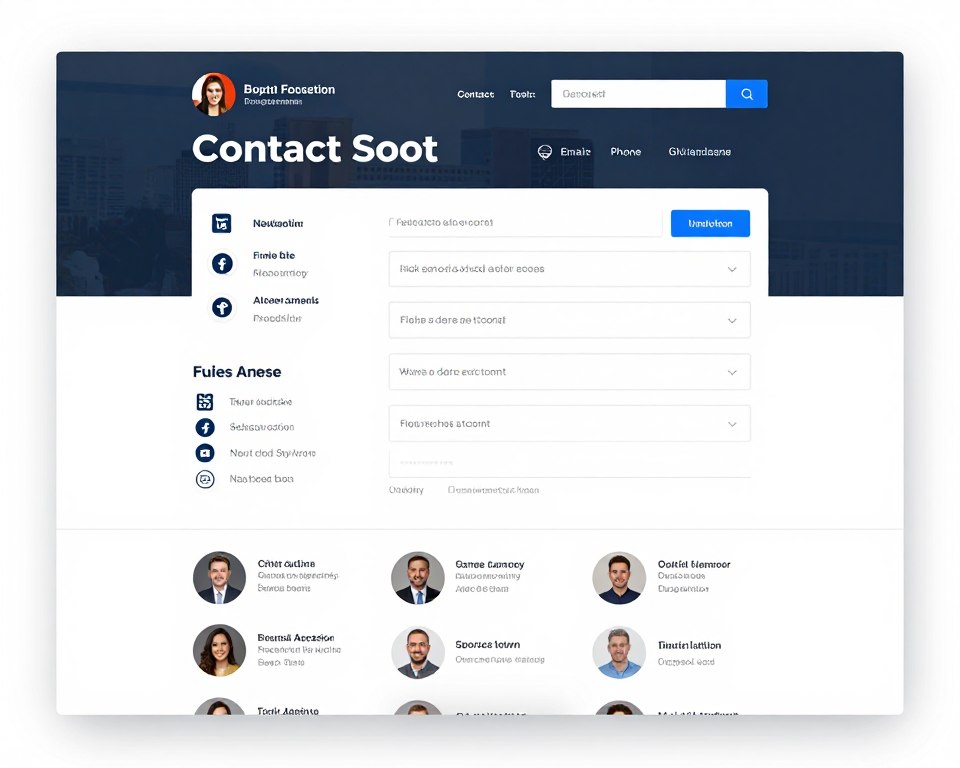
- Contact forms for inquiries
- Speaking engagement requests
- Consultation booking options
- Social media profile links
Content Strategy for Personal Brands
Consistent content publishing builds your reputation over time. Choose topics aligned with your expertise and audience interests. Share original perspectives rather than regurgitating common knowledge.
Mix content formats to appeal to different preferences. Written articles work for some topics. Videos connect personally. Infographics present data visually. Podcasts reach audiences during commutes. Experiment to find what resonates with your audience.
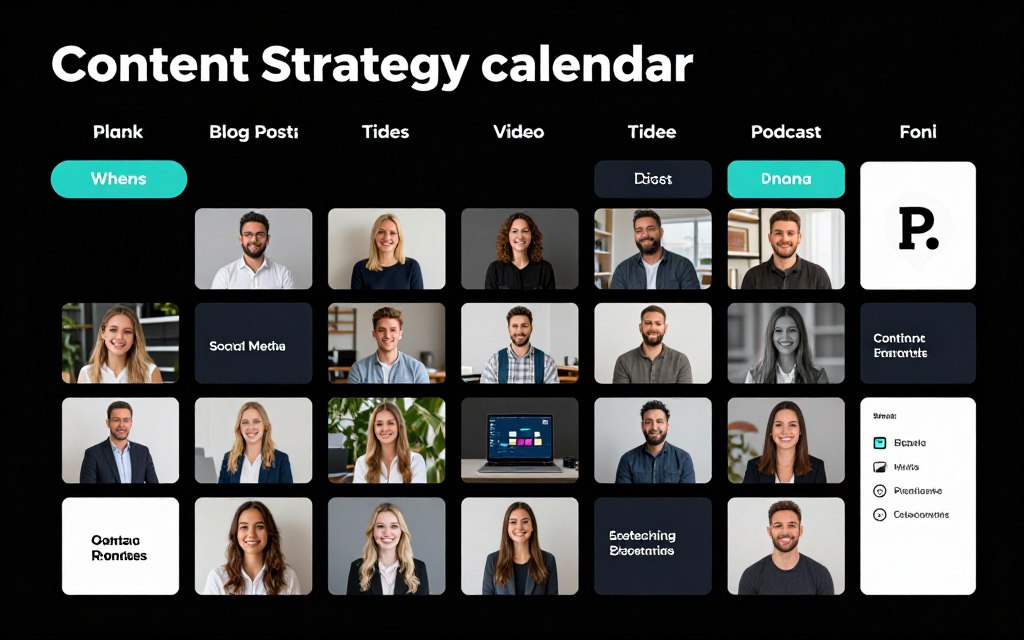
Repurpose content across platforms. Transform blog posts into LinkedIn articles. Create social media snippets from longer content. Convert video content into podcast audio. One core idea can fuel multiple pieces.
Emerging Web Design Trends for 2026
Web design continuously evolves with technology and user preferences. Understanding emerging trends helps your site feel current and competitive. The best website ideas for business incorporate these forward-thinking elements.
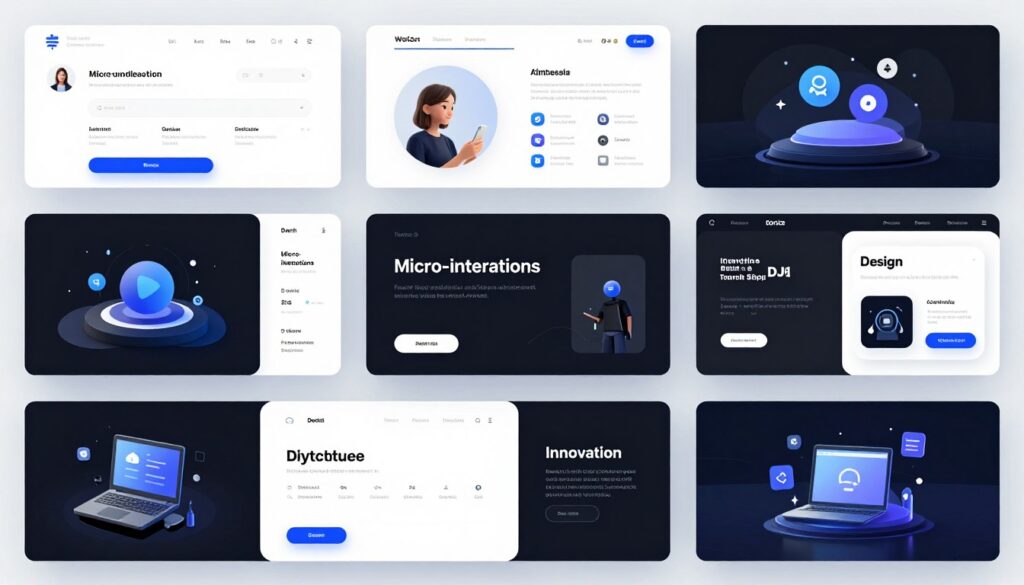
Design trends reflect changing user expectations and technical capabilities. Mobile-first thinking dominates. Speed and performance matter more than ever. Accessibility becomes standard rather than optional. Your website design must balance innovation with usability.
Key Design Trends Shaping 2026
Several major trends influence modern web design. These approaches improve user experience while creating distinctive visual identities. Consider which trends align with your brand and audience.
AI-Powered Personalization
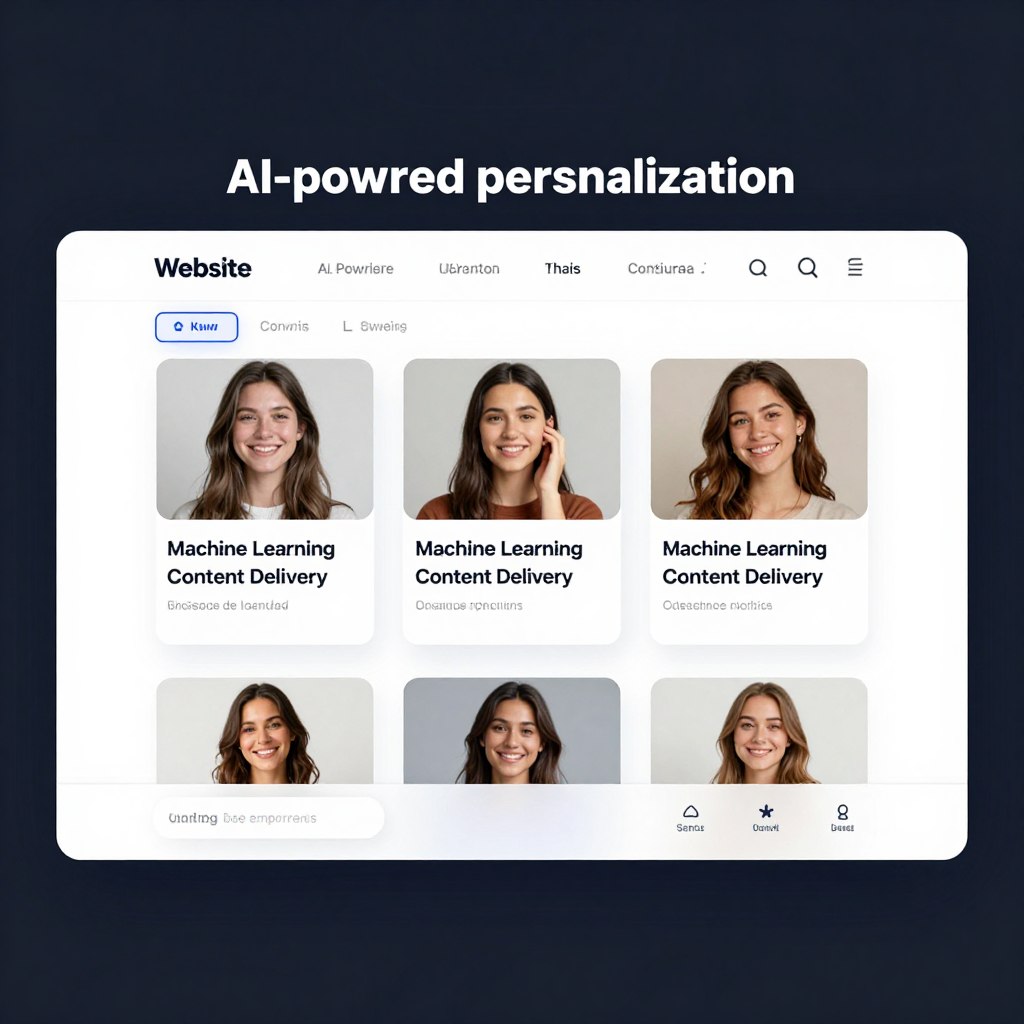
Artificial intelligence customizes content for individual visitors. Sites adapt based on behavior, preferences, and demographics. Personalized experiences increase engagement and conversions significantly.
Voice Search Optimization
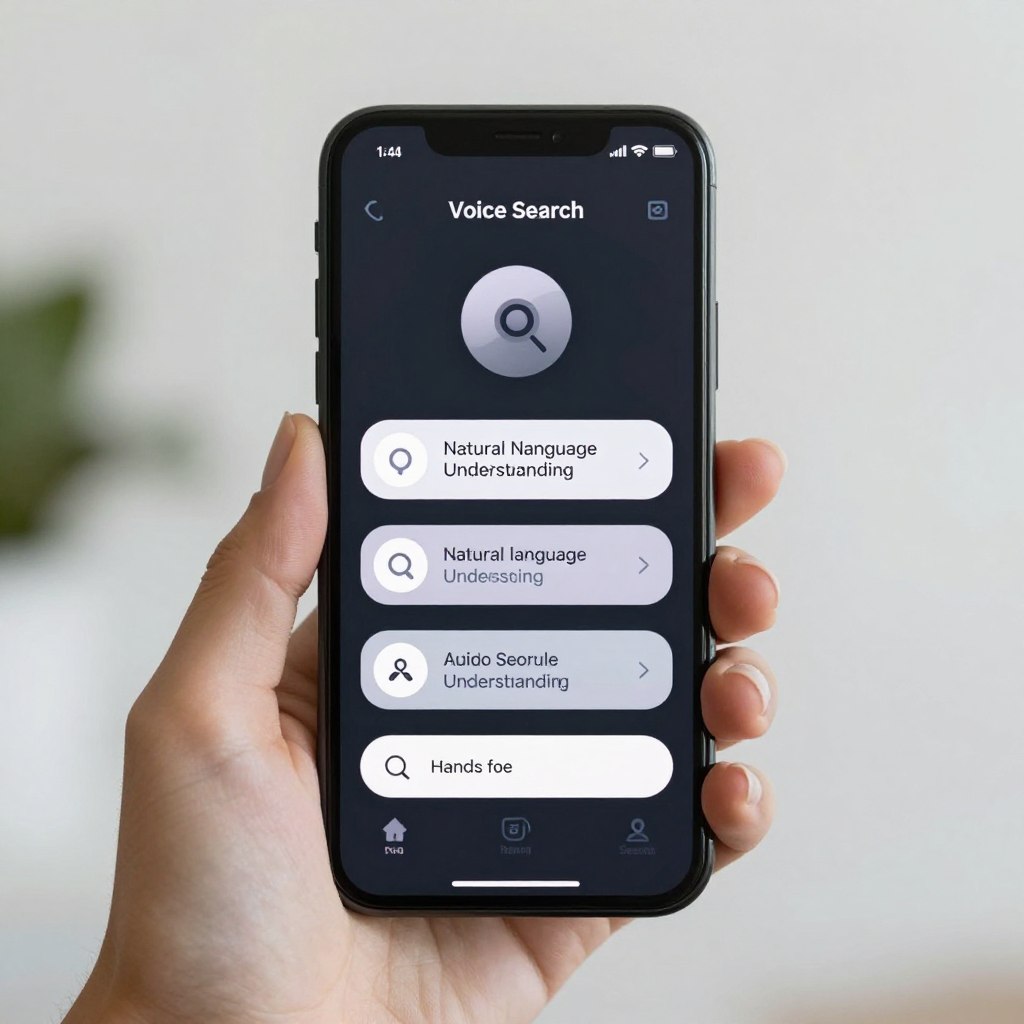
Voice-activated browsing grows rapidly. Optimize content for conversational queries. Natural language processing enables voice navigation. Consider voice commands for key site functions.
Immersive 3D Elements

Three-dimensional graphics create engaging experiences. Product visualizations let customers explore items. 3D animations add depth without compromising load times. WebGL makes 3D accessible.
Micro-Interactions
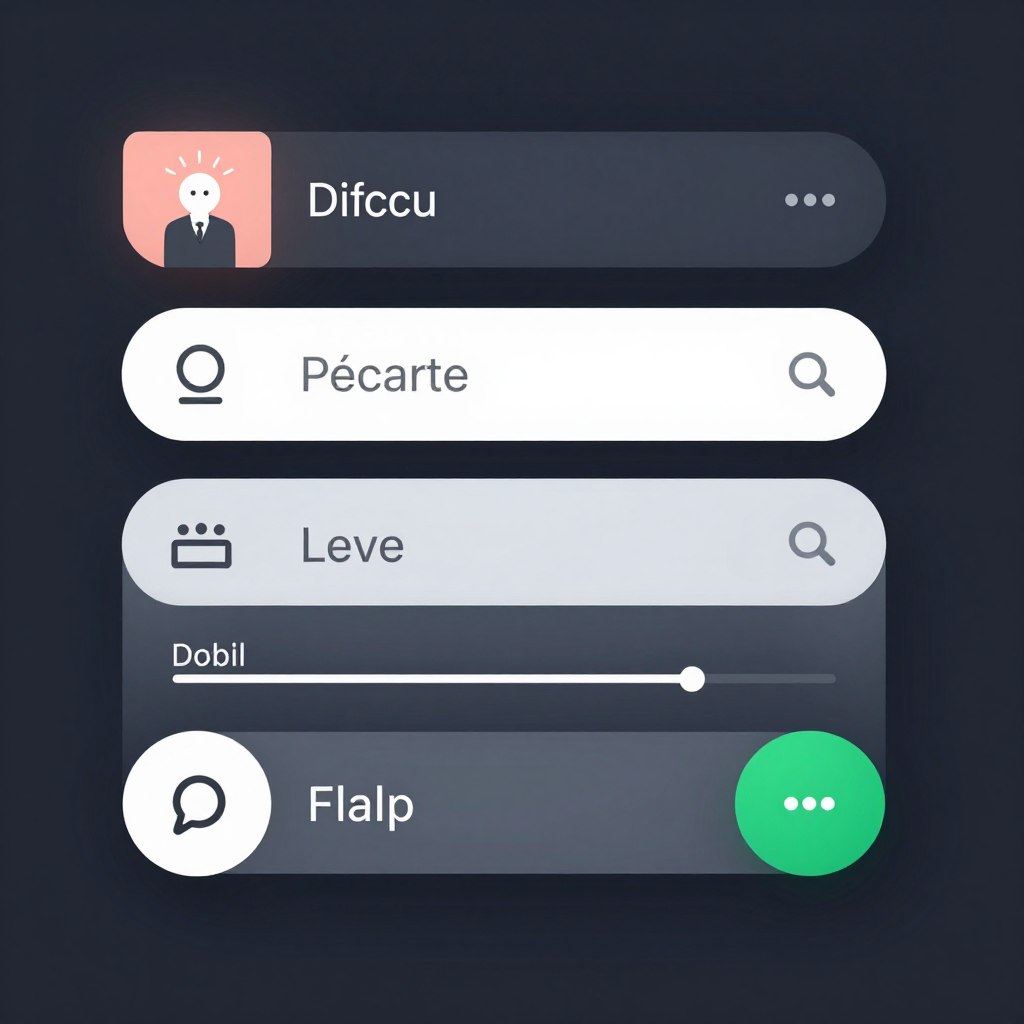
Small animations provide feedback and delight. Button hovers, form validations, and loading indicators improve experience. Subtle movements guide attention and confirm actions.
Dark Mode Design
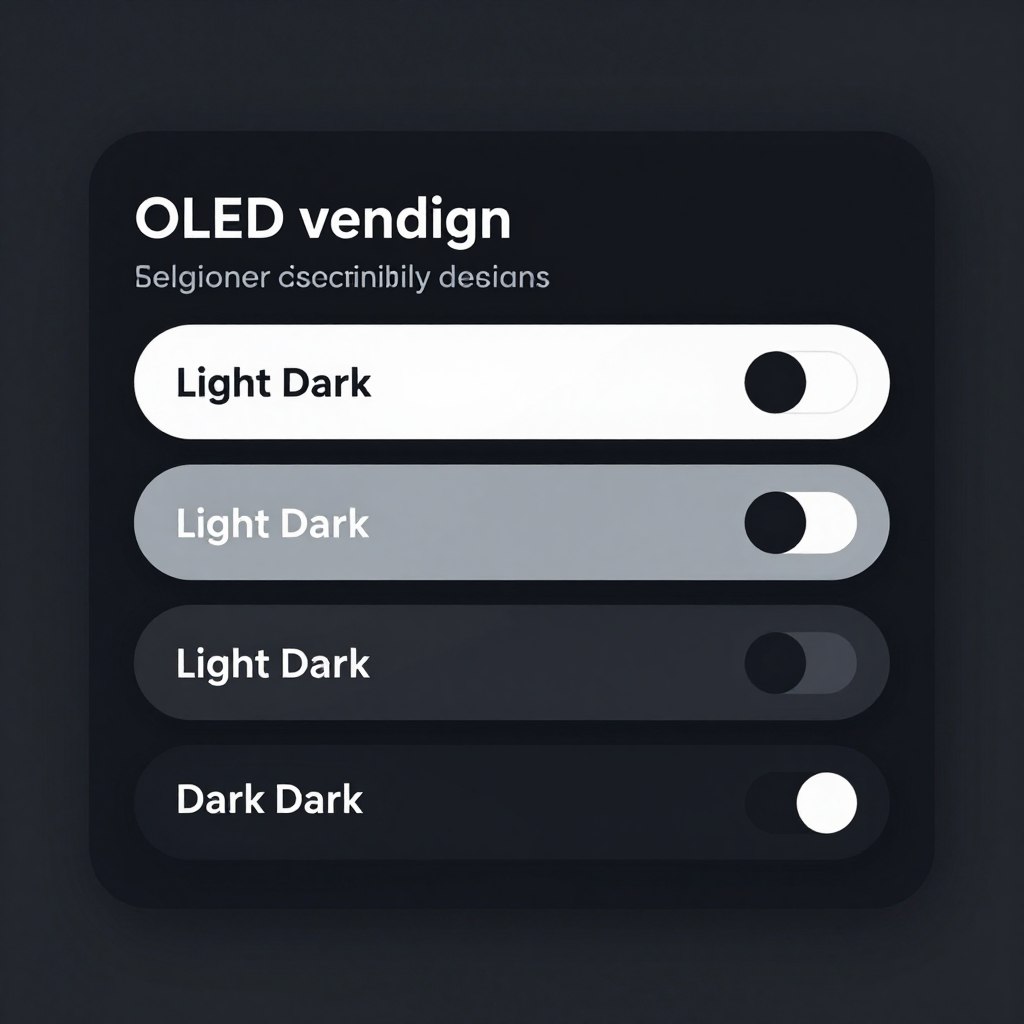
Dark color schemes reduce eye strain. Battery savings benefit mobile users. Toggle options let visitors choose preferences. Design for both light and dark modes from start.
Sustainable Web Design
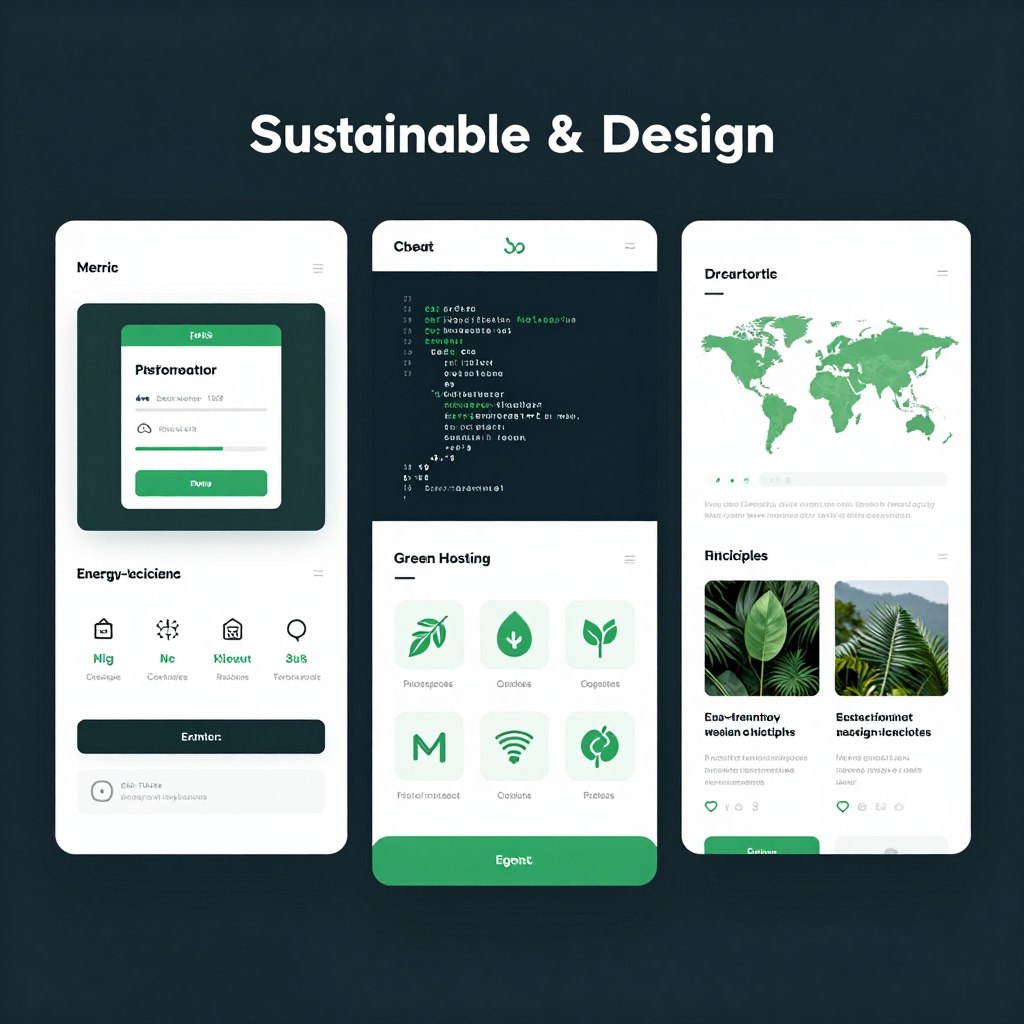
Eco-conscious design minimizes environmental impact. Optimize images and code for efficiency. Green hosting reduces carbon footprint. Faster sites use less energy.
Balancing Trends with Timelessness
Not every trend suits every business. Evaluate trends through your brand lens. Some innovations genuinely improve functionality. Others offer novelty without substance.
Prioritize user experience over trendiness. Flashy effects that slow loading hurt more than help. Ensure innovations serve real purposes. Test with actual users before fully implementing new approaches.
Maintain core design principles regardless of trends. Clear navigation remains essential. Readable typography matters always. Fast loading never goes out of style. Build on solid foundations before adding trendy flourishes.
Mobile-First and Responsive Design Principles
Mobile devices generate majority of web traffic worldwide. Your website must perform excellently on smartphones and tablets. Responsive design adapts layouts automatically across screen sizes.
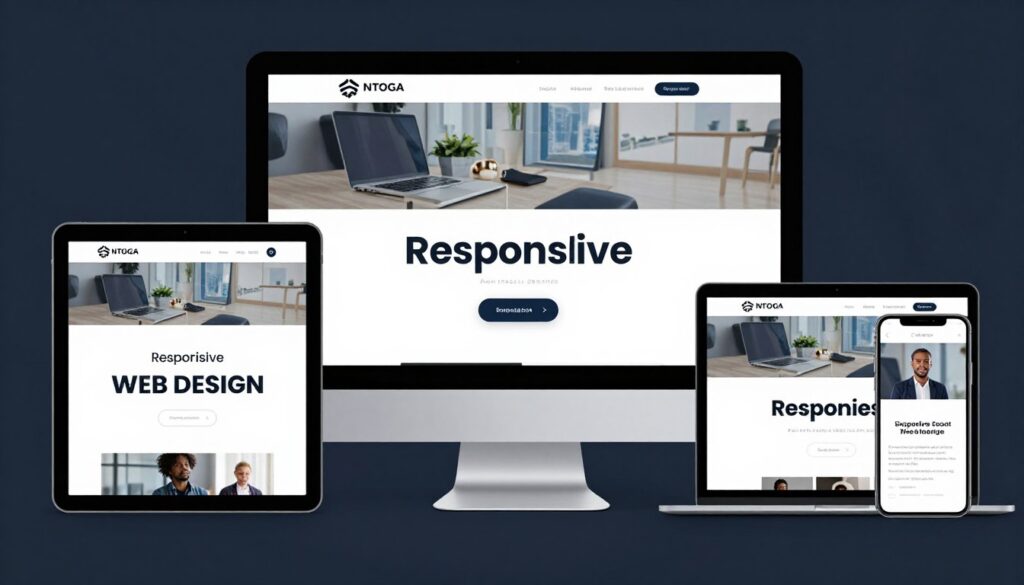
Mobile-first thinking prioritizes smartphone experience. Design for small screens first, then enhance for larger displays. This approach ensures core functionality works everywhere. Progressive enhancement adds features as screen space allows.
Essential Mobile Optimization Strategies
Mobile optimization requires specific attention to detail. Small screens demand simplified navigation and concise content. Touch interfaces need larger tap targets than mouse cursors require.
Touch-Friendly Interface
Design for fingers rather than mouse pointers. Larger buttons and spacing prevent accidental clicks on crowded mobile screens.
- Minimum 44×44 pixel touch targets
- Adequate spacing between clickable elements
- Simplified navigation for small screens
- Hamburger menus for complex site structures
Performance Optimization
Mobile connections often run slower than desktop. Optimize aggressively for speed on cellular networks and budget devices.
- Compressed images for fast loading
- Minimal use of heavy scripts
- Lazy loading for below-fold content
- Browser caching for repeat visits
Content Prioritization
Limited screen space requires careful content hierarchy. Show most important information first on mobile layouts.
- Critical content above the fold
- Shorter paragraphs for mobile reading
- Collapsible sections for long content
- Strategic image sizing and placement
Form Simplification
Mobile form completion proves challenging. Minimize fields and optimize input types for smartphone keyboards.
- Request only essential information
- Appropriate keyboard types for fields
- Autofill support for faster completion
- Large, thumb-friendly submit buttons
Testing Across Devices
Test your site on actual mobile devices regularly. Emulators help but real devices reveal true experience. Check various screen sizes, operating systems, and browsers.
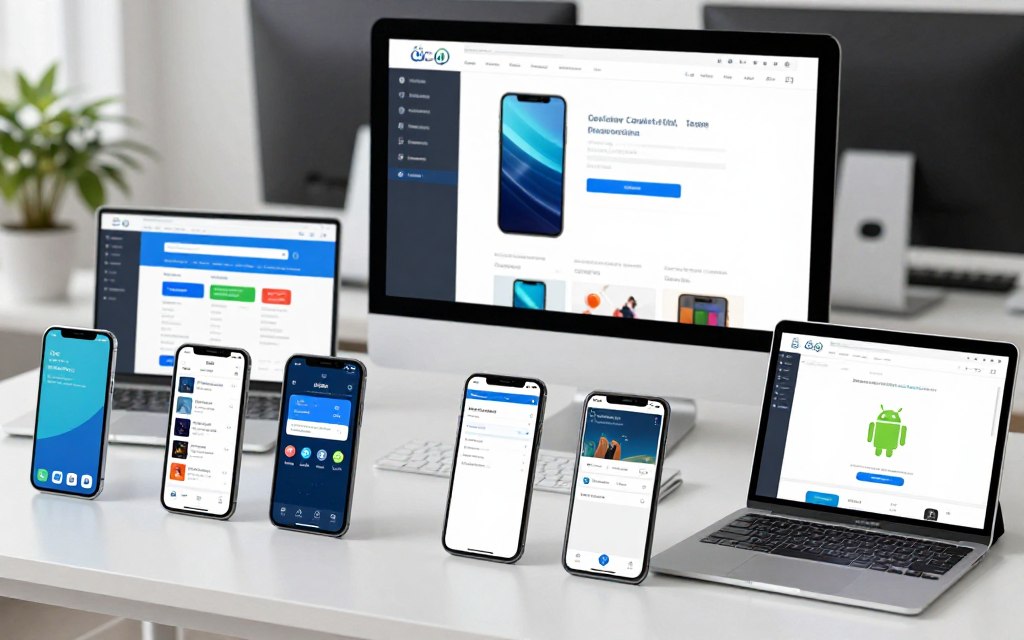
Monitor mobile analytics to identify common devices among your audience. Prioritize optimization for platforms your visitors actually use. Fix issues on popular devices first before addressing edge cases.
Page speed matters critically on mobile. Google’s PageSpeed Insights identifies specific mobile performance issues. Core Web Vitals measure real user experience metrics. Aim for excellent scores on mobile tests.
SEO Strategy for Business Websites
Search engine optimization drives organic traffic to your website. Good SEO makes your business discoverable when people search for related products or services. Strategic optimization improves rankings and visibility.
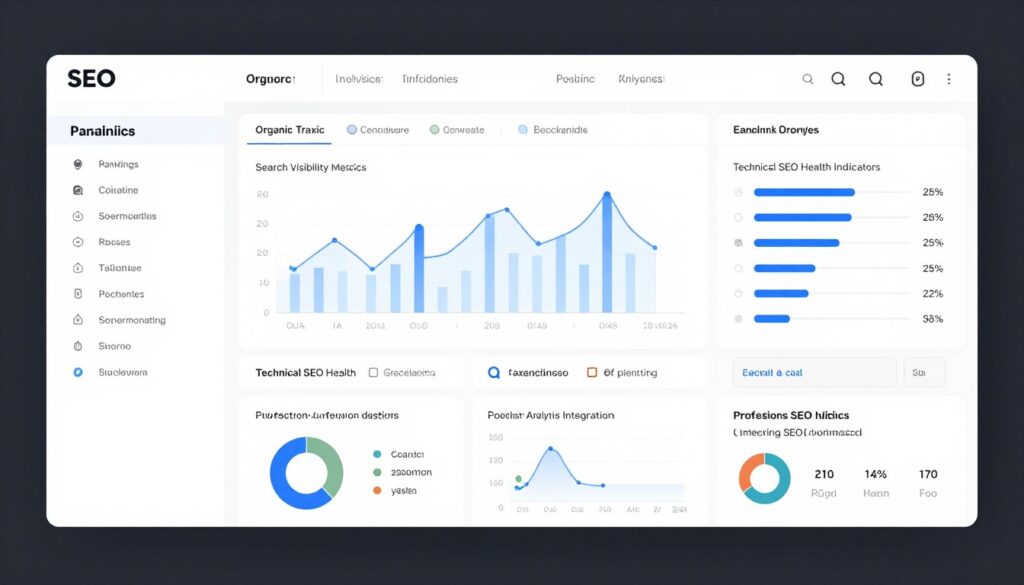
Your SEO strategy should align with business goals. Target keywords your ideal customers actually search. Quality content attracts links naturally. Technical optimization ensures search engines can crawl and index your site properly.
On-Page SEO Fundamentals
On-page optimization makes individual pages rank for target keywords. These elements directly control how search engines understand your content. Every page requires proper optimization.
- Target keyword in page title
- Keyword in first paragraph naturally
- Related keywords throughout content
- Descriptive headings with keywords
- Comprehensive topic coverage
- Original, valuable information
Content Optimization
- Compelling meta descriptions
- Clean, descriptive URLs
- Image alt text with keywords
- Internal linking to related pages
- Fast page loading speed
- Mobile-friendly responsive design
Technical Elements
- Easy navigation and site structure
- Clear calls-to-action
- Engaging, readable content
- Multimedia for engagement
- Low bounce rate signals
- High time-on-page metrics
User Experience
Building Authority Through Links
Backlinks from other websites signal authority to search engines. Quality matters far more than quantity. One link from a respected industry site outweighs dozens from low-quality directories.
Earn links through exceptional content creation. Comprehensive guides attract natural citations. Original research generates media coverage. Tools and resources get shared widely. Infographics earn visual links.
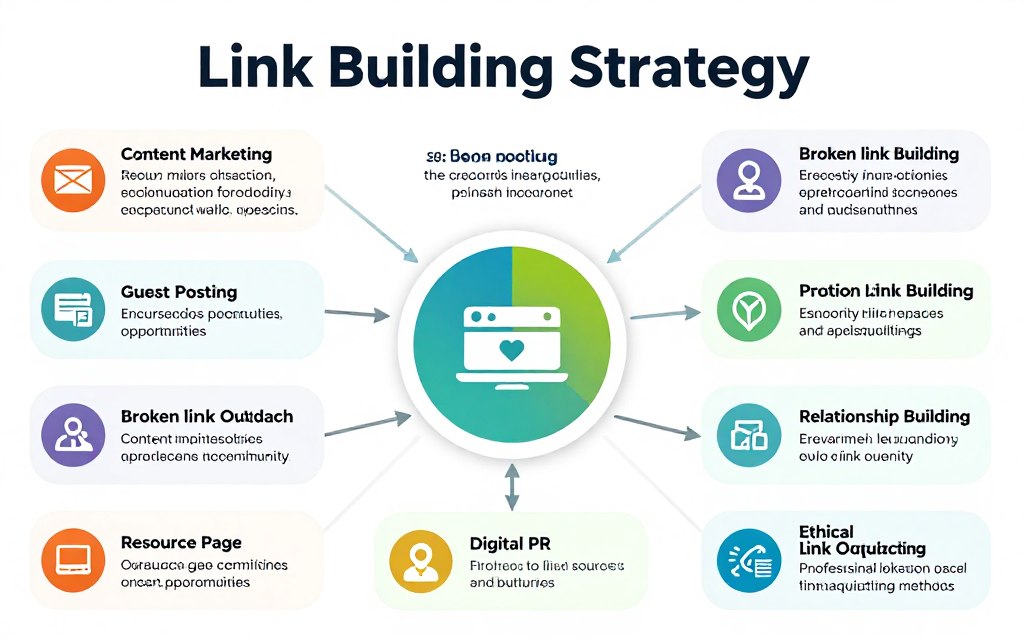
Build relationships within your industry. Guest posting on relevant blogs earns links and exposure. Collaborate with complementary businesses. Sponsor local events or organizations. Community involvement creates linking opportunities.
Local SEO for Regional Businesses
Local businesses need geographic-specific optimization. Claim and optimize your Google Business Profile. Ensure consistent name, address, and phone number across all online directories.
Create location-specific content for service areas. Include city and neighborhood names naturally in content. Local backlinks from community organizations boost local rankings. Customer reviews improve local search visibility.
Mobile optimization matters especially for local search. Many people search for nearby businesses from smartphones. “Near me” searches require mobile-friendly sites with clear location information and directions.
Website Security and Ongoing Maintenance
Website security protects your business and customer data. Regular maintenance keeps sites running smoothly. Neglected websites become vulnerable to attacks and technical failures.
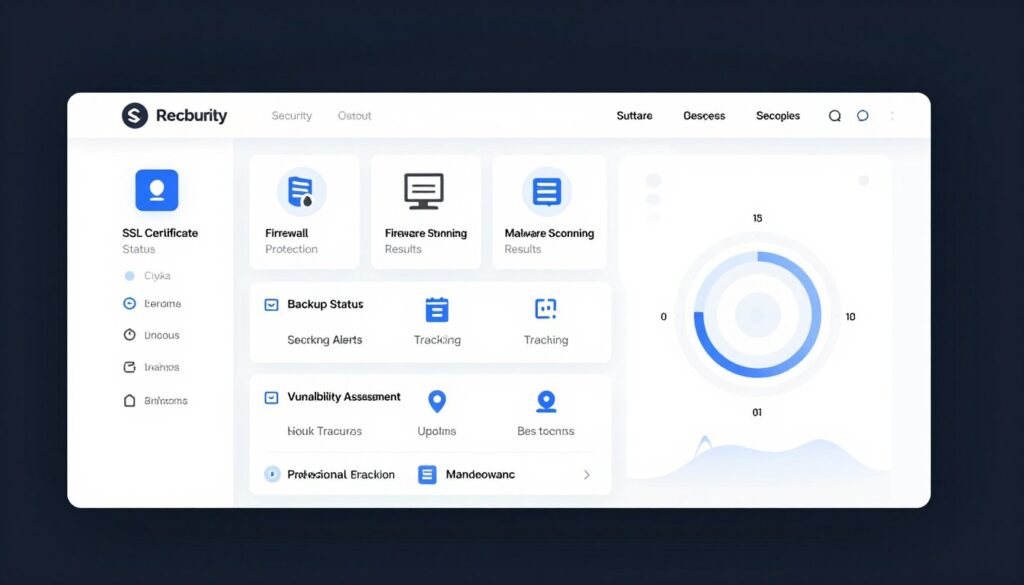
Your website contains valuable data requiring protection. Customer information, payment details, and business data need safeguarding. Security breaches damage reputation and customer trust. Proactive security prevents costly problems.
Essential Security Measures
Multiple security layers protect websites effectively. No single measure provides complete protection. Comprehensive approach combines various defensive strategies.
- SSL certificate for encrypted connections
- Strong passwords and two-factor authentication
- Regular software and plugin updates
- Web application firewall protection
- Automated daily backups
- Malware scanning and removal tools
- Limited user access and permissions
- Security monitoring and alerts
Regular Maintenance Tasks
Websites require ongoing attention like any business asset. Regular maintenance prevents problems and maintains performance. Schedule these tasks consistently.
Weekly Tasks
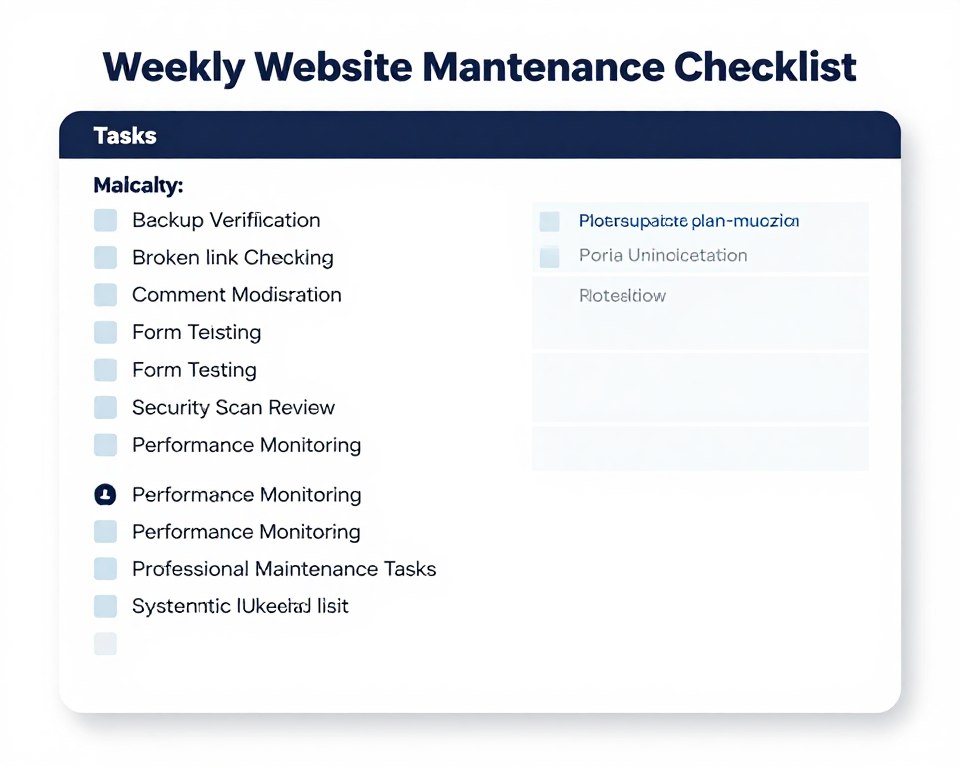
- Test all forms and contact methods
- Check for broken links
- Review and moderate comments
- Verify backup completion
- Monitor site speed and uptime
Monthly Tasks
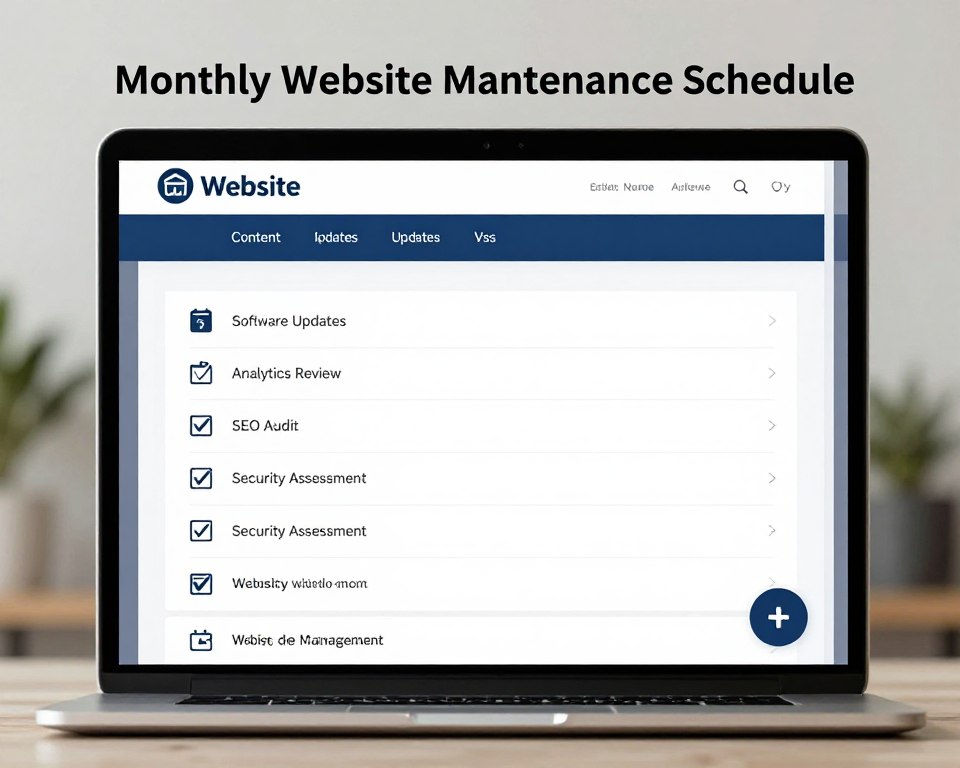
- Update all software and plugins
- Review analytics and metrics
- Update content and information
- Test site across browsers
- Audit SEO performance
Backup Strategies
Regular backups protect against data loss. Automated daily backups ensure you can restore sites quickly if problems occur. Store backups in multiple locations for redundancy.
Test backup restoration periodically. Untested backups might fail when needed most. Verify you can actually restore from backup files. Document restoration procedures for emergency situations.
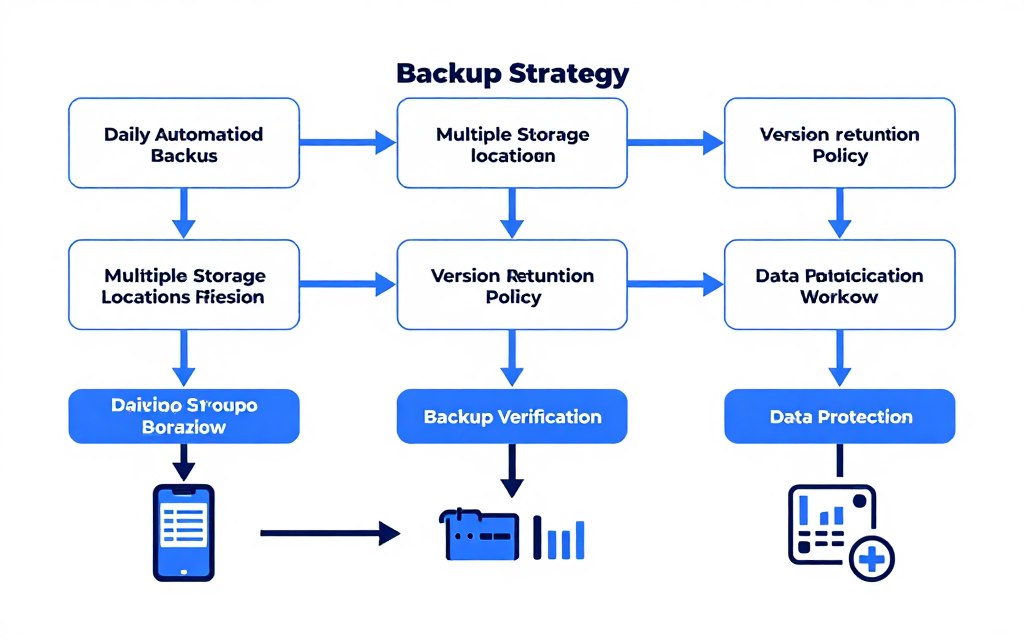
Keep multiple backup versions. Sometimes problems go unnoticed for days. Multiple versions let you restore from before issues started. Balance storage costs with adequate version history.
Choosing the Right Website Platform
Selecting the appropriate website platform impacts long-term success. Different platforms suit different business needs and technical abilities. Your choice affects cost, flexibility, and growth potential.
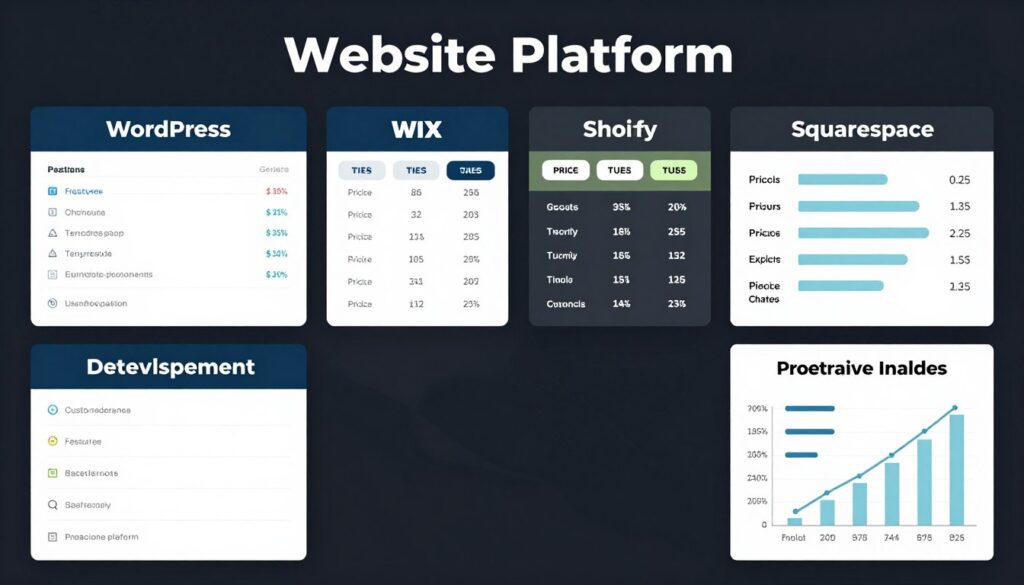
Platform decisions require balancing multiple factors. Consider your budget, technical skills, and specific feature requirements. Think about future growth and scaling needs. The cheapest option initially may cost more long-term if it limits expansion.
Platform Categories Explained
Website platforms fall into several categories. Each type offers distinct advantages and limitations. Understanding differences helps you choose wisely.
| Platform Type | Best For | Technical Level | Cost Range (Monthly) | Customization |
| Website Builders | Beginners, small businesses, quick launches | Low – No coding required | ₹125 – ₹2,500 | Limited to templates |
| CMS Platforms | Blogs, content sites, flexible needs | Medium – Some technical knowledge helpful | ₹200 – ₹5,000 | High with plugins |
| E-commerce Platforms | Online stores, product sales | Low to Medium | ₹1,600 – ₹12,000 | Medium with apps |
| Custom Development | Unique requirements, large enterprises | High – Requires developers | ₹10,000+ | Unlimited |
Key Selection Criteria
Evaluate platforms against your specific requirements. Prioritize must-have features over nice-to-have extras. Consider total cost of ownership including hosting, themes, and plugins.
Website Builder Advantages
- Quick setup with no coding required
- All-in-one hosting and tools included
- Professional templates available
- Beginner-friendly interfaces
- Predictable monthly costs
- Built-in security and updates
Website Builder Limitations
- Limited customization options
- Platform lock-in challenges
- Cannot move to another host
- Less flexibility for unique features
- Template similarity with competitors
- Ongoing subscription required
Open-Source CMS Benefits
- Complete customization freedom
- Thousands of plugins available
- Own your website completely
- Change hosts anytime
- Large support communities
- Cost-effective long-term
Open-Source CMS Challenges
- Steeper learning curve
- Manual updates required
- Security responsibility yours
- Plugin compatibility issues
- Need technical support sometimes
- More setup time initially
Making the Final Decision
Test platforms before committing. Most offer free trials or demo sites. Build sample pages to evaluate ease of use. Assess whether the platform handles your specific needs.
Consider growth trajectory. Will the platform scale with your business? Can you add advanced features later? Migration costs significant time and money. Choose platforms you can grow with rather than outgrow quickly.
Factor in your technical comfort level honestly. The most powerful platform proves worthless if you cannot use it. Balance capabilities with your actual ability to manage the site independently or budget for ongoing technical help.
Ready to Build the Perfect Website for Your Business?
You have explored the best website ideas for business in 2026. Now it’s time to bring your vision to life. Our expert team helps Indian businesses create high-performing websites that attract customers and drive growth.
What You Get with Our Website Services:
- Strategic consultation to identify perfect website type for your needs
- Custom design reflecting your brand identity
- Mobile-responsive development for all devices
- SEO optimization for search visibility
- Ongoing support and maintenance
- Training to manage content yourself
Our Process:
- Free 30-minute discovery call to understand your goals
- Customized proposal with platform recommendations
- Design mockups for your approval
- Development and testing phases
- Launch and optimization
- Continued support for your success
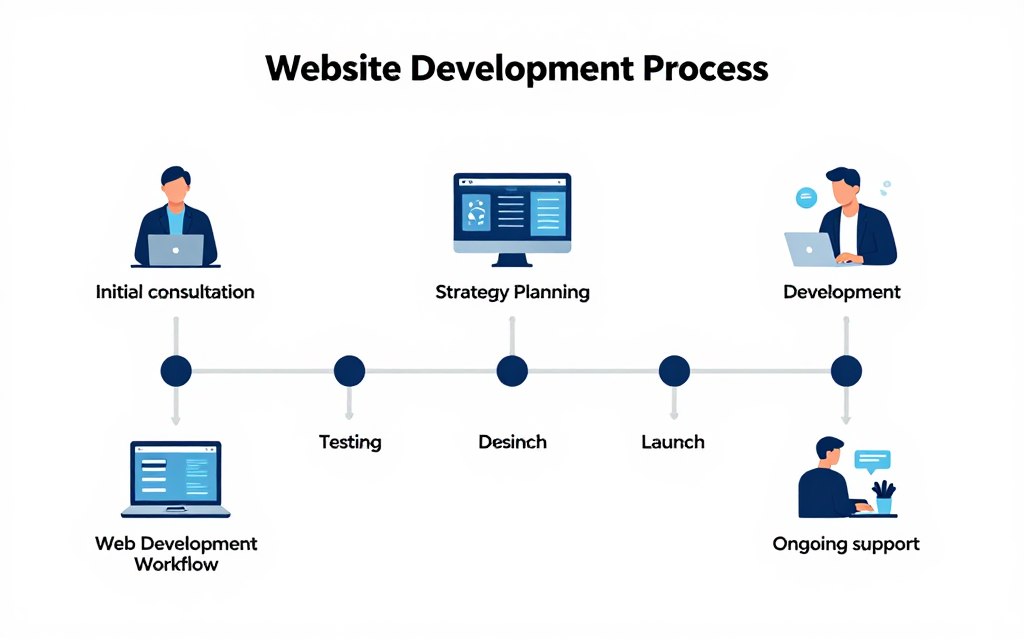
Join over 200 successful Indian businesses who trusted us to create their online presence. Book your free consultation today.
Prefer WhatsApp? Message us at +91 98765 43210
Planning Your Website Budget
Website costs vary dramatically based on complexity and approach. Understanding budget components helps you plan realistically. Smart spending balances quality with affordability.
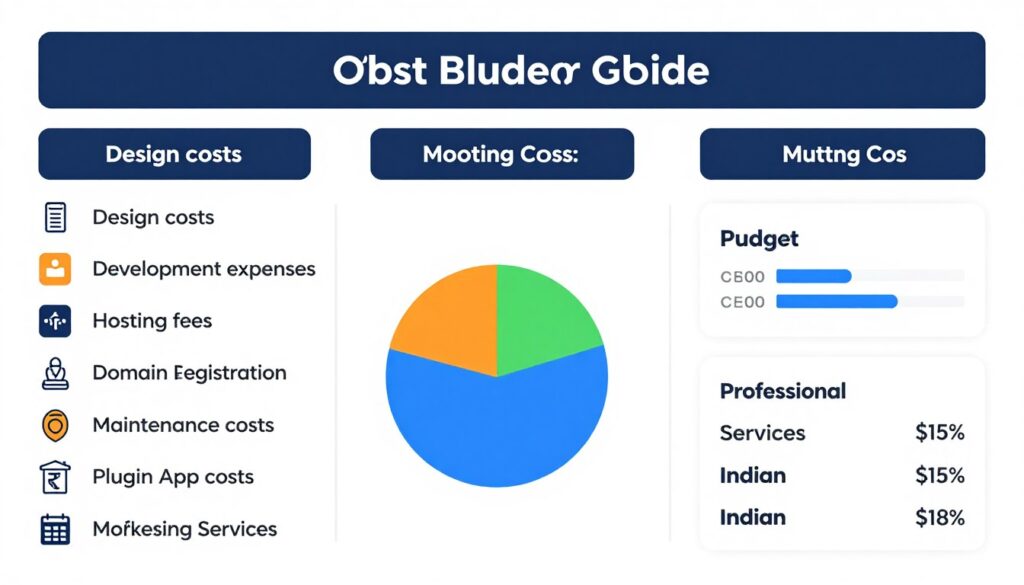
Your website represents an investment in business growth. Cheap shortcuts often cost more long-term through lost opportunities and rebuilding expenses. Quality websites pay for themselves through increased business.
Website Cost Components
Multiple expenses contribute to total website costs. Some are one-time investments while others recur monthly or annually. Budget for both initial development and ongoing operations.
| Expense Category | DIY Cost Range | Professional Cost Range | Frequency |
| Domain Name | ₹500 – ₹1,500 | ₹500 – ₹1,500 | Annual |
| Web Hosting | ₹200 – ₹2,000 | ₹500 – ₹5,000 | Monthly |
| Website Design | ₹0 – ₹5,000 | ₹20,000 – ₹2,00,000 | One-time |
| Development | ₹0 – ₹10,000 | ₹30,000 – ₹5,00,000 | One-time |
| Content Creation | ₹0 – ₹5,000 | ₹10,000 – ₹50,000 | One-time + Ongoing |
| SEO Services | ₹0 – ₹2,000 | ₹10,000 – ₹50,000 | Monthly |
| Maintenance | ₹0 – ₹1,000 | ₹3,000 – ₹20,000 | Monthly |
| Marketing Tools | ₹500 – ₹5,000 | ₹2,000 – ₹20,000 | Monthly |
DIY vs Professional Development
Building websites yourself saves money but requires time and learning. Professional development costs more but delivers faster, higher-quality results. Your decision depends on budget, timeline, and capabilities.
When DIY Makes Sense
- Very limited budget for initial launch
- Simple website needs (basic info site)
- You enjoy learning new technical skills
- No urgent timeline for launch
- Willing to invest significant time
- Comfortable with ongoing self-management
When Professional Help Pays Off
- Complex functionality requirements
- Limited time to dedicate to building
- Revenue depends on website quality
- Need strategic guidance and expertise
- Want polished, custom design
- Prefer focusing on core business
Maximizing Website ROI
Focus spending on elements that drive business results. Invest in professional copywriting if content sells your services. Prioritize user experience design for e-commerce sites. Allocate budget toward features that convert visitors into customers.
Phase development if budget constrains you. Launch with core features first. Add advanced functionality as revenue grows. Iterative development spreads costs while delivering working site quickly.
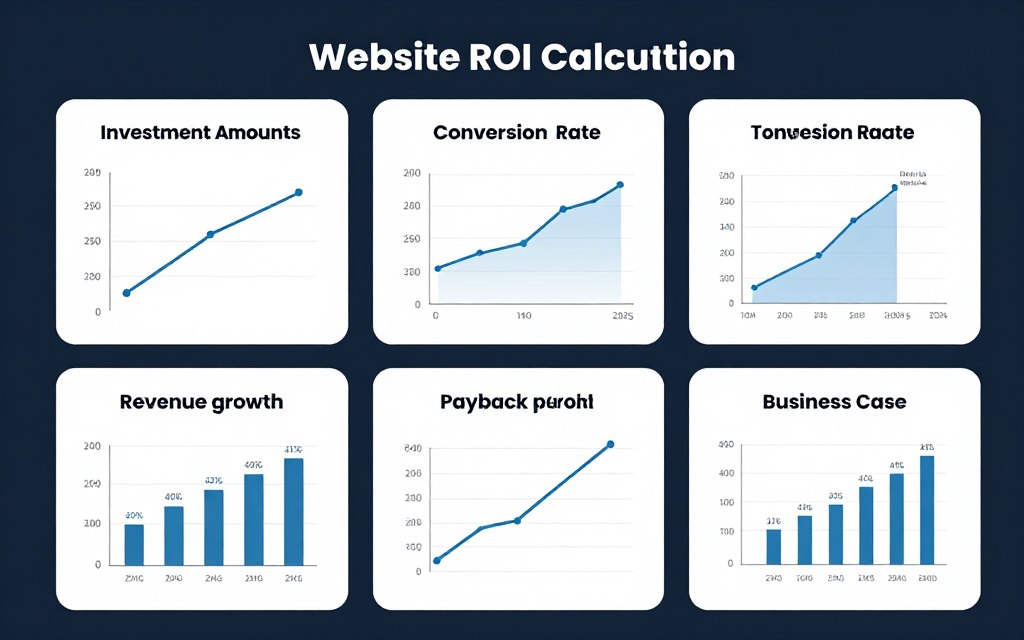
Track website performance against investment. Monitor leads generated, sales completed, and revenue attributed to online presence. Calculate cost per acquisition through website. Measure actual return on investment to justify continued spending.
Conversion Rate Optimization Strategies
Driving traffic means nothing without conversions. Conversion rate optimization transforms visitors into customers systematically. Small improvements compound into significant business impact.
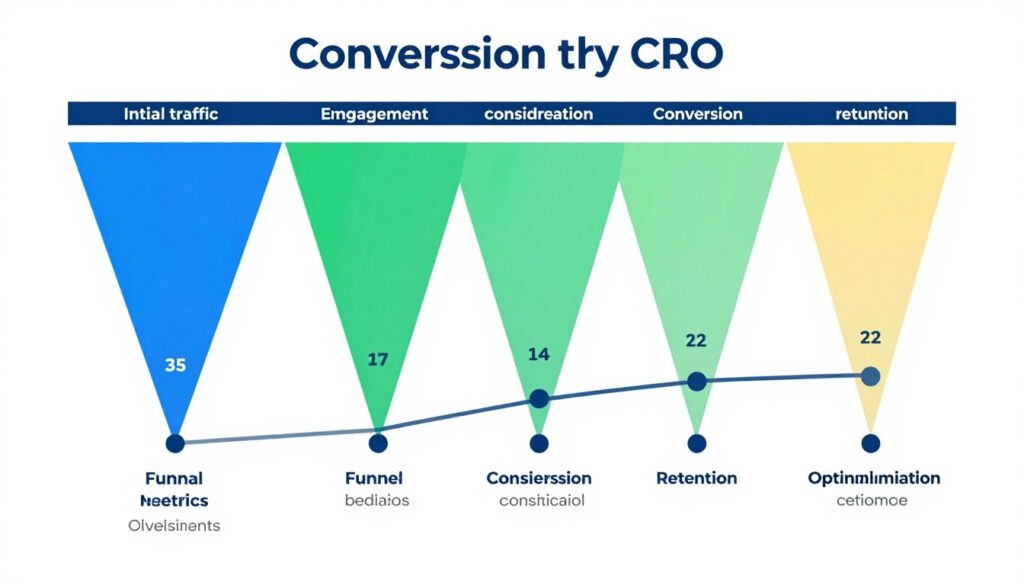
Your conversion rate measures website effectiveness. Even small percentage improvements dramatically increase results. Testing and refining continuously improves performance over time.
Key Conversion Elements to Optimize
Multiple factors influence whether visitors convert. Address each element systematically. Sometimes minor tweaks produce major results.
Headlines and Copy
Compelling headlines capture attention immediately. Clear copy communicates value propositions effectively. Benefits-focused messaging resonates with visitors.
- Benefit-driven headlines that promise value
- Clear, concise body copy
- Specific details over vague claims
- Customer-focused language (“you” vs “we”)
Visual Design
Professional design builds instant credibility. Visual hierarchy guides attention to important elements. Strategic use of color influences behavior.
- Clean, uncluttered layouts
- Strategic use of white space
- Contrast for call-to-action buttons
- High-quality images and graphics
Calls-to-Action
Clear, compelling CTAs tell visitors exactly what to do next. Button design and placement significantly impact click-through rates.
- Action-oriented button text
- Prominent visual placement
- Contrasting colors that stand out
- Multiple CTAs for long pages
Trust Signals
Trust elements reduce purchase anxiety. Social proof demonstrates others’ satisfaction. Security indicators provide confidence.
- Customer testimonials and reviews
- Trust badges and certifications
- Money-back guarantees
- Secure payment indicators
A/B Testing for Improvements
Testing reveals what actually works versus assumptions. A/B tests compare two versions to identify winners. Data-driven decisions outperform guesswork.
Test one element at a time for clear results. Changing multiple things simultaneously makes it impossible to know what worked. Start with highest-impact elements like headlines and primary CTAs.
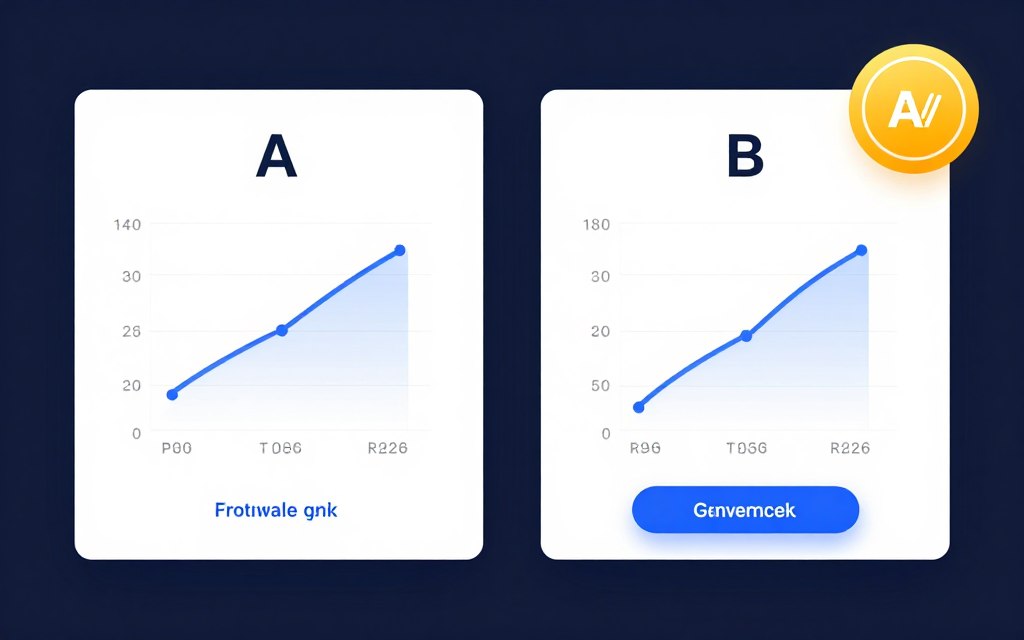
Gather sufficient data before declaring winners. Small sample sizes produce unreliable results. Use statistical significance calculators to validate findings. Implement winning variations and test next element.
Reducing Friction Points
Every unnecessary step loses potential conversions. Identify and eliminate friction throughout user journey. Simplification usually improves results.
Analyze where users abandon your site. High exit rates on specific pages signal problems. Heatmaps show where people click and scroll. Session recordings reveal actual user behavior.
Simplify forms ruthlessly. Request only absolutely necessary information initially. Add optional fields after initial conversion. Multi-step forms feel less overwhelming than long single pages.
Website Analytics and Performance Tracking
Analytics reveal how visitors interact with your site. Data-driven insights guide improvement decisions. Tracking performance measures marketing effectiveness and ROI.
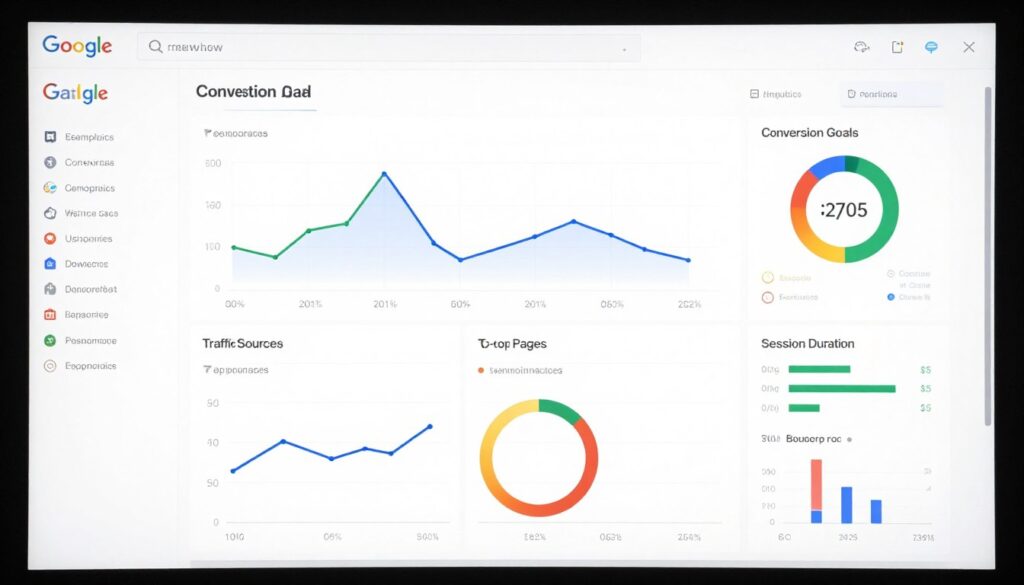
Your analytics tell stories about user behavior. Which pages attract traffic? Where do people spend time? What paths lead to conversions? Understanding these patterns informs strategy.
Essential Metrics to Monitor
Numerous metrics exist but few truly matter for most businesses. Focus on indicators tied directly to business objectives. Vanity metrics feel good but don’t drive decisions.
- Total visitors and sessions
- Traffic sources and referrals
- Organic search performance
- Direct vs referred traffic
- New vs returning visitors
- Geographic visitor distribution
Traffic Metrics
- Average time on page
- Pages per session
- Bounce rate by page
- Scroll depth measurements
- Video play rates
- Content interaction rates
Engagement Metrics
- Goal completion rates
- Conversion funnel drop-offs
- Lead generation numbers
- E-commerce transactions
- Revenue per visitor
- Return on ad spend
Conversion Metrics
Setting Up Tracking Properly
Proper implementation ensures accurate data collection. Install tracking code on every page. Set up conversion goals aligned with business objectives. E-commerce sites need transaction tracking configured.
Create custom reports for regular monitoring. Focus on metrics that inform decisions. Schedule weekly or monthly review sessions. Compare performance against previous periods to identify trends.
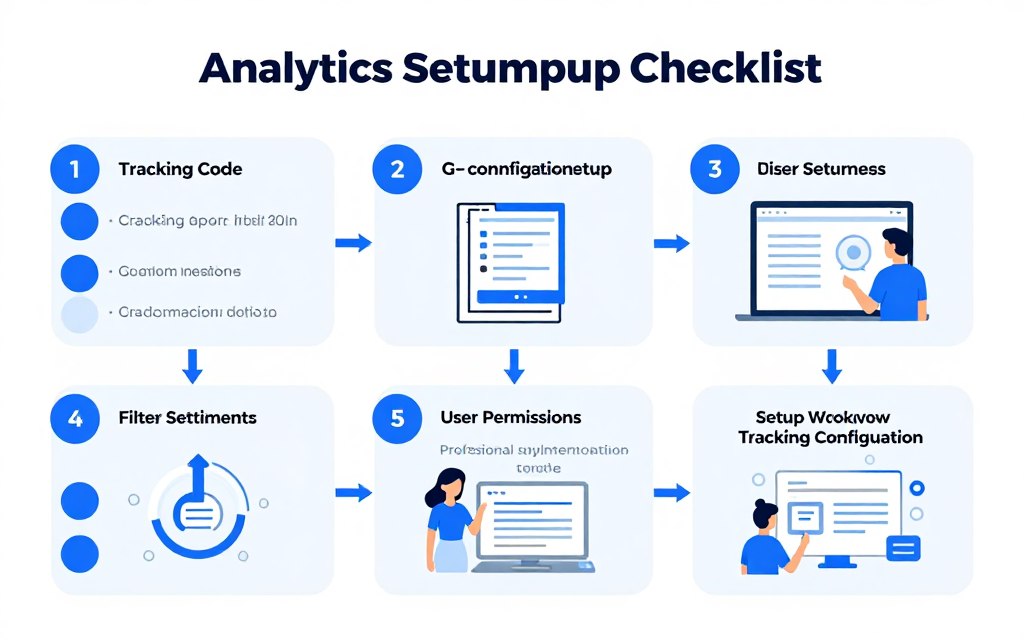
Segment data for deeper insights. Compare mobile versus desktop behavior. Analyze new versus returning visitor patterns. Segment by traffic source to evaluate marketing channels. Geographic segmentation reveals regional opportunities.
Using Data for Decisions
Data without action wastes potential. Review analytics regularly for actionable insights. High-performing pages deserve more promotion. Underperforming content needs improvement or removal.
Traffic sources with high conversion rates deserve increased investment. Channels driving volume but low conversions need optimization or budget reallocation. Match spending to results systematically.
User behavior reveals content gaps. Search terms bringing visitors show what people need. High bounce rates on specific topics suggest missing information. Create content addressing these gaps.
Website Accessibility and Inclusive Design
Accessible websites serve all users regardless of abilities. Inclusive design benefits everyone while expanding your potential audience. Accessibility also improves SEO and avoids legal risks.
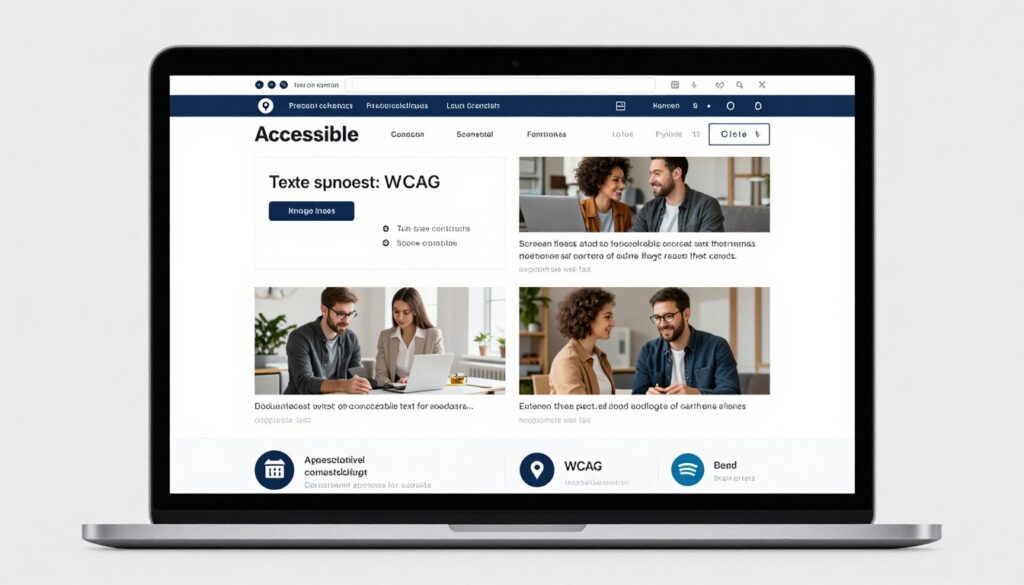
Your accessible site reaches more potential customers. People with disabilities represent significant market. Older adults benefit from accessibility features. Temporary limitations affect everyone sometimes.
Core Accessibility Principles
Web Content Accessibility Guidelines provide standards. Following WCAG principles makes sites usable for everyone. Four main principles guide accessible design.
Perceivable Content
Information must be presented in ways all users can perceive. Visual and auditory alternatives ensure access.
- Alternative text for all images
- Captions for video content
- Sufficient color contrast
- Text alternatives for non-text content
Operable Interface
Navigation and interaction must work for all users. Keyboard access enables those unable to use mice.
- Full keyboard navigation support
- Sufficient time for reading and interaction
- No seizure-inducing flashing content
- Clear navigation and wayfinding
Understandable Information
Content and operation must be clear to all users. Predictable navigation and clear instructions help everyone.
- Readable text with clear language
- Predictable navigation patterns
- Input assistance and error prevention
- Consistent design and behavior
Robust Technology
Content must work with current and future technologies. Proper code ensures compatibility with assistive devices.
- Valid, semantic HTML markup
- Compatibility with assistive technologies
- Progressive enhancement approach
- Standards-compliant development
Practical Accessibility Implementation
Start with foundational elements. Proper HTML structure provides solid accessibility base. Semantic markup communicates content meaning to assistive technologies.
Add descriptive alternative text to images. Screen readers rely on alt text to describe visual content. Be specific and informative. Decorative images need empty alt attributes.
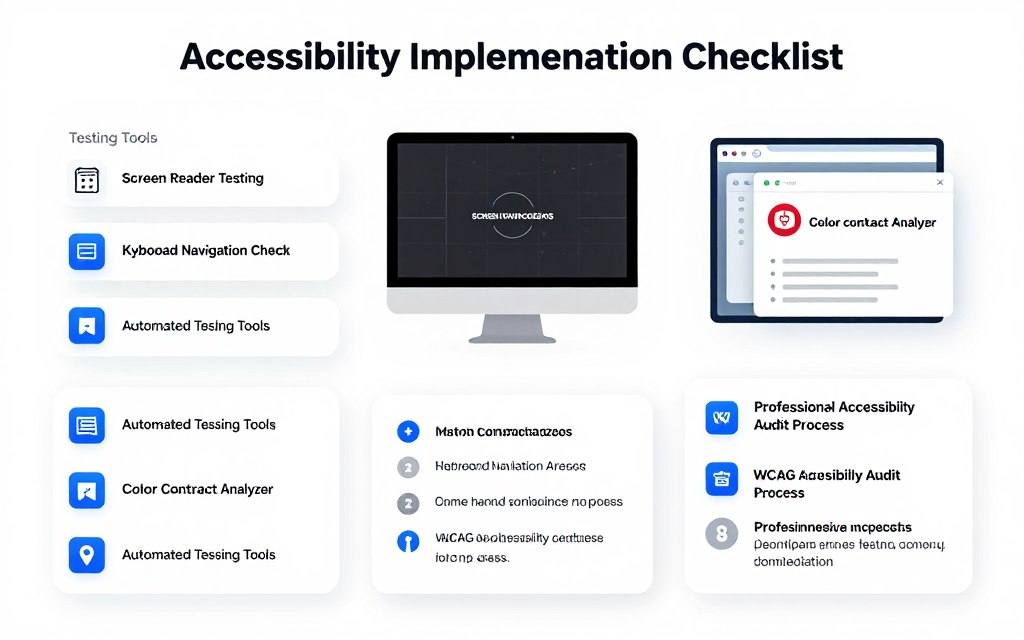
Ensure sufficient color contrast between text and backgrounds. Contrast checkers verify readability. Never rely on color alone to convey information. Add icons or text labels.
Testing for Accessibility
Automated tools catch many accessibility issues. Browser extensions scan pages for common problems. These tools provide starting points but cannot catch everything.
Manual testing reveals real user experience. Navigate your site using only keyboard. Try screen readers to understand that experience. Ask users with disabilities to test and provide feedback.
Regular accessibility audits maintain standards. Check new content for compliance. Update older content gradually. Accessibility is ongoing commitment, not one-time task.
Building Your Successful Business Website in 2026
The best website ideas for business combine strategy with execution. Your site should reflect your unique value while serving customer needs effectively. Technology enables possibilities, but purpose drives success.

Starting your web presence requires courage and commitment. Perfect timing never arrives. Launch with minimum viable product and improve continuously. Real user feedback beats endless planning.
Your website grows with your business. Regular updates maintain relevance. Fresh content attracts return visitors. Technical improvements enhance performance. Evolution separates successful sites from abandoned ones.
Taking Action on Your Website Project
Knowledge means nothing without implementation. You now understand the best website ideas for business in 2026. The next step is choosing your path and beginning your journey.
Start by defining clear goals. What should your website accomplish? Who needs to reach and persuade? Which features enable those outcomes? Clarity accelerates decisions and focuses efforts.
Choose your approach based on resources and capabilities. DIY platforms work for simple needs and limited budgets. Professional development delivers faster, higher-quality results for complex requirements. Hybrid approaches combine self-management with expert help selectively.
Remember that your website represents your business online. Quality matters because first impressions influence perceptions permanently. Investment in professional presence pays dividends through enhanced credibility and increased conversions.
The Digital Future Awaits
Online business continues expanding globally. Indian markets embrace digital commerce rapidly. Your competitors build web presence daily. Delay costs opportunities.
Technology democratizes business creation. Small businesses compete effectively against large corporations online. Your website levels playing fields previously dominated by big-budget marketing. Quality content and user experience matter more than company size.
The best website ideas for business in 2026 blend innovation with proven principles. Emerging trends like AI personalization enhance experiences. Mobile-first thinking remains essential. Security and privacy grow increasingly important. Accessibility ensures inclusive reach.
Your business deserves professional online presence. Whether portfolio site, e-commerce platform, educational portal, or service booking system, your website works continuously for business growth. The investment pays returns through increased visibility, enhanced credibility, and expanded revenue opportunities.
Begin today. Choose your website type. Select your platform. Plan your content. Take the first step toward establishing or enhancing your business online. The digital world awaits your unique contribution.
Start Building Your Dream Website Today
Transform your business with a professional website designed for 2026 success. Our expert team specializes in creating high-converting websites for Indian businesses across all industries.
What Happens Next?
- Our website specialist reviews your requirements within 24 hours
- We schedule a free 30-minute consultation call at your convenience
- You receive a customized proposal with platform recommendations and pricing
- If you approve, we begin creating your professional website
Prefer to speak directly? Call our team now:
Available Monday-Saturday, 9:00 AM – 7:00 PM IST
Frequently Asked Questions
How much does a business website cost in India in 2026?
Website costs vary significantly based on complexity and approach. DIY website builders start from ₹125-₹2,500 monthly. Professional design and development ranges from ₹20,000 for basic sites to ₹5,00,000+ for complex e-commerce or custom platforms. Ongoing costs include hosting (₹200-₹5,000/month), maintenance (₹3,000-₹20,000/month), and marketing tools. Small business websites typically cost ₹50,000-₹1,50,000 for professional development.
Which website platform is best for small businesses in India?
The best platform depends on your specific needs. Wix and Squarespace work excellently for beginners needing quick, professional sites without coding. WordPress with Elementor provides maximum flexibility and control for those with some technical knowledge. Shopify dominates e-commerce with excellent payment integration for Indian merchants. For service businesses, platforms with built-in booking systems like Wix or WordPress with appointment plugins work well. Consider your budget, technical skills, and specific feature requirements when choosing.
How long does it take to build a business website?
Timeline varies by complexity and approach. Simple DIY sites using website builders can launch within 1-2 weeks if content is ready. Professional custom websites typically take 6-12 weeks including discovery, design, development, and testing phases. E-commerce sites with extensive catalogs may require 3-4 months. Complex platforms with custom functionality can take 6 months or longer. Content creation often represents the longest phase, so prepare text, images, and other materials in advance to accelerate timelines.
Do I need technical knowledge to manage my website?
Not necessarily. Modern website builders like Wix, Squarespace, and Shopify require no coding knowledge. WordPress with page builders like Elementor also enables visual editing without code. These platforms handle technical aspects automatically while you focus on content. However, some technical understanding helps troubleshoot issues and optimize performance. Many businesses hire professionals for initial setup then manage content updates themselves. Training and tutorials help non-technical users become comfortable with website management.
How important is mobile optimization for business websites?
Mobile optimization is critical. Over 60% of web traffic in India comes from mobile devices. Google prioritizes mobile-friendly sites in search rankings. Users expect seamless experiences on smartphones and tablets. Mobile-responsive design adapts your site to any screen size automatically. Fast loading on mobile connections, touch-friendly navigation, and readable text without zooming are essential. Websites that don’t perform well on mobile lose significant traffic and potential customers to better-optimized competitors.
What is the difference between a website and a web application?
Websites primarily present information and content for users to consume. Web applications enable users to perform tasks and interact with complex functionality. For example, a blog or corporate site is a website, while online banking or project management tools are web applications. Websites focus on content delivery, while web apps emphasize user interaction and data processing. Most businesses need websites, though some require web application functionality for specific processes. Development complexity and costs differ significantly between the two.
How can I improve my website’s search engine rankings?
SEO improvement requires multiple strategies. Create high-quality, original content targeting relevant keywords your customers search. Optimize page titles, meta descriptions, and headers with keywords. Build backlinks from reputable websites in your industry. Ensure fast loading speeds and mobile responsiveness. Use descriptive alt text for images. Create internal links between related pages. Update content regularly to show activity. Local businesses should claim Google Business Profile and build local citations. SEO is ongoing process requiring consistent effort over months to see significant results.
Should I build my own website or hire professionals?
This depends on your budget, timeline, technical skills, and website complexity. DIY makes sense for simple information sites with limited budgets and flexible timelines. Professional development suits businesses needing custom functionality, polished design, strategic guidance, or quick launch. Hybrid approaches work too – professionals build the site while you manage content updates. Consider that your website represents your business online. Poor DIY results can cost more in lost opportunities than professional development expenses. Calculate opportunity cost of your time spent learning versus focusing on core business activities.
What website features do customers expect in 2026?
Modern users expect fast loading speeds (under 3 seconds), mobile-responsive design, easy navigation, secure HTTPS connections, and clear calls-to-action. Contact information should be easily accessible. Live chat or chatbots for quick questions are increasingly common. High-quality images and professional design build credibility. E-commerce sites need smooth checkout, multiple payment options, and order tracking. Service businesses benefit from online booking systems. Privacy policies and clear data handling practices build trust. Accessibility features ensuring usability for people with disabilities become standard expectations.
How often should I update my business website?
Update frequency depends on your business and goals. At minimum, review and refresh content quarterly to maintain accuracy. Blogs benefit from new posts weekly or bi-weekly for SEO and engagement. E-commerce sites need daily updates for inventory and pricing. News sites require daily or multiple daily updates. Social proof elements like testimonials should refresh monthly. Technical updates for security and performance should happen immediately when available. Major redesigns typically occur every 2-3 years to maintain modern appearance and incorporate new technologies. Consistent small updates outperform occasional major overhauls.