
Are you a website owner or blogger looking to monetize your content through Google AdSense? You’re not alone. With over 40 million websites using AdSense, it remains one of the most popular monetization platforms for publishers. However, getting your AdSense approval can be challenging, with Google’s strict policies and requirements creating roadblocks for many site owners.
In this comprehensive guide, we’ll walk you through everything you need to know about securing AdSense approval for your website. From essential requirements and preparation steps to common rejection reasons and practical solutions, we’ve got you covered with actionable advice that can significantly boost your chances of getting approved.
Why Publishers Prefer Google AdSense
Before diving into the approval process, let’s understand why AdSense is worth pursuing in the first place. Google AdSense is a powerful advertising platform that allows content creators to earn money by displaying targeted ads on their websites. When visitors view or click on these ads, publishers earn revenue – specifically, Google pays out 68% of the advertising revenue to publishers.
AdSense stands out from other ad networks for several compelling reasons:
With these benefits in mind, it’s clear why getting AdSense approval is a priority for many website owners. Now, let’s explore what it takes to get approved.
Essential Requirements for AdSense Approval
Google has specific eligibility criteria that websites must meet before being approved for AdSense. Understanding these requirements is the first step toward successful approval.
1. Age and Ownership Requirements
To be eligible for AdSense, you must be at least 18 years old. If you’re younger, you’ll need a parent or guardian to manage the account on your behalf. Additionally, you must own the website you’re applying with or have authorization to place ads on it.
2. Website Content Quality
Google places high importance on content quality. Your website should have:
Content that’s copied, scraped, or generated through AI tools without significant human editing may lead to rejection.
3. Website Age and Maturity
While Google doesn’t explicitly state a minimum age requirement, websites that are at least 6 months old tend to have higher approval rates. This period allows you to build content, establish some traffic, and demonstrate site stability.
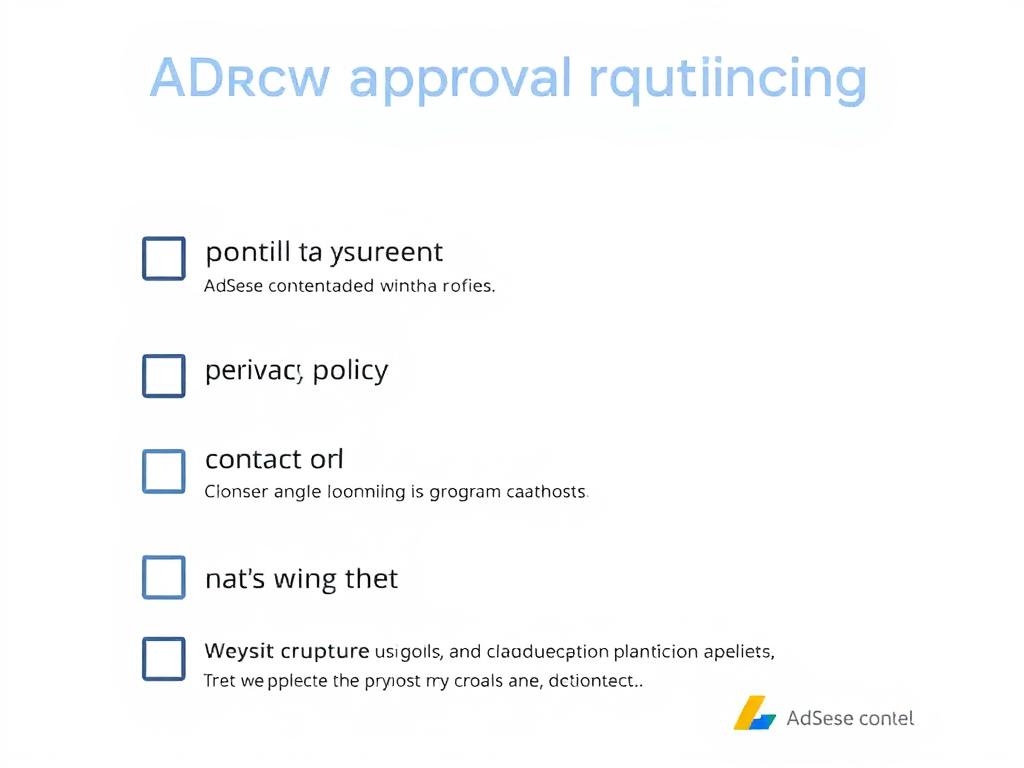
4. Essential Pages
Your website should include these key pages to improve AdSense approval chances:
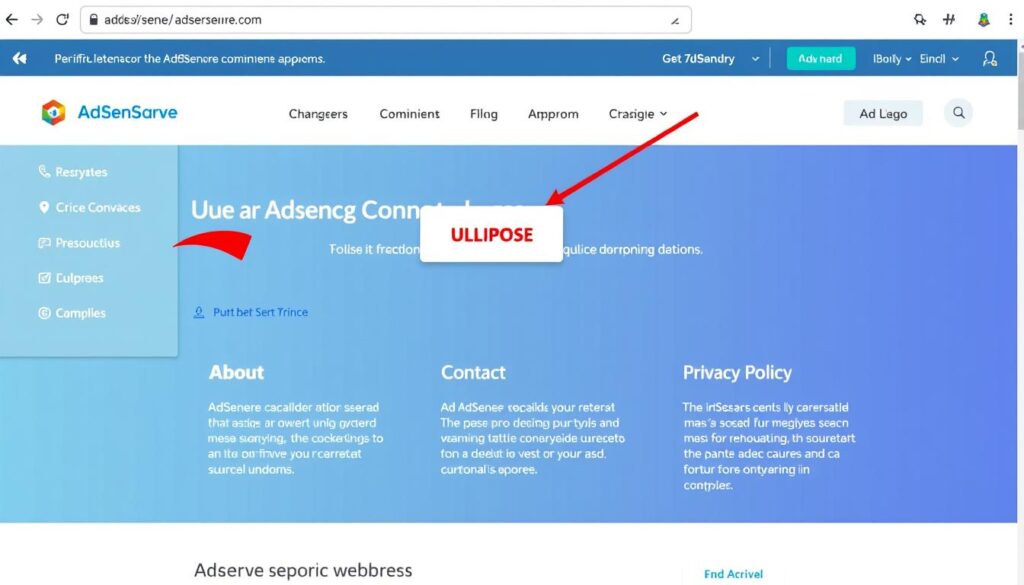
5. Website Structure and Navigation
A well-structured website with clear navigation improves user experience and AdSense approval odds:
Preparing Your Website for AdSense Submission
Once you understand the requirements, it’s time to prepare your website for AdSense submission. Taking these steps can significantly increase your chances of getting approved on the first attempt.
1. Create High-Quality Original Content
Content is king when it comes to AdSense approval. Focus on creating valuable, original content that serves your target audience. Each article should be at least 1000 words, well-researched, and provide unique insights or information. Avoid duplicate content at all costs, as Google’s algorithms can easily detect it.
Pro Tip: Before applying for AdSense, aim to have at least 30-40 high-quality articles published on your website. This demonstrates commitment and provides sufficient content for Google’s review team to evaluate.
2. Optimize Website Design and Structure
A clean, professional website design not only improves user experience but also increases your chances of AdSense approval. Consider using AdSense-friendly WordPress themes like Astra Pro, GeneratePress, or Sahifa if you’re on WordPress. Ensure your website loads quickly and is mobile-responsive.
3. Create Essential Pages
As mentioned earlier, having proper About Us, Contact Us, Privacy Policy, and Terms of Service pages is crucial. These pages build credibility and show Google that you’re running a legitimate website. Make sure these pages contain actual information rather than placeholder text.
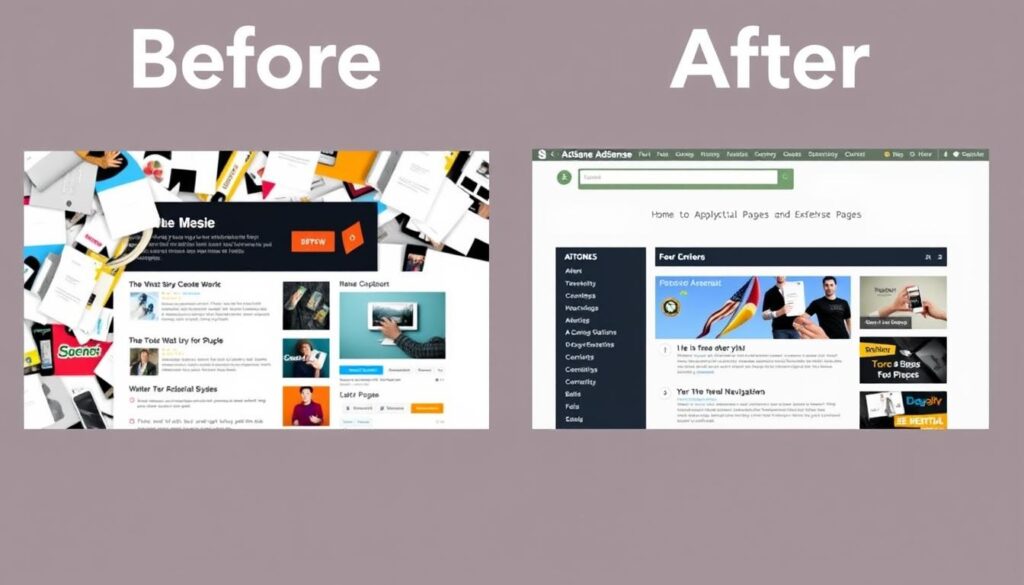
4. Implement Proper Navigation
Organize your content using a logical structure that makes it easy for visitors to navigate your website. Use categories and tags appropriately, and ensure your menu structure is intuitive. A well-organized website demonstrates professionalism and improves user experience.
5. Submit Your Site to Google Search Console
Register your website with Google Search Console and submit your sitemap. This helps Google discover and index your content more efficiently. Regularly monitor your Search Console for any issues that might affect your website’s performance or AdSense eligibility.
6. Build Some Organic Traffic
While there’s no specific traffic threshold for AdSense approval, having some organic traffic demonstrates that your website provides value to real users. Focus on basic SEO practices to attract organic traffic from search engines. Avoid artificial traffic sources like paid bots, as this can lead to rejection or future account suspension.
Common Reasons for AdSense Rejection
Understanding why Google rejects AdSense applications can help you avoid these pitfalls. Here are the most common reasons for rejection and how to address them:
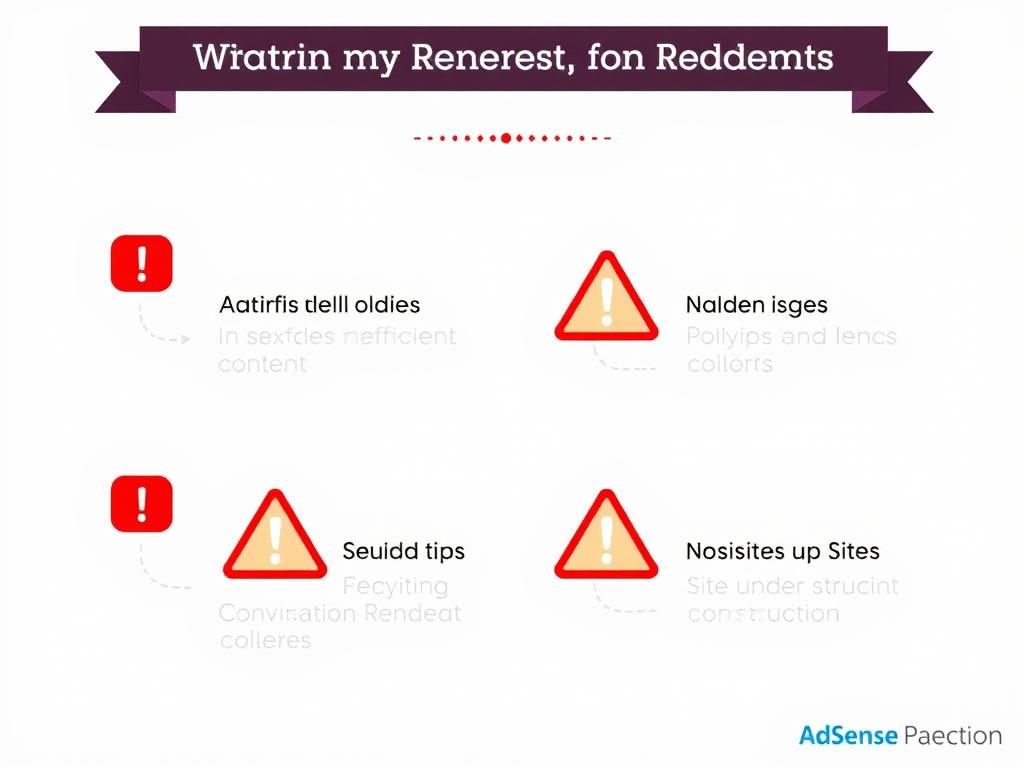
Top AdSense Rejection Reasons
- Insufficient or low-quality content
- Duplicate or copied content
- Missing essential pages (About, Contact, Privacy Policy)
- Website under construction or incomplete
- Policy violations (prohibited content)
- Poor navigation and user experience
- Artificial or invalid traffic
- Site not indexed in Google
Addressing Specific Rejection Issues
1. “Site Under Construction”
This common rejection reason means Google believes your website is incomplete. To fix this:
2. “Insufficient Content”
If Google rejects your site for insufficient content:
3. “Policy Violations”
Google has strict content policies. Avoid content related to:
4. “Navigation Issues”
If your site is rejected due to navigation problems:
The AdSense Application Process
Once your website is properly prepared, it’s time to apply for AdSense. Here’s a step-by-step guide to the application process:
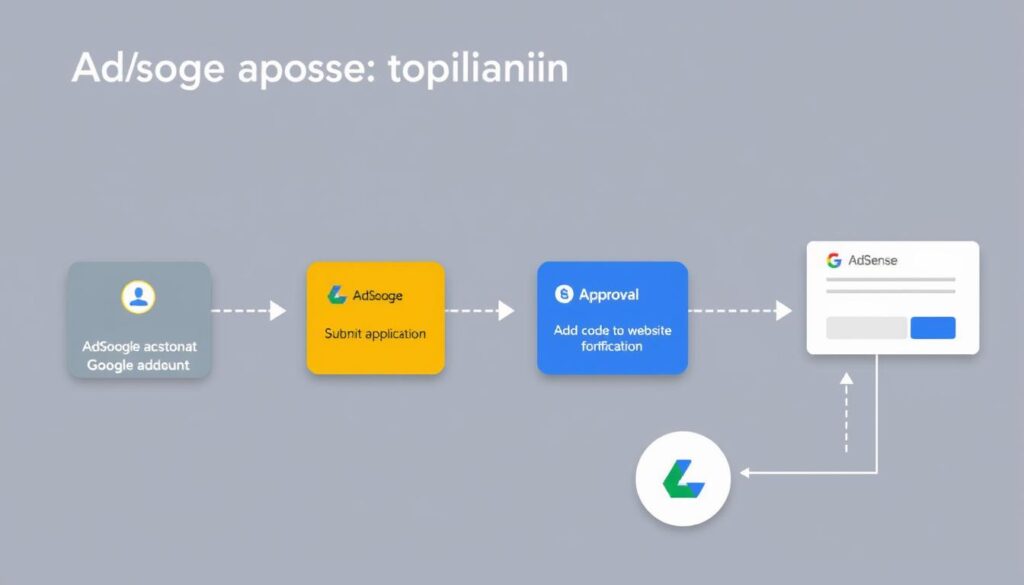
Step 1: Create a Google Account
If you don’t already have one, create a Google account. This will be linked to your AdSense account and used for all communications and payments.
Step 2: Visit the AdSense Website
Go to the Google AdSense website and click on “Sign up now” to begin the application process.
Step 3: Enter Your Website Information
Provide your website URL, contact information, and preferred payment details. Make sure all information is accurate and matches your website’s details.
Step 4: Review and Accept Terms
Carefully read the AdSense program policies and terms of service, then accept them if you agree to comply with all requirements.
Step 5: Add AdSense Code to Your Website
After submitting your application, Google will provide a code snippet that you need to add to your website. This code helps Google verify your website ownership and check if it complies with their policies.
Important: The AdSense code must be placed in the <head> section of your website. For WordPress users, you can use plugins like “Insert Headers and Footers” to add this code without editing theme files.
Step 6: Wait for Review
After adding the code, Google will review your website. This process typically takes anywhere from a few days to a few weeks. During this time, make sure your website remains accessible and continues to meet all AdSense requirements.
Step 7: Receive Approval Decision
Google will notify you by email once they’ve completed their review. If approved, you can start displaying ads and earning revenue. If rejected, the email will include the reason for rejection, which you can address before reapplying.
What to Do If Your AdSense Application Is Rejected
Getting rejected by AdSense can be disappointing, but it’s not the end of the road. Here’s how to handle rejection and improve your chances on the next attempt:
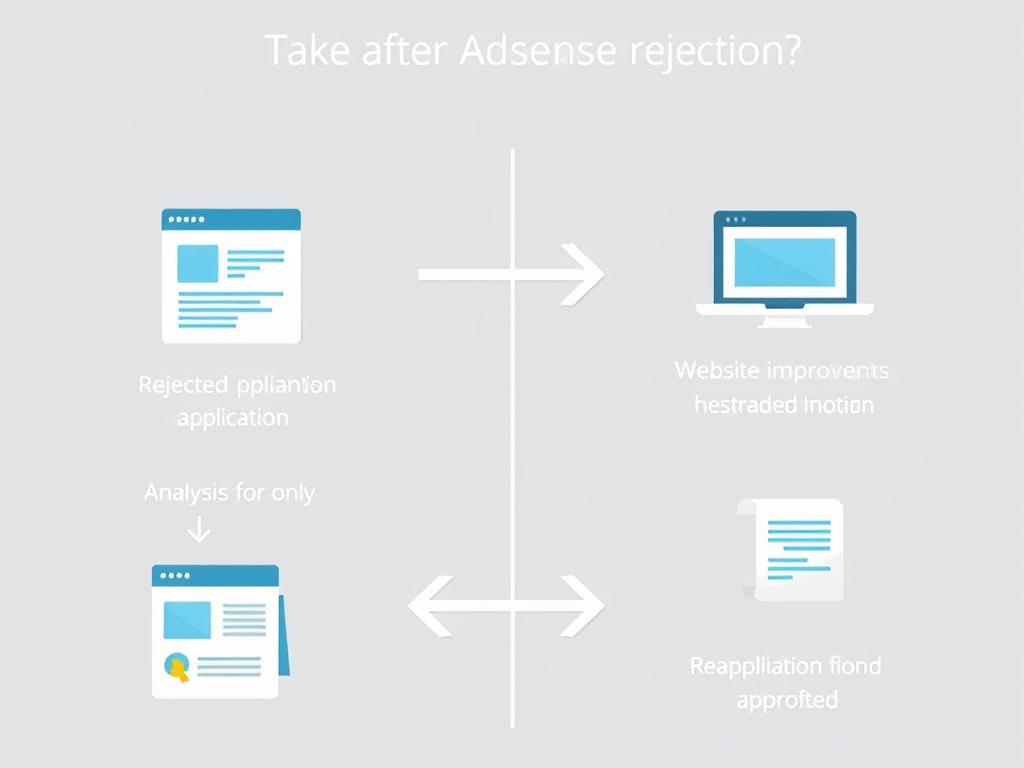
1. Understand the Rejection Reason
Carefully read the rejection email from Google, which should specify why your application was denied. Understanding the exact reason is crucial for making the right improvements.
2. Address the Issues
Based on the rejection reason, make the necessary changes to your website:
3. Wait Before Reapplying
After making improvements, wait at least 2-3 weeks before reapplying. This gives you time to make substantial changes and shows Google you’re serious about meeting their requirements.
4. Consider Alternative Solutions
If you’ve been rejected multiple times or want a faster path to monetization, consider these alternatives:
Fast-Track Your AdSense Approval with Ready-Made Solutions
If you’re struggling with AdSense approval or want to skip the time-consuming process of building and optimizing a website from scratch, there’s a more efficient solution available.
Skip the Approval Hassle with Conew.in
Conew.in offers professionally designed, AdSense-ready websites with rich content that meet all of Google’s requirements. These websites are specifically built to pass AdSense approval, saving you weeks or months of preparation and uncertainty.
Benefits of Using Conew.in’s AdSense-Ready Websites
Using an AdSense-ready website from Conew.in can be particularly beneficial if you’ve faced rejection before, are new to website creation, or simply want to start monetizing your online presence as quickly as possible.
7 Expert Tips for AdSense Approval Success
Whether you choose to build your website from scratch or use an AdSense-ready solution, these expert tips will help improve your chances of approval:
Conclusion: Your Path to AdSense Success
Getting Google AdSense approval doesn’t have to be a frustrating experience. By understanding Google’s requirements, properly preparing your website, and following the best practices outlined in this guide, you can significantly increase your chances of approval.
Remember that AdSense approval is just the beginning of your monetization journey. Once approved, you’ll need to optimize ad placements, monitor performance, and continue creating quality content to maximize your earnings.
If you’re looking for a faster, more reliable path to AdSense approval, consider exploring Conew.in’s AdSense-ready websites. With professionally designed templates and rich content already in place, you can bypass many of the common approval hurdles and start monetizing your online presence sooner.
Ready to Start Your AdSense Journey?
Whether you choose to build your website from scratch or opt for an AdSense-ready solution, the key is to start with quality and compliance in mind. Take the first step toward monetizing your online presence today.